
Question
Overlapping text issue - Online Adobe Acrobat
Good afternoon,
I'm using Adobe Acrobat online and with any PDF that I open, my text looks this. You can see it looks a bit bolder than usual.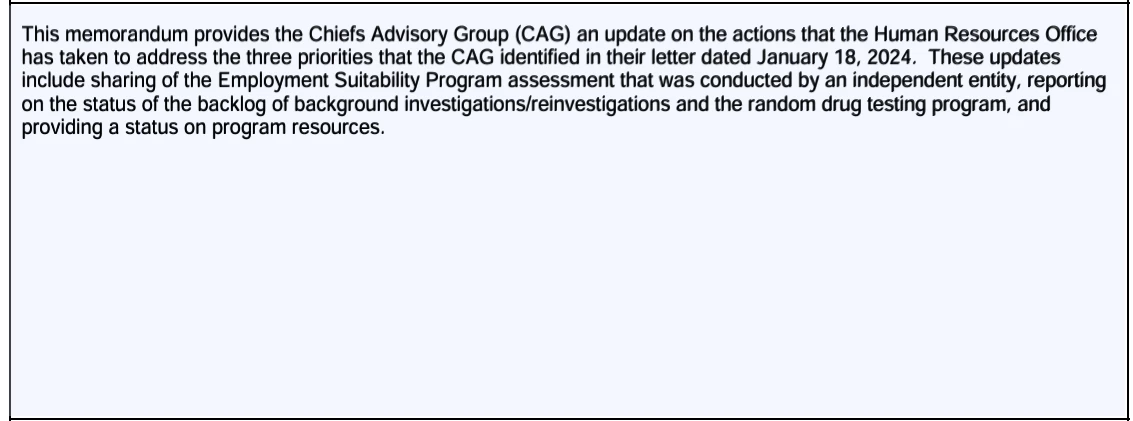
But if I needed to edit the PDF online, it looks like this.
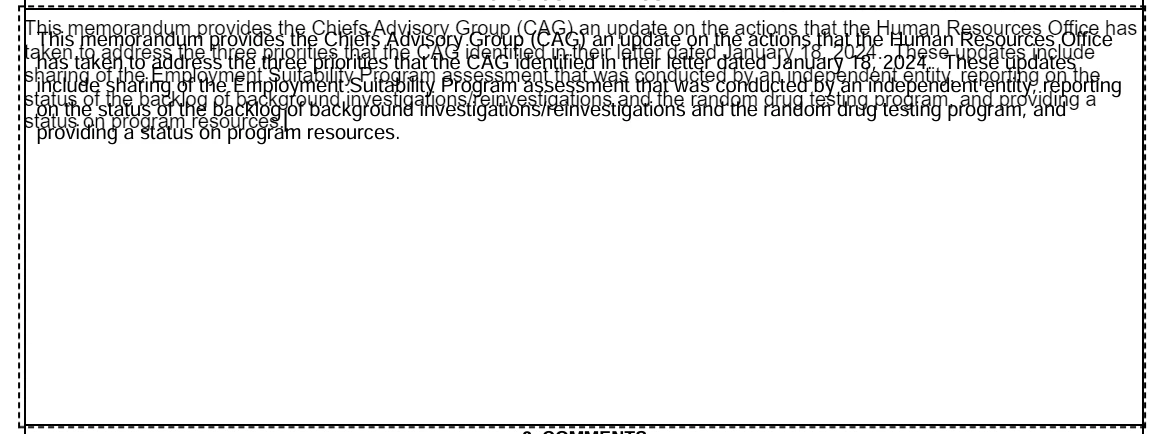
This is just not my computer that this is happening to. It's happening across the server that my whole department uses. When we open the pdf in Adobe desktop application, there is no problem but not everyone knows the process of how to "check - in" or "check - out". Is there a way to resolve this?
 AdChoices