
Page gets corrupted when clicking on it
When placing the blinking text cursor on any pdf file the whole page that is being viewed gets corrupted and clicking somewhere else to remove the blinking text cursor and scrolling to another page and then back to the previous fixes the corruption. Right now the application is not usable everytime that I accidentally click on the page it breaks.It happens even on localy created pdf from microsoft word and with any language characters. I noticed that it does not happen on PDFs that are scanned pages but only to pages with characters.
Here is a picture of what happens when I click on it:
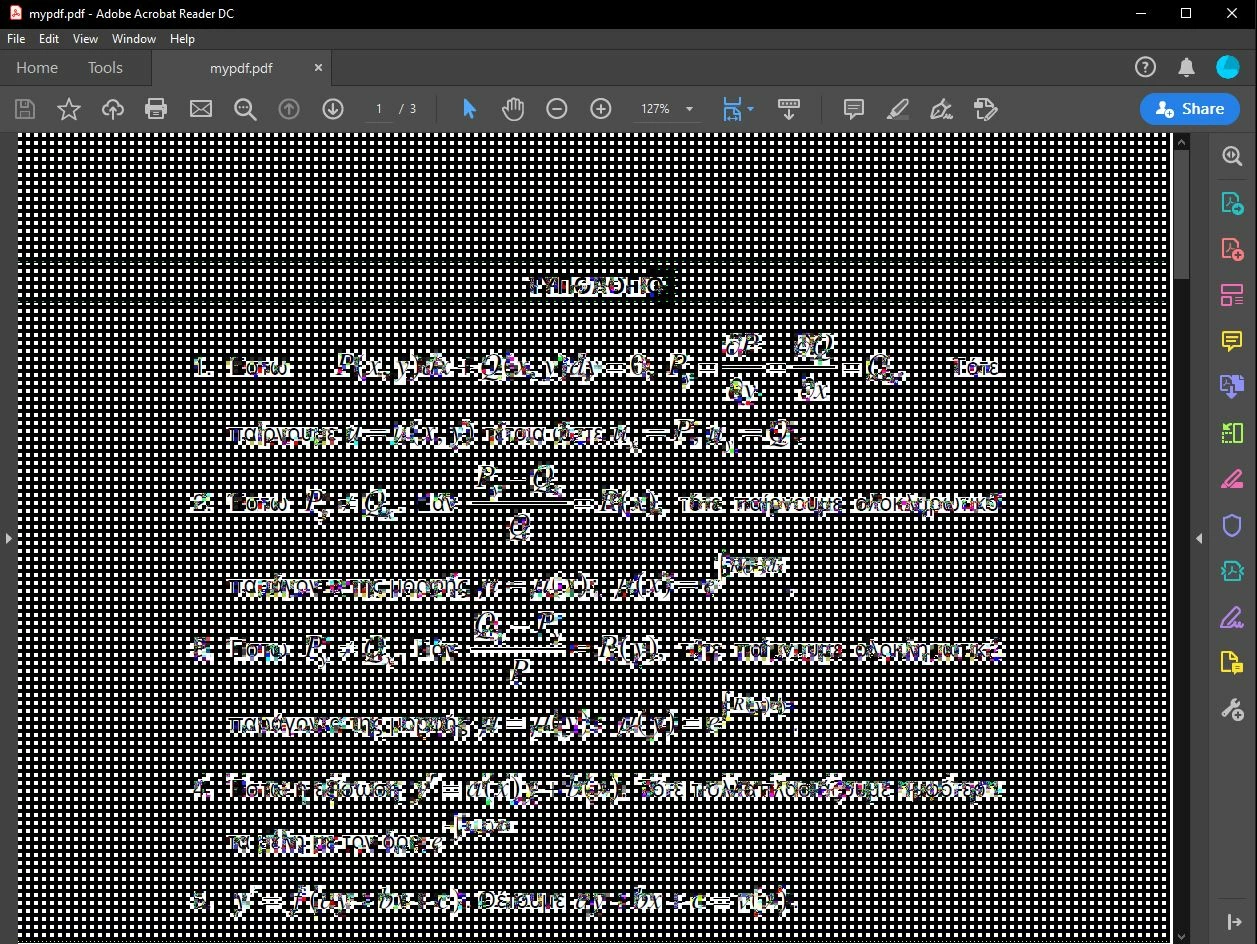
I believe that it is a bit related to my hardware because people that have this issue have a very similar graphics card. I use vega 8 from ryzen 5 3500u APU on Windows 10 with the latest GPU drivers. Also the application version that I am using is Adobe Acrobat Reader DC version: 20.006.20042.43423.
I tried also the "repair instalation" option and it still does not work
 AdChoices