
Participant
May 7, 2019
Answered

Page layout reverts to single page

  • May 7, 2019
  • 2 replies
  • 725 views

I know this is an old version but I have Acrobat 8 Standard and all of my PDF's have always opened to two-page until a couple of weeks ago.  Now suddenly they will only open to single page!  As the following photos show in both the Preferences and Document Properties the Page Layout is set to Two-Up and Two-Up (Facing) and you can also see that in both the document has opened as Single Page.
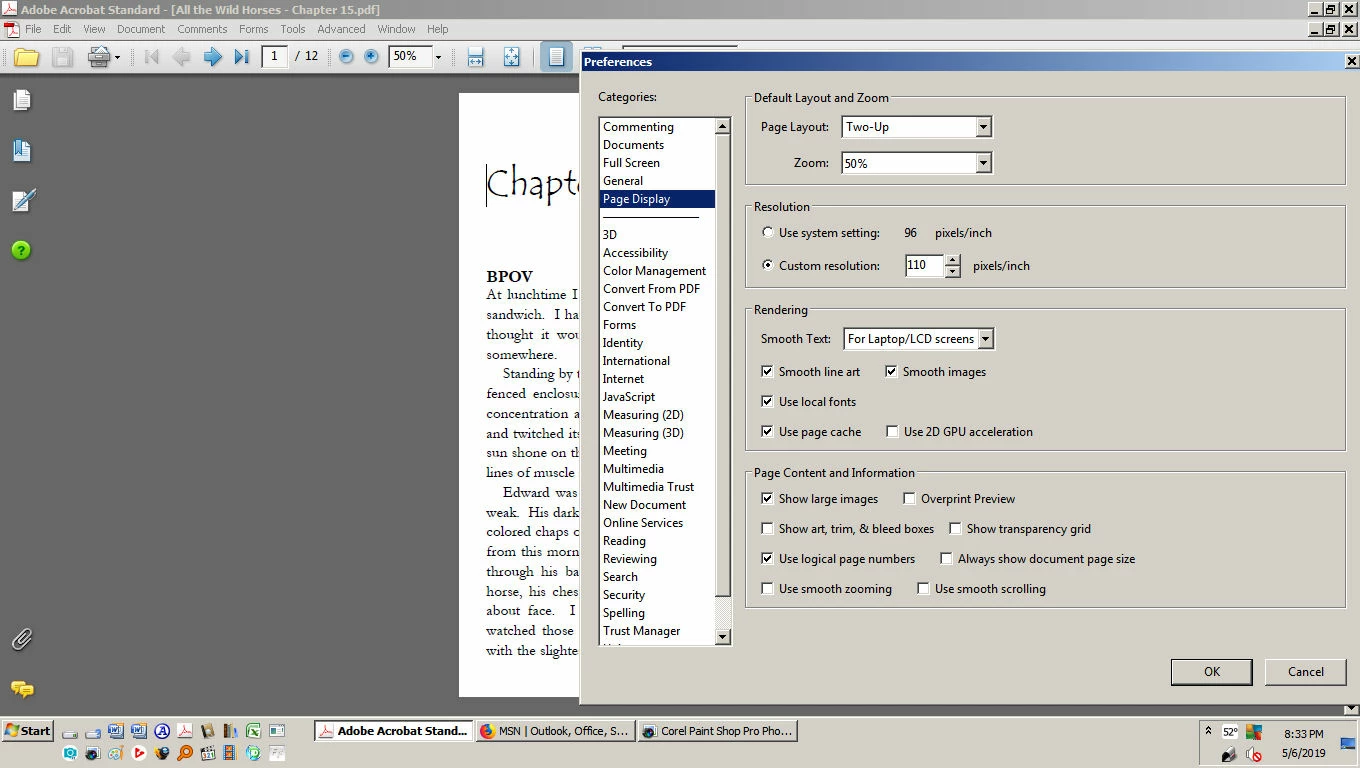
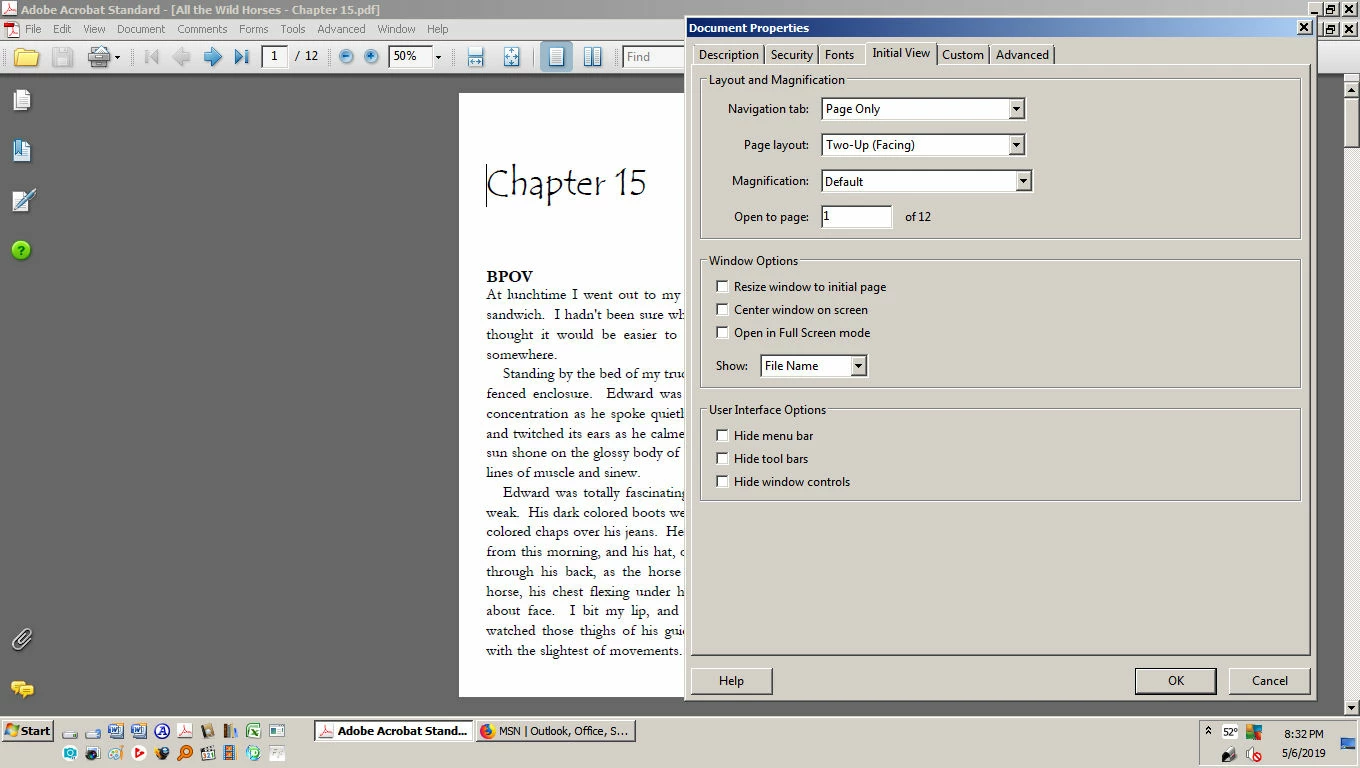
Is there anyone who can tell me how to get back my Two-Up opening?  Help would be greatly appreciated.  Limited income does now allow for me to buy a newer version of Acrobat.

This topic has been closed for replies.
Correct answer Bernd Alheit

What settings do you use under Accessibility in the Preferences?

2 replies

Bernd Alheit
Community Expert
Bernd AlheitCommunity ExpertCorrect answer
Community Expert
May 7, 2019

What settings do you use under Accessibility in the Preferences?

Participant
May 9, 2019

Thank  you Bernd Alheit!!  That seems to have been the problem because that was set to Single Page under the Override Page Display.  Once I set that to Two-Up the files now open correctly!!  Your help is greatly appreciated!

Legend
May 7, 2019

You can use the View menu to change the layout too.

Participant
May 9, 2019

The View menu does have Two-Up checked.  Still opens every file to Single Page.