Document Geek
Community Expert
Community Expert
April 27, 2021
Answered

Paper feed settings not sticking,

  • April 27, 2021
  • 1 reply
  • 737 views

I am trying to print to a Xerox Phaser 7800. I am trying to print from Tray 2. I set the paper feed to Tray 2.
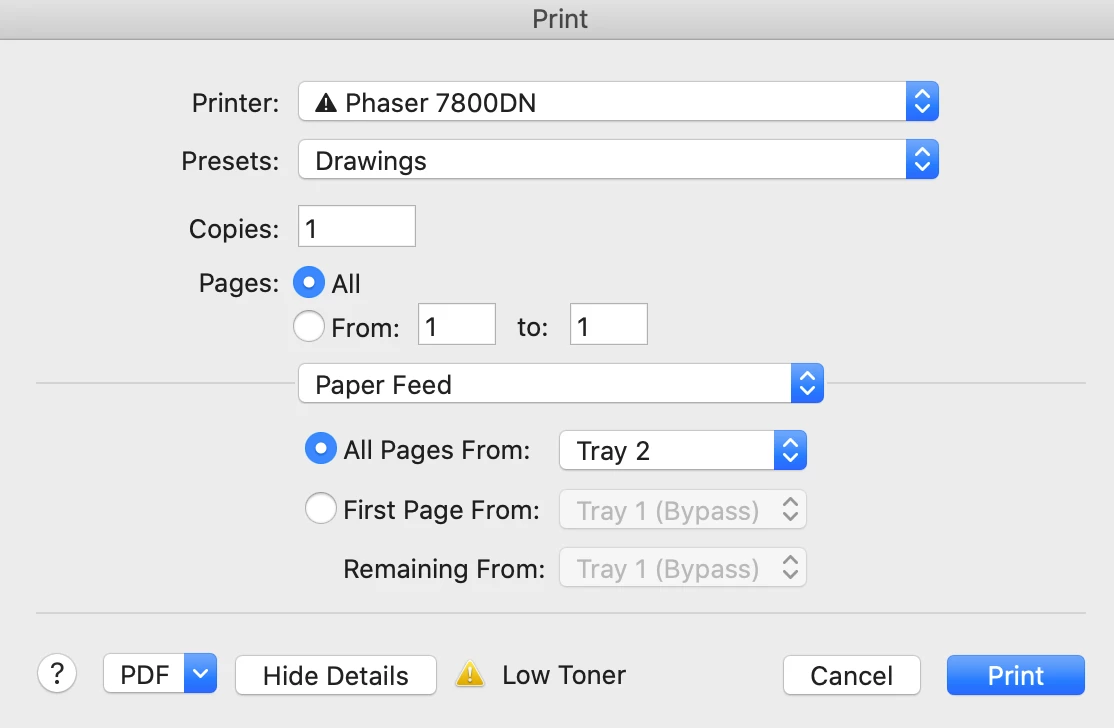
 

But then when I print, the printer says Paper not available in Tray 1. Every time, the printer dialog box defaults back to Tray 1 (Bypass).
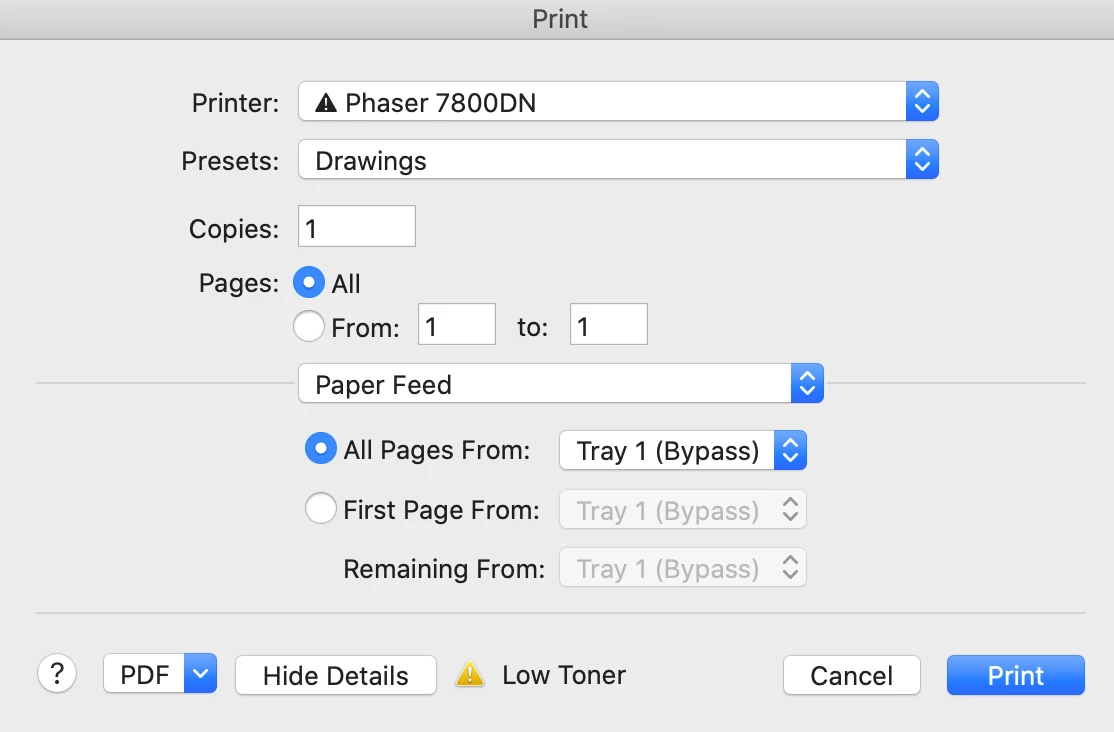
 

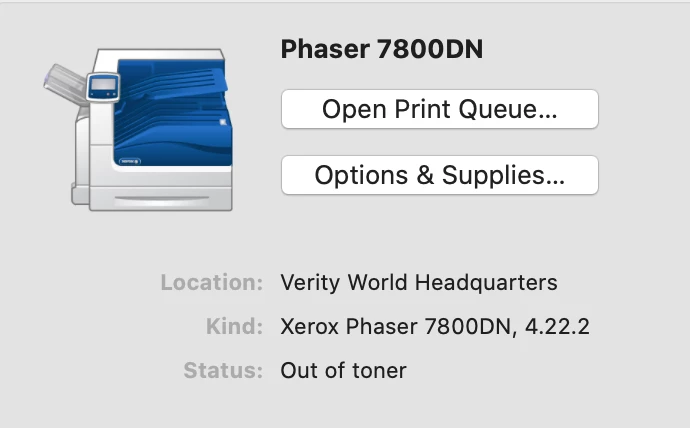
My printer driver version is 4.22.2. I have tried deleting the printer and readding it. Nothing works.

I am printing from Acrobat continous release.
 

For what it's worth, I can print from Microsoft Word without any problem.

This topic has been closed for replies.
Correct answer Document Geek

After 40 minutes on the phone with Xerox tech support, the solution ended up being deleting the printer, re-adding it, and recreatin my print presets.


I had tried that before with no luck, but this time it worked.

1 reply

Document Geek
Community Expert
Document GeekCommunity ExpertAuthorCorrect answer
Community Expert
April 27, 2021

After 40 minutes on the phone with Xerox tech support, the solution ended up being deleting the printer, re-adding it, and recreatin my print presets.


I had tried that before with no luck, but this time it worked.

Jocama Development
Participant
April 27, 2021

Multi-function printers like these are the bane of any office environment. My worst experiences when I was a SysAdmin all the way til my last day as the Manager of a local government office, have always been with Xerox machines. A close second would be anything from Minolta.


Canon and Brother usually perform well, with only small issues here and there.


I have also noticed that when I had several iMacs in an office, MacOS would occasionally switch drivers on its own, usually to AirPrint or the Generic Post Script driver, rather than the dedicated driver from the manufacturer. Often enough you can resolve those issues by playing around with those driver settings (sometimes Generic Post Script works better than what's provided by the manufacturer, in the case of a Xerox machine at the office of a law firm I work for).


Should you encounter this again, play with the driver options first; reinstalling a printer isn't all too difficult anymore these days, but can introduce issues of its own. Glad you got it resolved!