
Answered
PDF Accessibility Checker 3.0 problem screen reader
Good day. The problem is that there is an empty tag. After deleting it, as a result: the screen reader does not open in the PDF Accessibility Checker 3.0 program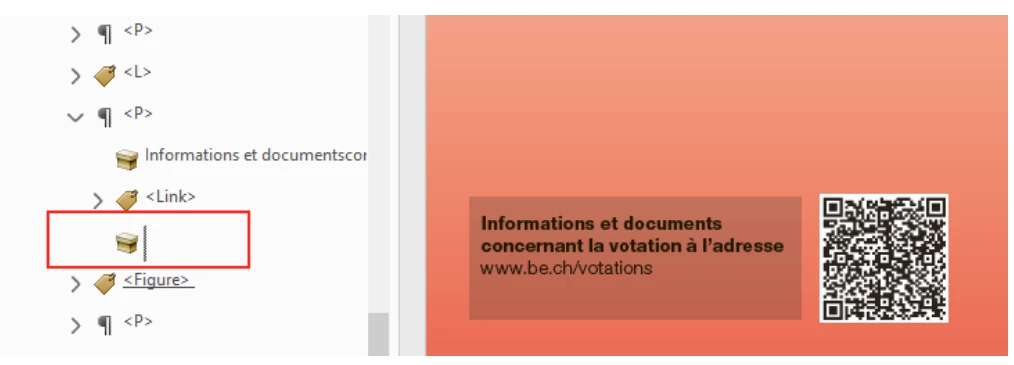
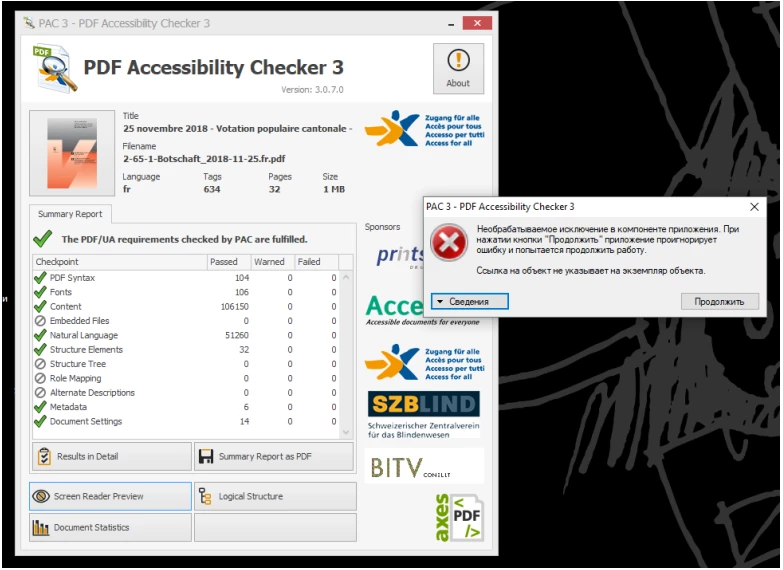

Good day. The problem is that there is an empty tag. After deleting it, as a result: the screen reader does not open in the PDF Accessibility Checker 3.0 program
2018-11-25.fr.pdf - Google Drive
Thank. I attach the file link
page 32
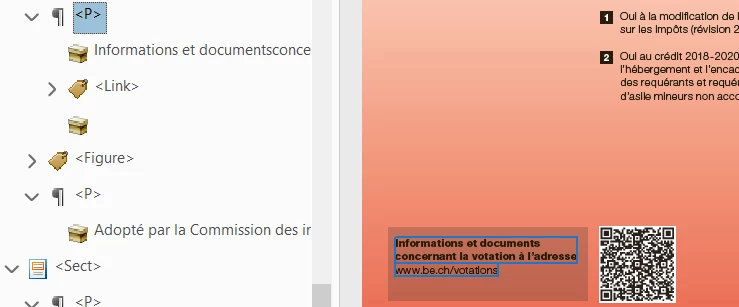
I'm not getting any errors from the PAC 3 checker on the document supplied. I see the empty tag that you're referring to and I think there's some type of disconnect in the document because I can't artifact it and when I delete it it won't let me save the document. Honestly, I'd leave it. It's not a failure condition and there's no point wasting your time with something this trivial. I hope that helps!
Already have an account? Login
Enter your E-mail address. We'll send you an e-mail with instructions to reset your password.
 AdChoices