

PDF changed original fonts and hyperlinks don't work
I am using MacBook Pro and have Microsoft Word 2016 and Adobe Acrobat 2015 version installed.
Objective: to convert microsoft word file to pdf document with all internal links (table of contents, cross reference links, etc) working.
What I've done:
First try: converted the document to pdf using 'Save As' option straight from Ms. Word, chose 'best for online viewing' to retain all the links. What happened was, the links were all working but all original fonts are gone and replaced with some sort of generic font throughout the document
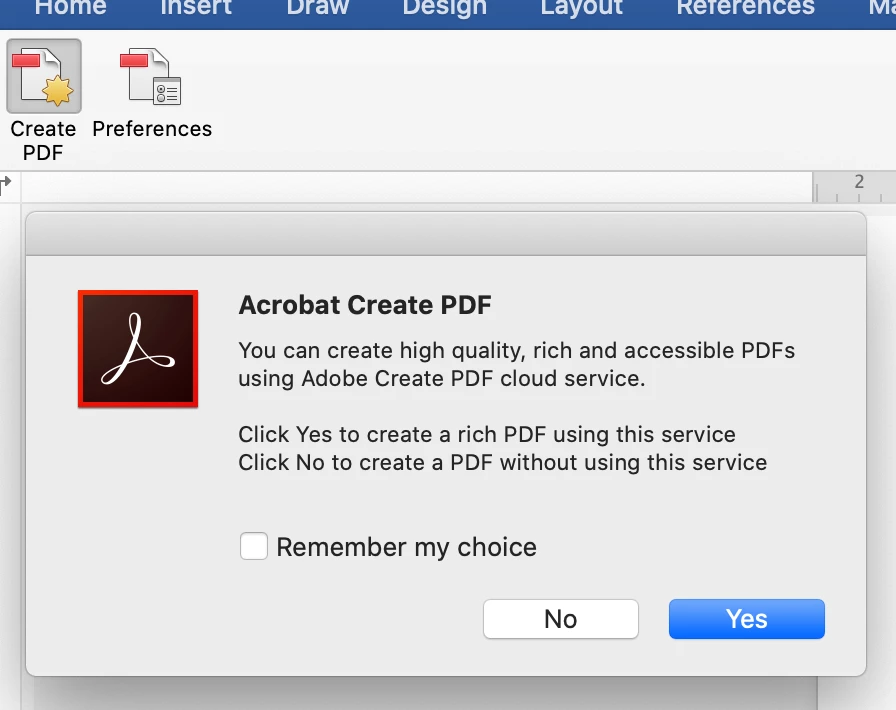
Second try: tried to create pdf using Adobe Acrobat, it automatically converts the word document into pdf but later found out that all the links were not working at all.
I need to know how to convert a word document into pdf without losing the hyperlinks/internal links and original font. Not sure why Ms. Word just decided to change all of my fonts....
Help...
 AdChoices