
Question
PDF export to JPEG losing resolution
I have an highest qualty render from AutoDesk Fusion 360. I open that in Adobe Acrobat DC Pro, edit PDF, crop, place my watermark on it. Then export it out as a JPEG and the resolution degrades considerably.
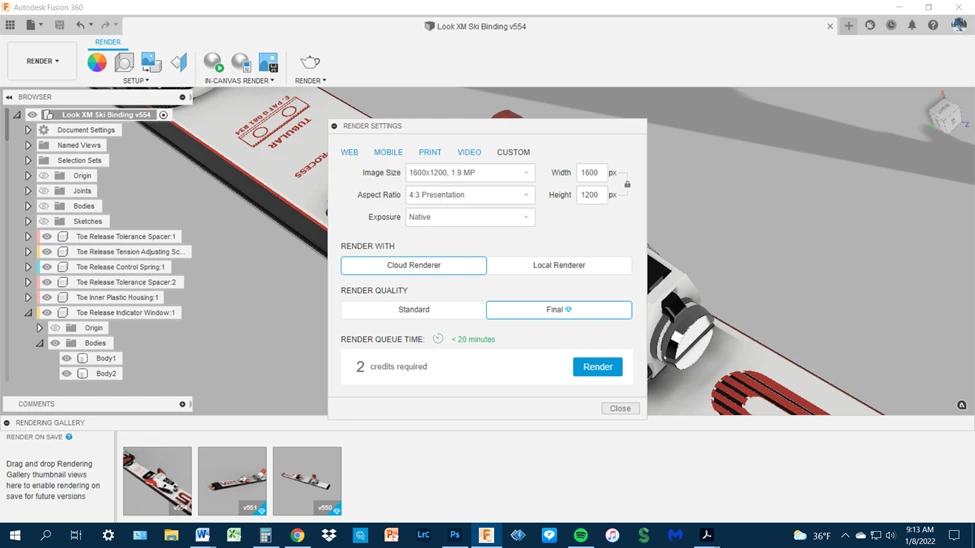
this shows the output to the render engine at the highest quality
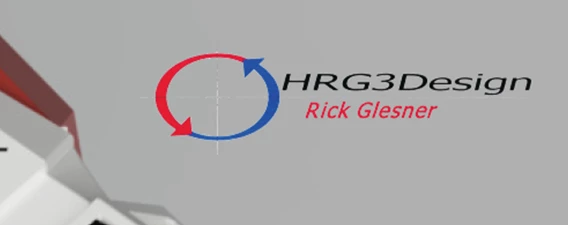
here is a screen shot of how the watermark looks before exporting as JPEG
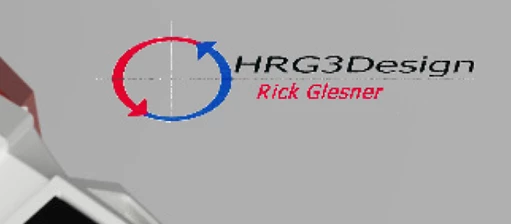
here is how it looks after export to JPEG
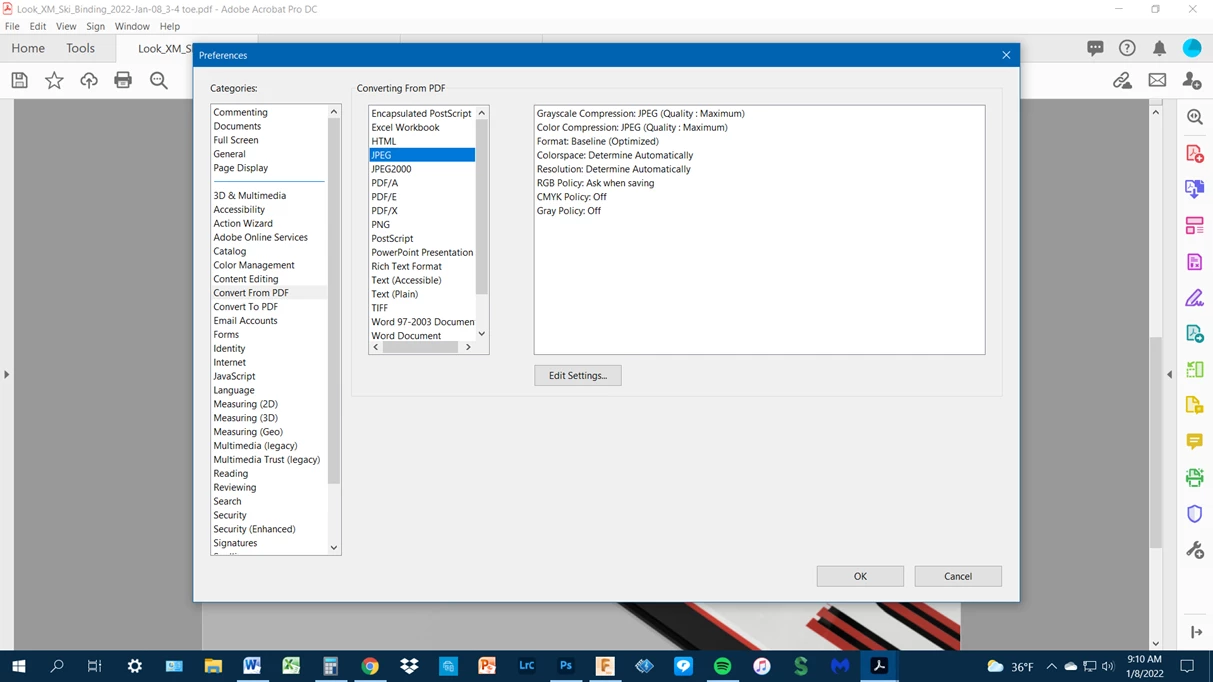
My Adobe Preferences showing Converting From PDF to JPEG “quality maximum”
This is adversly effecting my output and I really need some help...
Thank You:
Rick Glesner
 AdChoices