
PNG Dimensions change when converting to PDF
For some years now I have created PDFs from multiple, same size PNG files produced in Photoshop. The dimensions of the PDF have always matched the PNG dimensions.
e.g. PNG = 1200 X 1200 @ 300 dpi produces a PDF that is 1200 x 1200
Yesterday - following my usual workflow - a PDF made from only 1200 x 1200 PNG files is coming out at 288 x 288.
Trying to troubleshoot, I opened an older "correct size" PDF I had made (1400 x 1400) and inserted a 1400 x 1400 PNG into it and this one image was reduced drastically in size within the PDF!
I believe I have double-checked all the import preferences and even uninstalled and reinstalled Acrobat but I still get the same result. I am definitely selecting the large file option on import:
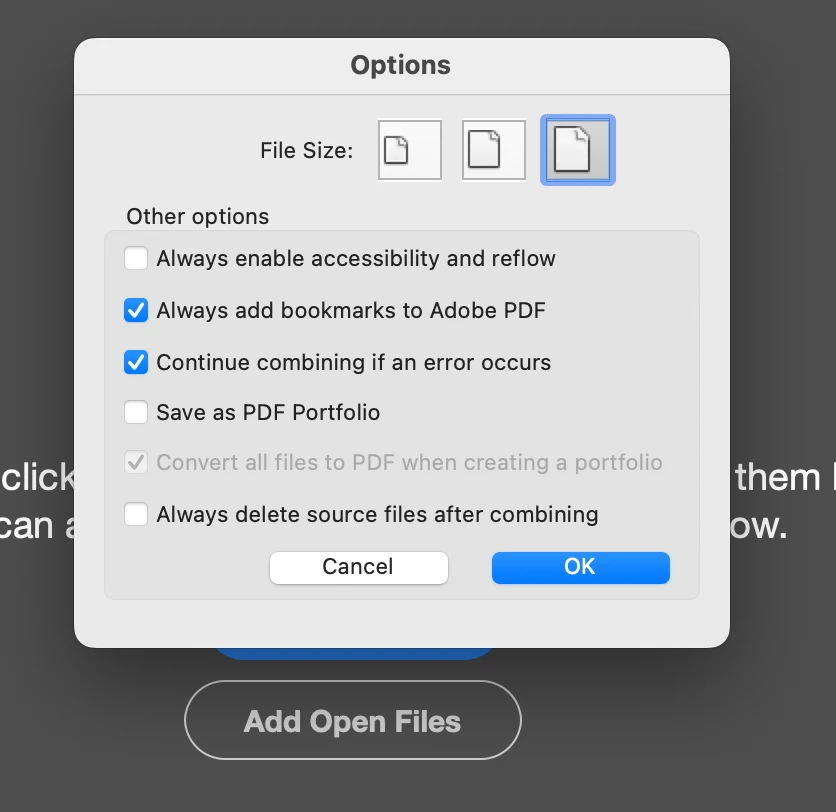
Any ideas why this is happening?
Thanks in advance!
 AdChoices