
Poor PDF scan quality since uprgade to Acrobat Pro DC
Hi,
I just upgraded my old Acrobat Pro (don't remember which version it was) to Acrobat Pro DC.
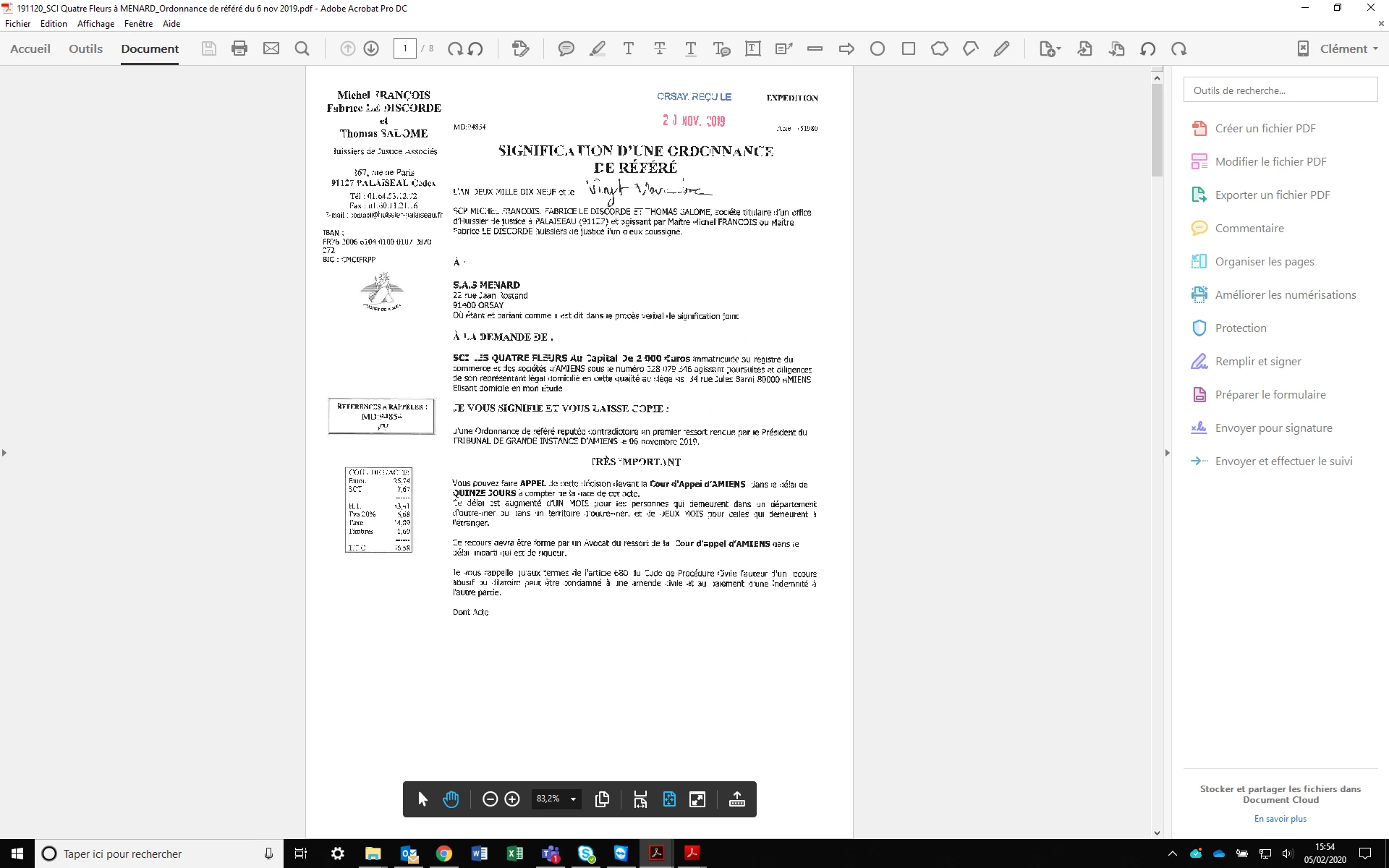
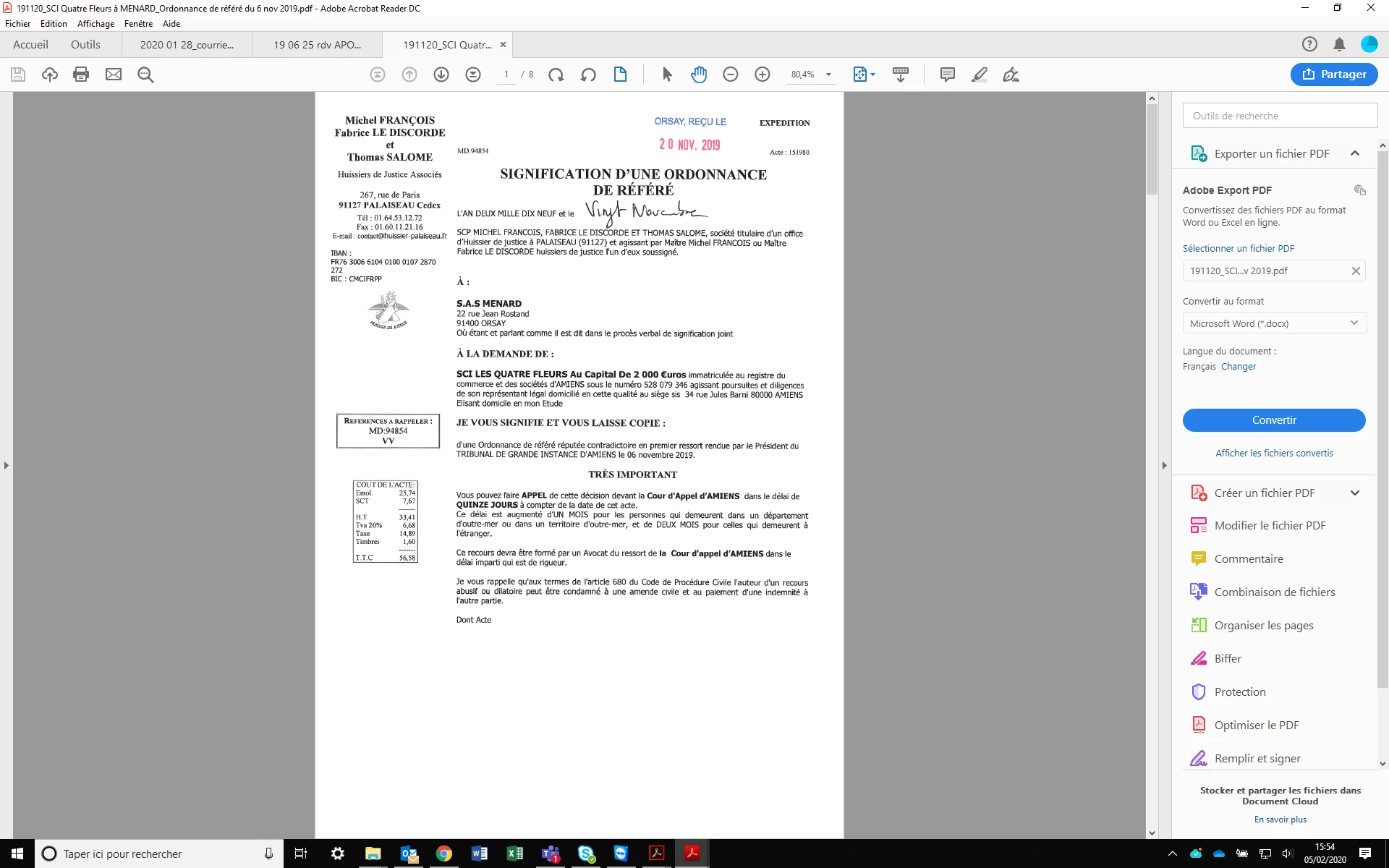
It turned out that since then, I have a hard time to to decipher my scan documents.
The issue MUST come from Acrobat Pro DC itself : when I open the very same PDF in Acrobat Reader DC : that's perfectly readable, with a good quality. Same thing if I open the file in any other PDF reader (Chrome Web PDF reader for instance). See the two attached screenshots from the very same file.
I didn't change the scanner or the scanner settings of course.
The issue is the same if I open the file on my laptop screen or into an external monitor.
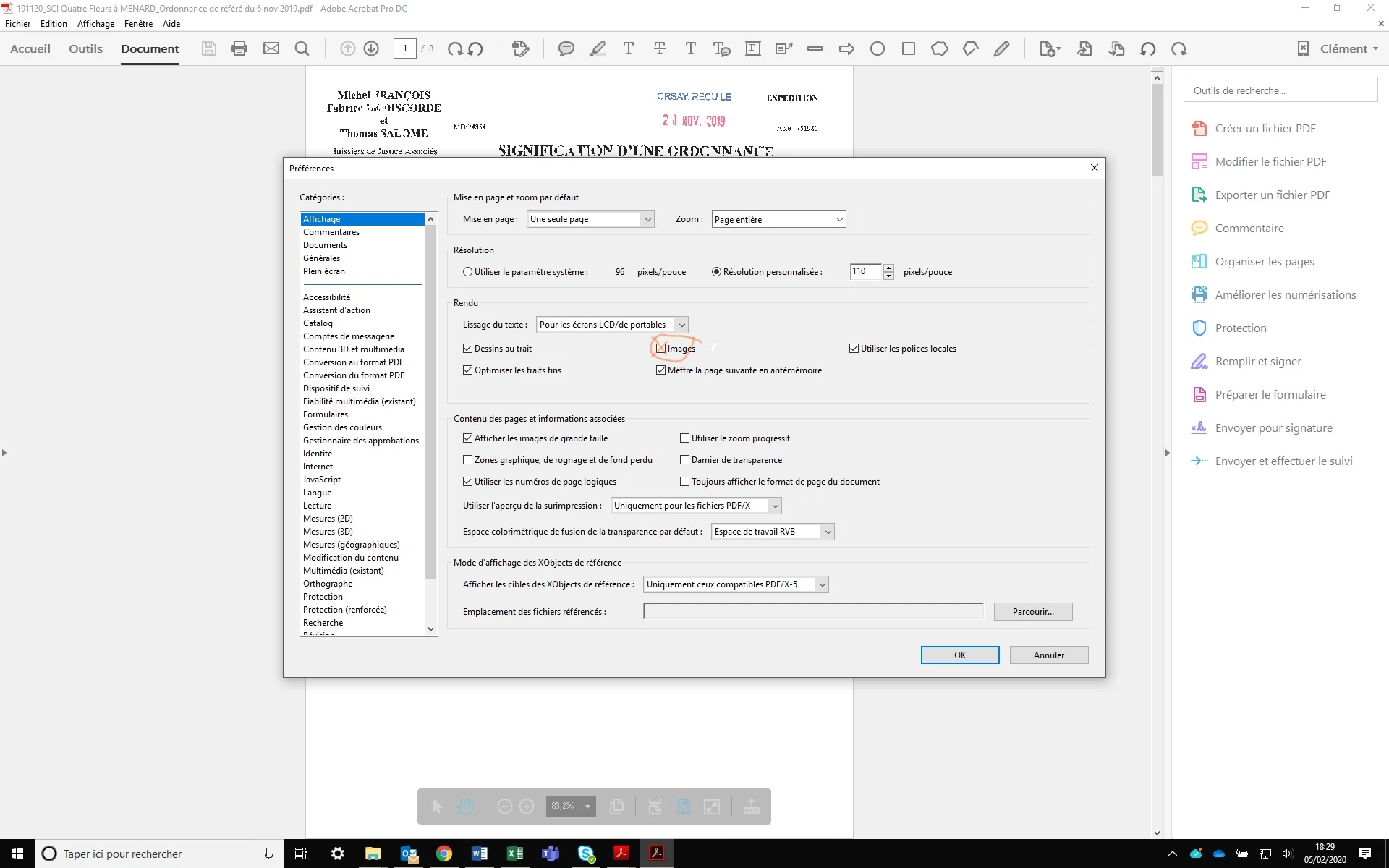
Are you aware of this issue and how to fix it ? I tried to dive into the settings but frankly that's a jungle...
Thanks a lot.
Clement
 AdChoices