
Copy link to clipboard
Copied
Hallo,
ich habe folgendes Problem. Ich möchte das Preflight Plugin in Acrobat DC/Pro nutzen. Allerdings lässt sich dieses nicht installieren und es kommt folgende Fehlermeldung.
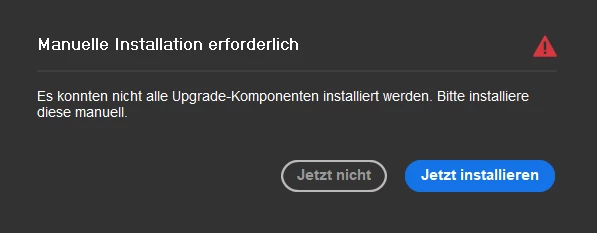
Wenn ich nun auf "Jetzt installieren" gehe dann öffnet sich von Adobe eine 404 Error Seite...
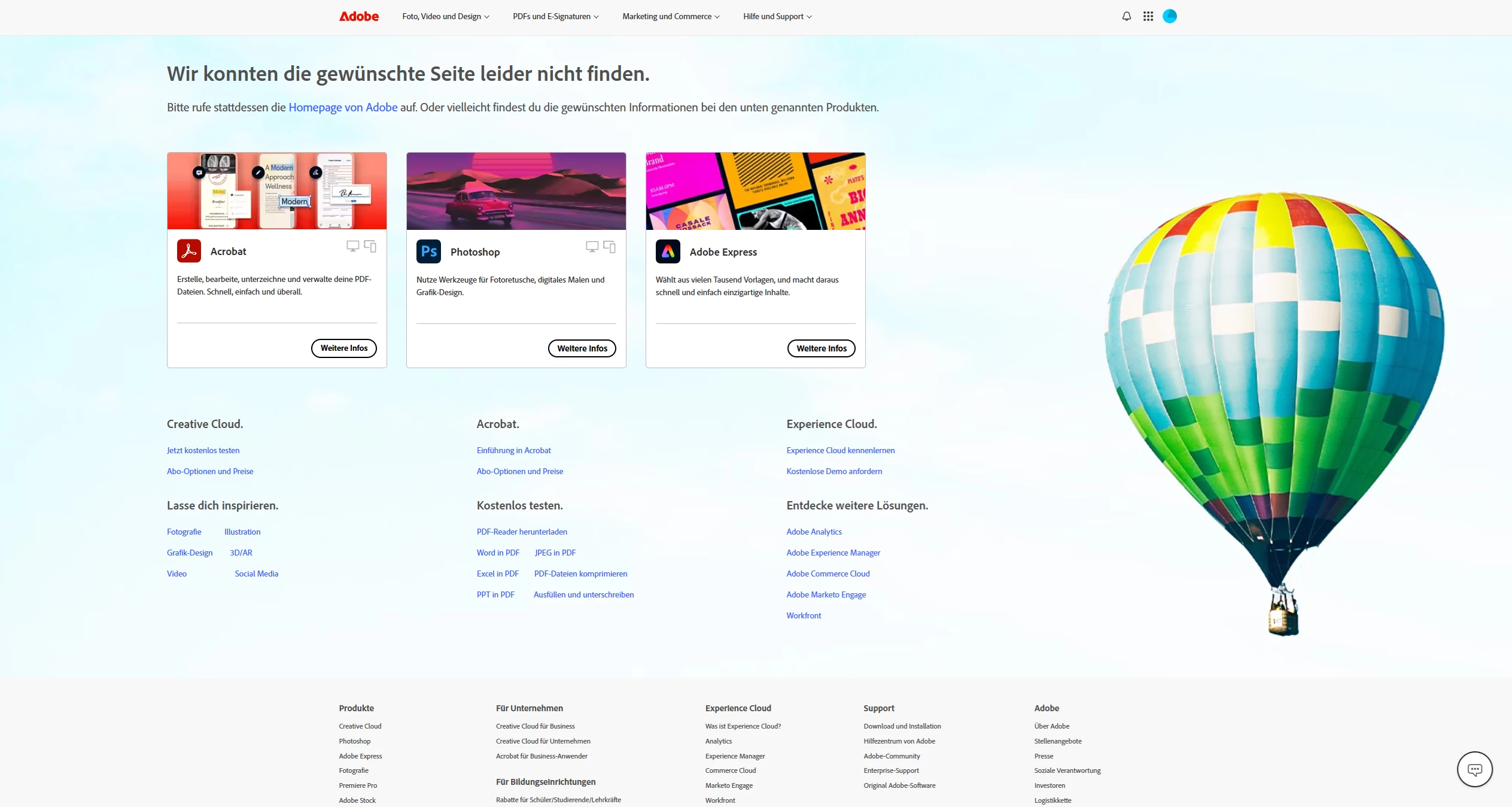
was muss ich tun damit ich Preflight auf meinem Rechner nutzen kann? Ich würde mich über Hilfe sehr freuen.
Liebe Grüße
Copy link to clipboard
Copied
Thank you for reaching out, and sorry about the trouble caused.
As you get the error message, please try reinstalling the Acrobat once and check if you can use the tool after that. You may use the following steps:
-Remove the application and run the cleaner tool (https://adobe.ly/46XzAX1).
-Reboot the machine
-Install Adobe Acrobat from the following page: https://adobe.ly/46H1wzJ;
Let us know how it goes.
Thanks,
Meenakshi
Copy link to clipboard
Copied
Hallo Meeakshi Negi,
vielen Dank für deine Nachricht. Ich habe Acrobat über die Creative Cloud deinstalliert und nochmal neu installiert. Das hat nicht funktioniert. Dann habe ich Acrobat über Creative Cloud nochmal deinstalliert, dann das Cleaner Tool so verwendet wie du es beschrieben hast und Acrobat über den Link installiert. Das hat ebenfalls nichts gebracht, denn es kommt die gleiche Meldung.
Copy link to clipboard
Copied
Hallo,
ich habe genau dasselbe Problem wie Alex-Mediengestalter - die Fehlermeldung bleibt erhalten.
Copy link to clipboard
Copied
Hey Yum5,
ich konnte es folgendermaßen lösen zumindest bei Windows (Support ist ja ne Katastrophe 0 Hilfe). Geh mal bei Einstellungen in die Apps -> installierte Apps und dann auf die 3 Punkte bei Adobe Acrobat. Anschließend auf Ändern klicken und im Installationsfenster auf [Programm ändern]. Dann sollte eine Liste kommen und unter Optionale Funktionen dann das Preflight. Falls dort bei dir ein rotes X ist dann einfach drauf klicken und das ersten auswählen (Funktionen lokal blabla). Zum schluss dann installieren. Vielleicht hast du ja das gleiche Problem wie ich.
Liebe Grüße
Copy link to clipboard
Copied
Hallo Alex-Mediengestalter,
yes, lokal installieren über diesen Weg und nun kann ich das Tool nutzen. Vielen Dank für die schnelle Antwort.
Viele Grüße
Copy link to clipboard
Copied
@Alex-Mediengestalter
Danke für die Hilfestellung. Hat bei mir jetzt auch so funktioniert...
Copy link to clipboard
Copied
Danke auch uns hat der Tipp sehr gut geholfen!
Find more inspiration, events, and resources on the new Adobe Community
Explore Now