
Preflight profile Convert to PDF/X-3 (SWOP) detects transparencies where there are none
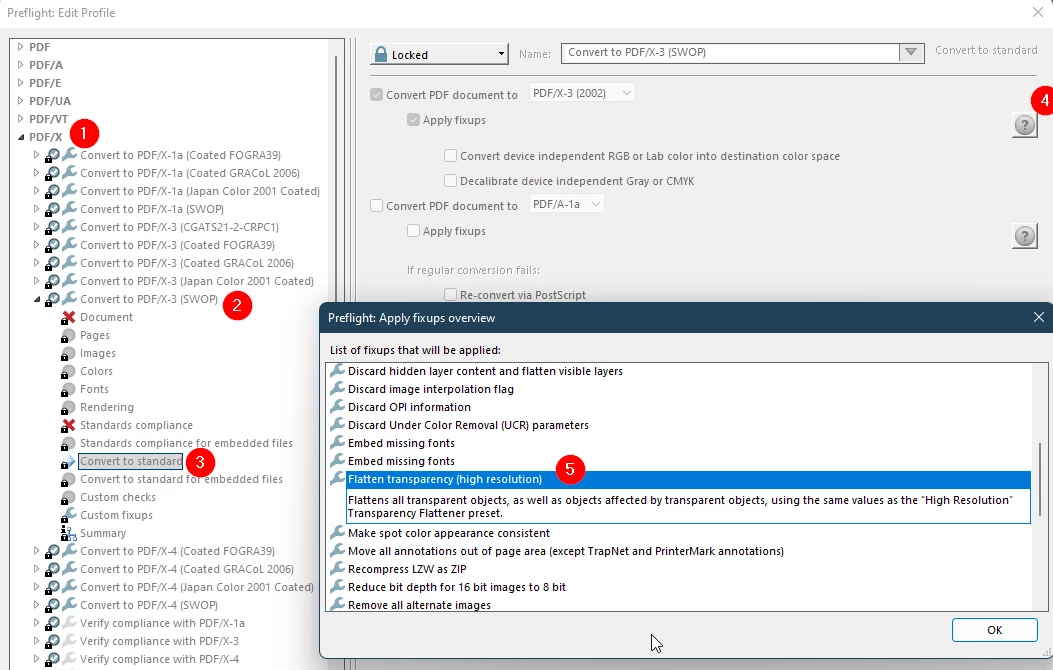
I'm trying to convert a PDF v1.6 to the X-3 standard (so downgrading it to v1.3, which doesn't support transparencies) using the SWOP profile in Preflight named "Convert to PDF/X-3 (SWOP)" which checks for transparencies and should flatten them automatically with the "Flatten transparencies" fix as you can see here:
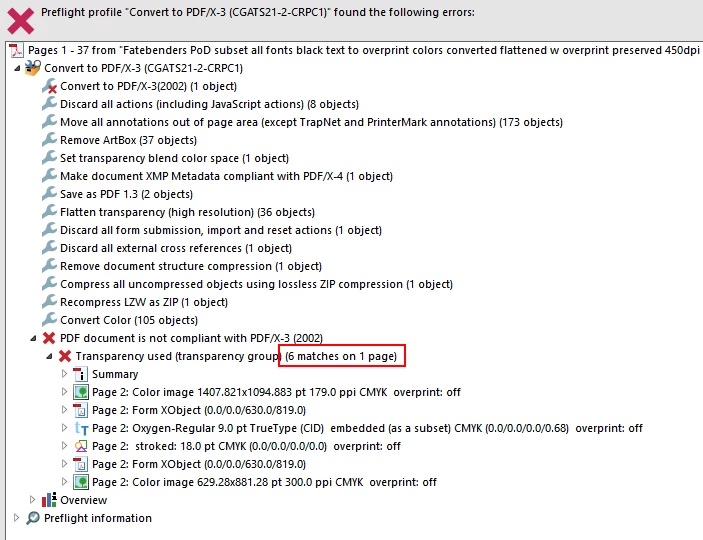
After creating the new file the Results view in Preflight says that the only thing that doesn't meet the X-3 standard is transparencies, and then lists 1448 elements as transparent (see attached the Results generated as a PDF with images in the report compressed so I could attach it here) although I've successfully run the whole document through the Flattener Preview before attempting to convert to X-3, flattening the few images that actually had transparent backgrounds and later checking every page and seeing, that Flattener Preview didn't see transparencies anywhere on them (Basically I checked on every page, that Highlight could not be set to "Transparent Objects" nor any other option in Flattener Preview. I assume this means that there's nothing to highlight - no transparency on the page, because before flattening the few pages with transparency I was able to select "Transparent Objects" highlight on these pages).
I believe that the flattener worked and that these are false positives, because there's nothing transparent about any of these objects in the document. But sadly I can't generate an X-3 compliant document because of these false positives.
I'd appreciate your help.
 AdChoices