
Preserving fonts and links when converting from Word for Mac to .pdf
- August 31, 2021
- 2 replies
- 5899 views
I am working on a MacBook Pro (Mac OS Big Sur 11.5.2) and I'm trying to convert files from Word for Mac (v16.52 with a Microsoft Office 365 license) to Adobe Acrobat Pro DC. The brand fonts that I need to preserve are Apertura and Futura PT, both of which are available in my Adobe Creative Suite. I have tried:
1. File > Save as > .pdf > Best for electronic distribution (preserves links but not fonts)
2. File > Save as > .pdf > Best for printing (preserves fonts but not links)
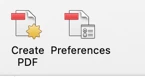
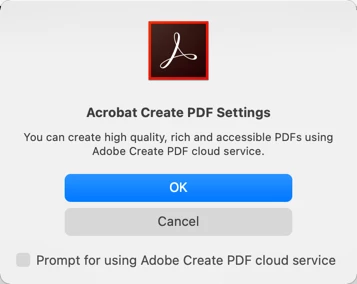
3. Menu > Acrobat > Create .pdf > (I get a "Acrobat Create PDF Window which reads You can create high quality, rich and accessible PDFs using Adobe Create PDF cloud service. Click Yes to create a rich PDF using this Service. Click NO to create a PDF without this service.)
3a. If I click yes: I get an error message that says, "An error occured while uploading. Please try again." If I try again, Adobe Acrobat Pro DC crashes.
3b. If I click no: I'm reverted back to Microsoft Office Window as in 1 and 2.
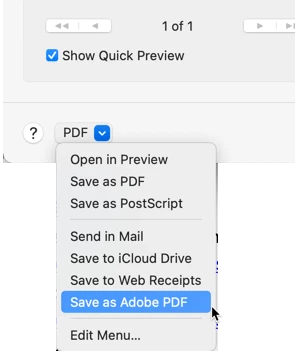
4. Print > Save as .pdf (Preserves fonts but not links)
What would you recommend?
 AdChoices