
Exit
  • Global community
    • Language:
      • Deutsch
      • English
      • Español
      • Français
      • Português
  • 日本語コミュニティ
  • 한국 커뮤니티
0

Print Adobe PDF with wrong characters

New Here ,
May 04, 2022 May 04, 2022

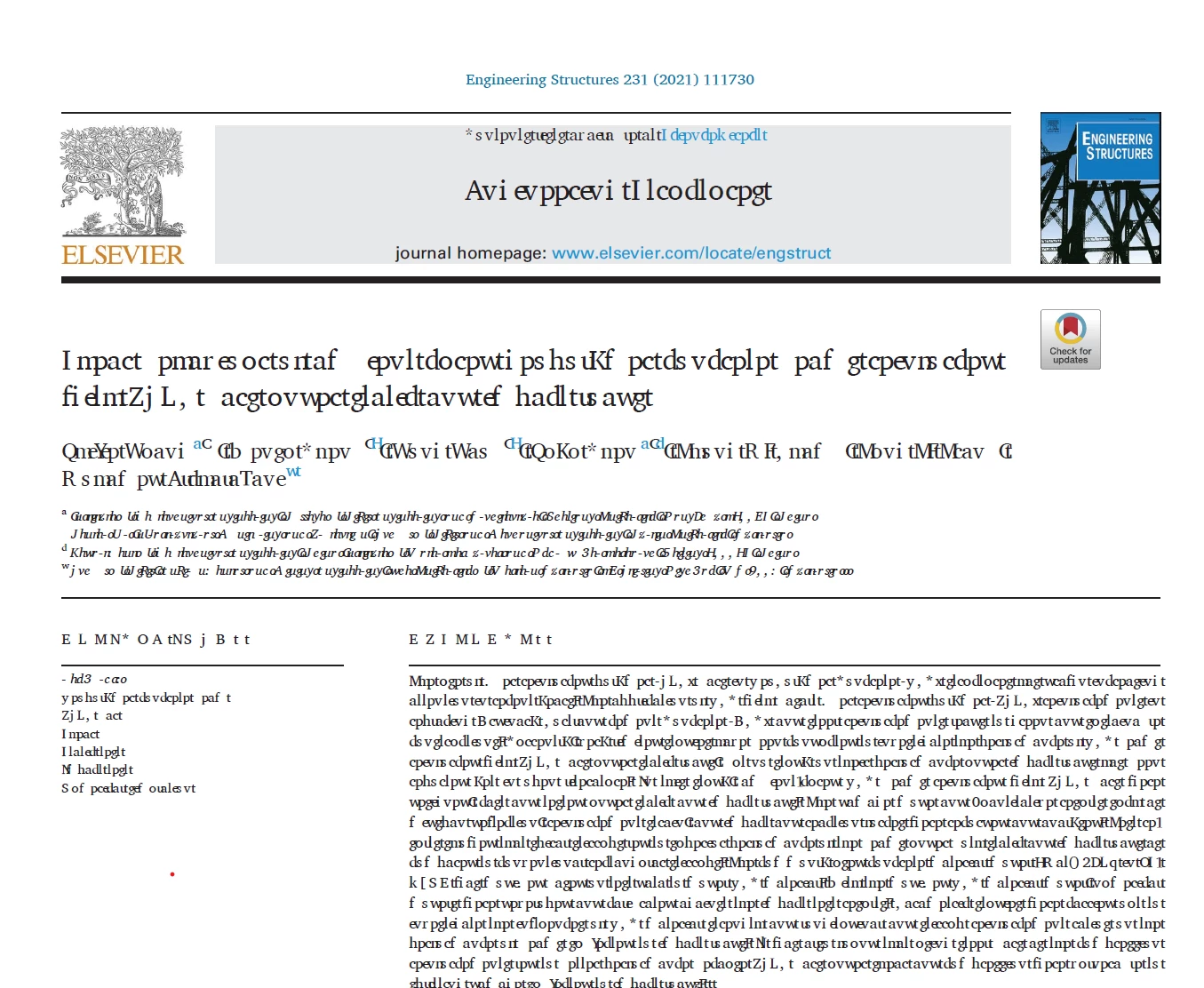
When I open one PDF in Adobe Acrobat Pro DC (32-bit), and I print it as "Adobe PDF" to make every pictures or PDF the same width and height. I mistakenly clicked "Advanced" setting and don't know what I have changed. The output PDF in some pages always has wrong characters as shown below. I tried everything to change the setting back but it doesn't work. Does anyone know the reason.
Zhijie24323610zoqq_0-1651732621685.png


TOPICS
Print and prepress
514
Translate
Report
Community guidelines
Be kind and respectful, give credit to the original source of content, and search for duplicates before posting. Learn more
community guidelines
Community Expert ,
May 04, 2022 May 04, 2022

"I print it as "Adobe PDF" to make every pictures or PDF the same width and height."

You should use the Preflight tools instead of refrying.


Acrobate du PDF, InDesigner et Photoshopographe
Translate
Report
Community guidelines
Be kind and respectful, give credit to the original source of content, and search for duplicates before posting. Learn more
community guidelines
New Here ,
May 04, 2022 May 04, 2022
LATEST

Thank you so much for your response. I have never used that function. Just want to know how to get it back to the original setting or is there any way to reset every setting of Adobe Acrobat Pro?

Translate
Report
Community guidelines
Be kind and respectful, give credit to the original source of content, and search for duplicates before posting. Learn more
community guidelines