
"Add Date" field is missing in Prepare Forms, among others tools
My company has tasked me with creating fillable PDF versions of our forms. I am going through a web course teaching me how to do this, however it appears some of the tools for Prepare Forms are missing from my version of Adobe Acrobat DC. There are other tools missing as well such as Validation. The tools I have available are:

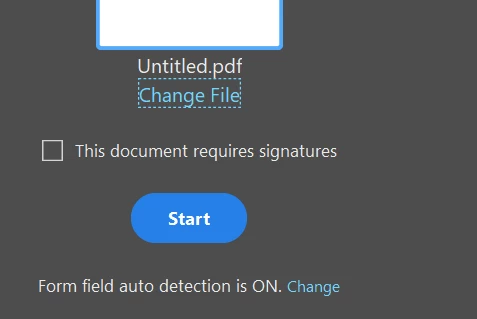
Currently I am working with the templates provided by the course (through Lynda.com) so I know that my problem is different than the one described in this post (https://community.adobe.com/t5/acrobat/form-field-properties-missing-format-validate-calculate-etc/m-p/9171781#M58037) as my form is already an Acrobat Form, not an Adobe Sign Form.
According to the tutorial the field option should automatically appear once I have selected Prepare Form. I have had no other difficulties with forms so far. Additionally when trying to use the solution on the previously mentioned post, the "Add Date" field is different than the one in the course. When viewing All Properties of the field there is no tab for "Action", "Format", "Caluclate", or "Validate". I have included screenshots from the form I am working on and the tutorial from the video. My form: 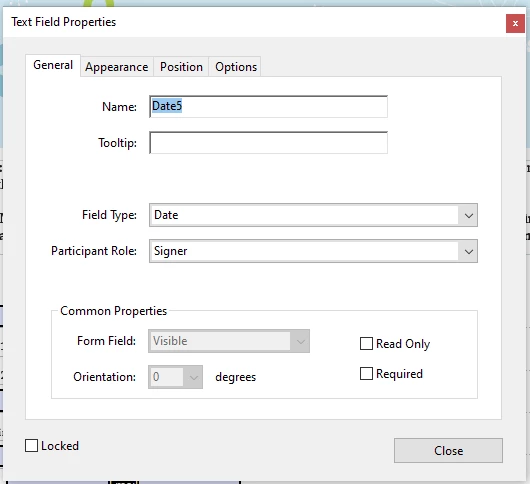
The video's form: 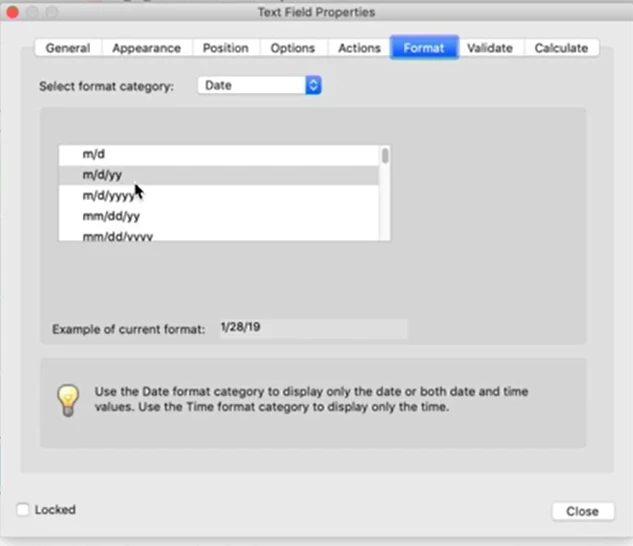
I am using an up-to-date version of Adobe Acrobat Standard DC. There are no updates available. 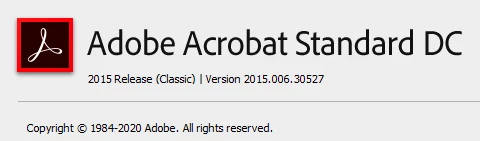
 AdChoices