
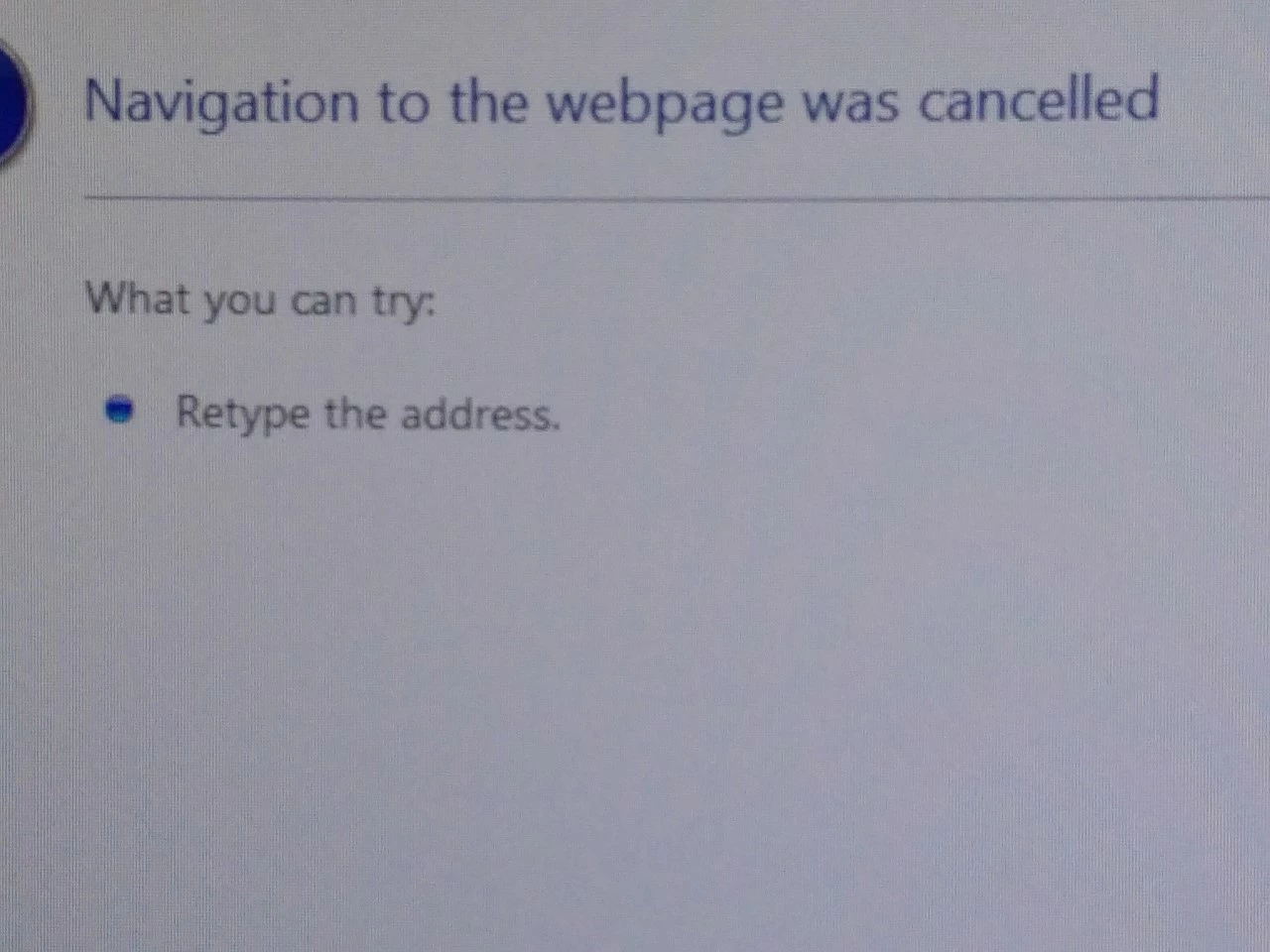
"Navigation to the webpage was cancelled"
A while ago, when I tried to open pdfs sent to me by email, they defaulted to opening in IE not in Acrobat on my PC. I was able to find the solution online and have had no problems since then. I believe the problem arose following an update to IE (I use Firefox).
I've just begun a new job, and had the same problem, so applied the same solution. Since then, each time I open a new pdf I get an error message which says "Navigation to the webpage was cancelled. What you can try: retype the address." Nonsensical, because I haven't typed an address. I've only been there one day, and it happened the first time I opened each pdf for the first time. If I later had to re-open the same document there was no error message. If relevant, IE is not the default browser (they use Chrome).
I've searched for a solution, but all references to this error message seem to be years old, and do not relate specifically to pdfs.
Does anyone have any ideas please?
 AdChoices