
Known Participant
September 12, 2020
Question

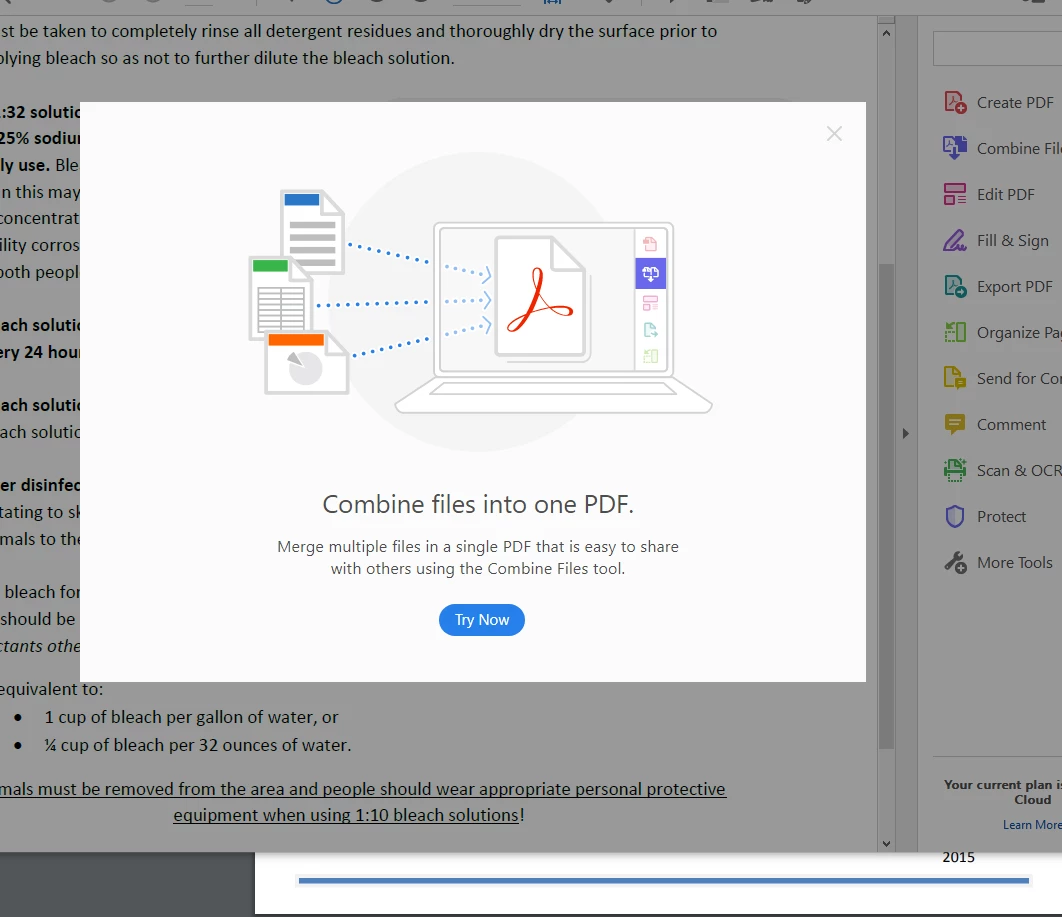
"Try Now" Pop-Ups

  • September 12, 2020
  • 4 replies
  • 6665 views


Does anyone know how to make these pop-ups go away? I have a one-year subscription to Acrobat Pro DC, and I'm kicking myself daily for not just buying the desktop version. I can't do any work with the incessant interruptions. It is notable that none of them have been related to what I was trying to do at the time.

First-line chat support has no idea how to solve the problem. I've been told I'm running the wrong software. (I'm not.) I've been told to update. (No updates available.) I've been told to do things that have nothing to do with the problem. (Support backed down on that.) I've been asked to share my screen for something that should just be a simple setting. (No screensharing with the clueless.)


I'm awaiting a call back, but I'm quickly losing faith. The behavior is clearly intended, and I think Adobe wants to make it hard to turn off. 

This topic has been closed for replies.

4 replies

Participant
March 25, 2024

I'm looking for how to disable these as well. What's amusing is every post I've found so far starts (and ends) with the same "troubleshooting" step of disabling "show me messages when I launch Adobe Acrobat" which clearly doesn't do anything as we're still being assaulted with this garbage.


rhondaleaAuthor
Known Participant
February 27, 2024

Three and a half years later, this is still a problem. 

I reinstalled Acrobat the other day because I now have a problem with the extension running in Chrome. Didn't solve it, but as soon as I opened the new installation, I got a popup that had trouble loading, so the entire program was frozen. I was loading Task Manager to force quit when it finally loaded, but I force quit anyway. 

This is ridiculous. Everyone who has Acrobat pays for it. Pays a lot. And we're not paying for Acrobat so our work is interrupted incessantly by Adobe's hints, tips, and advertising, much less popups that won't even load correctly so we can get rid of them.

TURN IT OFF!

Amal.
Community Manager
Community Manager
February 27, 2024

Hi @rhondalea 


Hope you are doing well and sorry to hear that.


What is the version of the Acrobat DC you are using? To check the version go to Help > About Acrobat and make sure you have the recent version 23.08.20555 installed. Go to Help > Check for updates and reboot the computer once.


Also share a small video recording of the steps you are following and the issue occuring for more clarity?


Please collect the Adobe CC logs https://helpx.adobe.com/creative-cloud/kb/cc-log-collector.html  , Procmon logs (Win Only) https://www.adobe.com/devnet-docs/acrobatetk/tools/Labs/acromonitor.html  and share them via any cloud storage. Just upload the log file to the cloud and generate the link and share that link with us for further investigation.

Regards
Amal


Participant
February 28, 2024

Have we determined that there is not an option to turn this off? It's really annoying and unneccesary.

I installed acrobat pro on a new PC recently. Im not sure if its misbehaving or if its intended. 


JR Boulay
Community Expert
Community Expert
September 24, 2020

Did you try these settings in the Preferences?


Acrobate du PDF, InDesigner et Photoshopographe
rhondaleaAuthor
Known Participant
September 28, 2020

@JR_Boulay

First thing I tried. Thanks.


Known Participant
July 6, 2021

Did you ever get this fixed?


I have it as well, "Reorganize your PDF" every day.


Tried all of the above.

Amal.
Community Manager
Community Manager
September 14, 2020

Hi Rhondalea


We are sorry for the trouble. As described you want to stop the pop up messages when you open the application.


Please try the following preferences settings and see if that works for you.


Go to Edit (Window), Adobe Acrobat (Mac) > Preferences > General > Under 'Messages from Adobe' Uncheck 'Show me messages when i launch Adobe Acrobat' > Reboot the application and check.


Let us know how it goes


Regards

Amal


rhondaleaAuthor
Known Participant
September 14, 2020
Thanks, but I found that first thing. It doesn't stop the pop-ups.
Amal.
Community Manager
Community Manager
September 16, 2020

Hi there


We are sorry to hear that the issue still exists.


Please try the following registry setting and see if that works for you.


Keep us posted with the results


Regards

Amal