
Question
Rechtschreibprüfung ausschalten
Hallo,
ich habe mit Adobe Acrobat Pro ein Formular aus einem Word Dokument erstellt.
Leider werden sowohl während der Erstellung des Formulars als auch danach in der fertigen PDF immer Wörter unterringelt wie durch die Rechtschreibprüfung. Ich würde das gerne ausschalten oder meinetwegen auch die Wörter zum Wörterbuch hinzufügen, damit sie nicht unterringelt sind. Bisher hat es jedoch leider nicht geklappt.
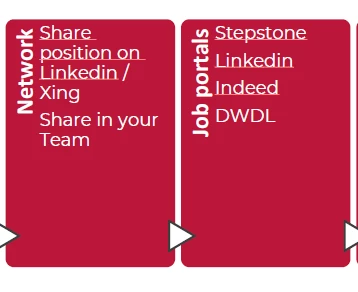
Ich habe bereits über die Einstellungen bei der Rechtschreibung den Haken entfernt, allerdings hat das nichts geändert. Kann mir eventuell jemand einen Trick verraten?
Danke und liebe Grüße
Lisa
 AdChoices