
Participating Frequently
July 15, 2022
Question

Recognize Text not working well with CAD drawings in PDF

  • July 15, 2022
  • 2 replies
  • 4144 views

I have some PDFs with CAD drawings in them and would like to be able to seach the text.

Searchable Image - Sort of works but a lot of smaller text enevnthough you can zoom in and the text looks great as its vector.

I think ClearScan or Searchable image may be better but 600dpi is not enough for the size of the drawings so they find almost no text and the drawings then look really bad.


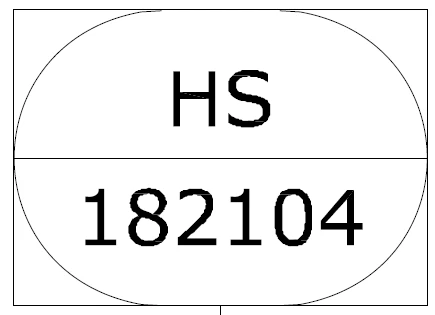
Befor scan.
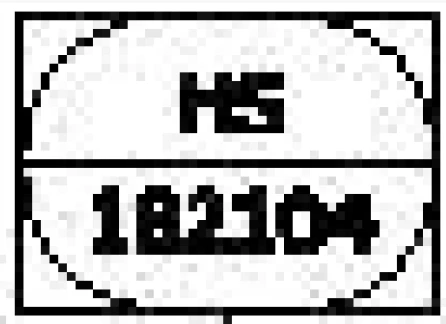
After ClearScan at 600dpi.


Is there a way to just turn the PDF with the CAD drawings in bitmaps at a much higher PDI and then run the Recognize Text?

This topic has been closed for replies.

2 replies

Participant
August 1, 2023

I have the same problem. I enhanced the image in Photoshop, but the OCR does not recognize the -apparantly- random text in an autocad P&ID like yours.
Some text is indeed converted, other text not. Especially with P&ID this would be a real help if it could recognize anywhere on the page. 

TanquenAuthor
Participating Frequently
October 27, 2023

Unfortunetly there seems to be no fix for this in Acrobat. When it conversts the drawing to a bitmap to then do the OCR the dpi is too low and it can not read most of the text. Maybe there is a way to overide the dpi used in the Acrobat Recognize Text OCR function.

gary_sc
Community Expert
Community Expert
July 15, 2022

Do you have access to the software that generated the CAD?


What format is the CAD image currently in?


Thanks

TanquenAuthor
Participating Frequently
July 15, 2022

I don't know what it is in the PDF but there were DWG files so AutoCAD files maybe? We just have the PDFs and the text is vector but is made up of more that one object.


gary_sc
Community Expert
Community Expert
July 15, 2022

HI Tanquen,


Not knowing what I'm looking at here, exactly what am I looking at. Also, if this is the PDF, I would not call that a vector object; it looks like it has been bitmapped.