

Kasandra
Inspiring
July 30, 2021
Answered

Remove Crop Marks, Registration, etc. but keep Bleed

  • July 30, 2021
  • 1 reply
  • 8103 views

Hello,


I prepress for printing and literally every designer sends us files with crop marks and registration marks and we don't need all that nonsense for production. All we need is bleed. Often times the crop marks are inside the bleed area which is just a pain.


Is there a way in acrobat to remove the crop marks using the preflight tool or a script? I need to keep the bleed. All the solutions I keep finding on here remove the crop mark and the bleed.


Currently I'm having to edit the pdf to remove the crop marks but that is a nightmare and sometimes causes issues with the artwork.
This topic has been closed for replies.
Correct answer Luke Jennings3

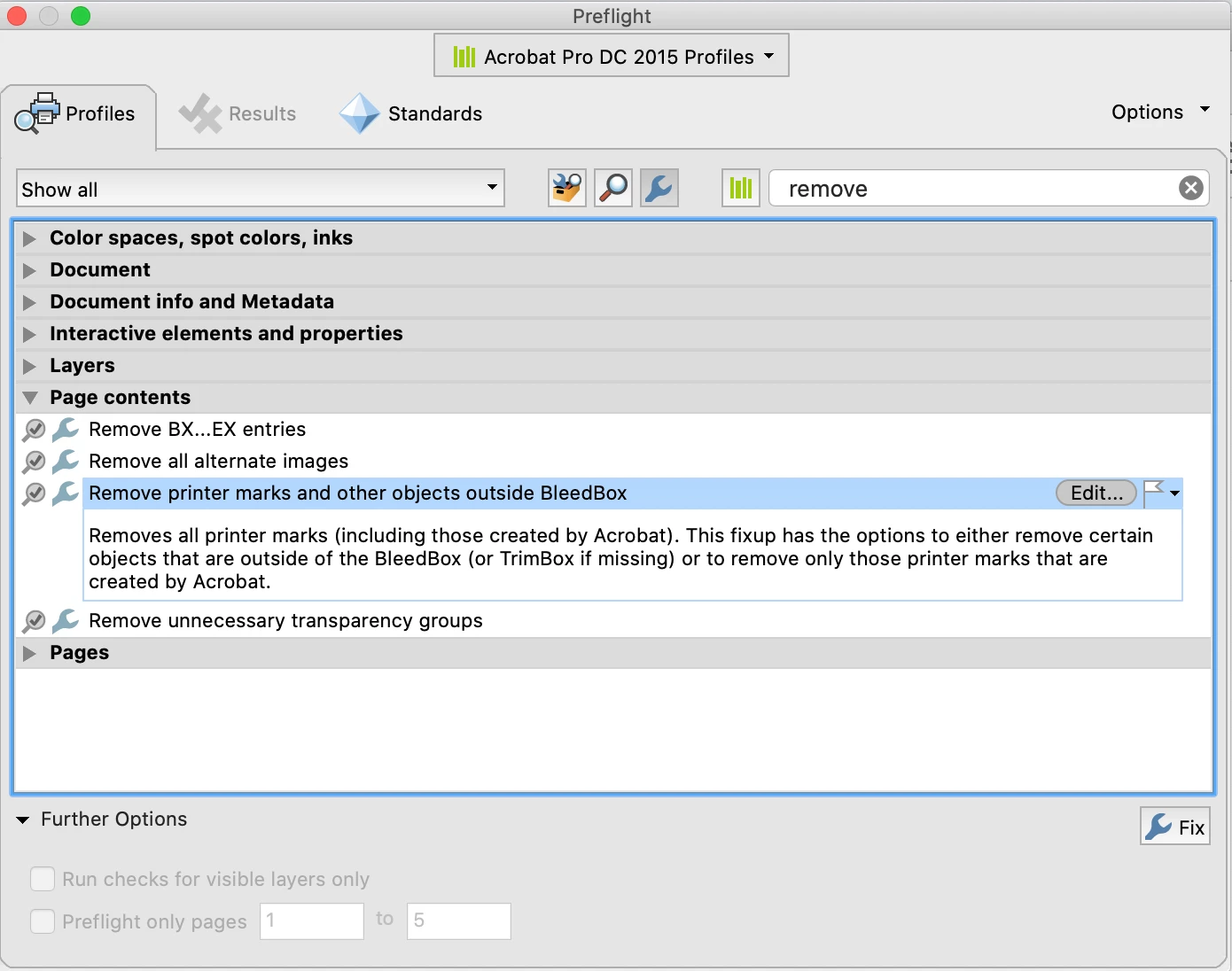
I believe PitStop can do that, you can also try this preflight fixup, although if the crop marks are intruding into the bleed box, it might ignore them.

1 reply

Luke Jennings3
Community Expert
Luke Jennings3Community ExpertCorrect answer
Community Expert
July 30, 2021

I believe PitStop can do that, you can also try this preflight fixup, although if the crop marks are intruding into the bleed box, it might ignore them.

Brad @ Roaring Mouse
Community Expert
Community Expert
July 30, 2021

That fixup should do the trick: I've used it in the past and it works quite well, although looking at it again now, I notice that the option to remove anything outside of "Trim Box" is no longer an option (as that was more reliable)... just "Bleed Box", or am I missing something?