
Removing autogenerated links from page numbers
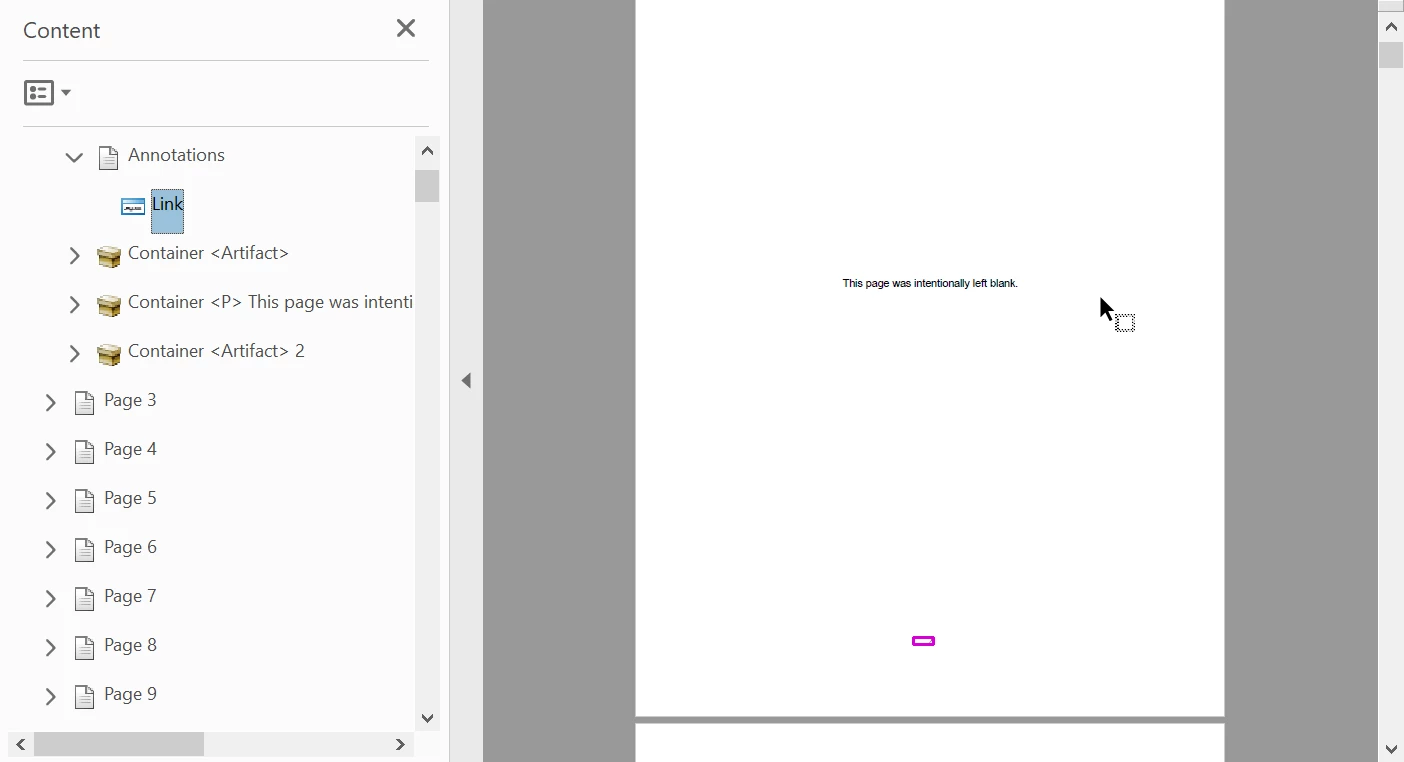
After autotagging my document and running the accessibility checker, I recieved a number of 'Tagged Annotations - Failed' errors the correspond to random page numbers throughout the document. In the Content panel, I see that these numbers have been associated with a Link, but cannot be found in the 'Tags' panel. These links operate like a footnote, taking me to the top of the page they are found on. I am having difficulty removing these empty links - I've tried using the 'edit PDF' function, but no actual link box appears. I've tried 'Removing All Links' from the specific pages, to no avail.
I don't believe using the 'Find' function to tag the element is what I want to do, as I don't want these links to exist at all. Any insight would be appreciated!


 AdChoices