


Exit
  • Global community
    • Language:
      • Deutsch
      • English
      • Español
      • Français
      • Português
  • 日本語コミュニティ
  • 한국 커뮤니티
0

Removing the Right-Side Panel

Explorer ,
Oct 18, 2017 Oct 18, 2017

Hello,

The right side of the opened program has a panel which expands when clicked. (See the screenshot.) I often click it accidentally when scrolling pages, with the result that the panel expands unnecessarily. Is there a way to remove the panel from the right side of the program?
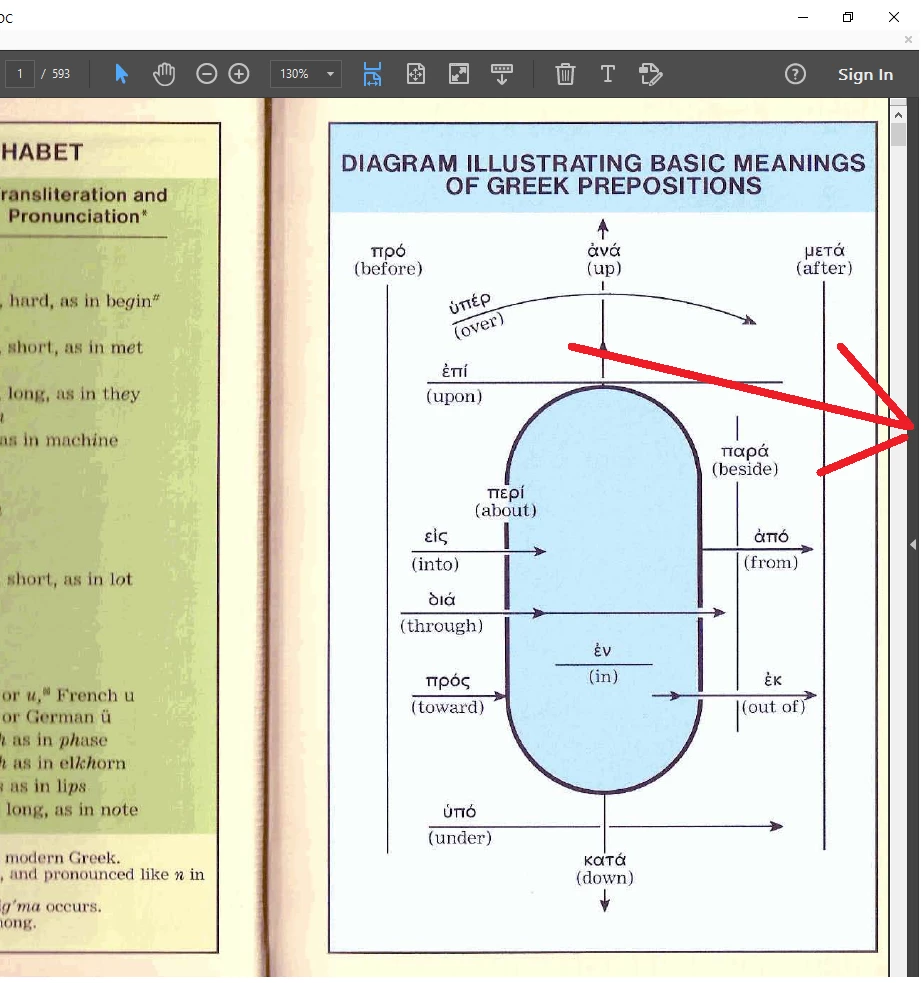
Capture.PNG

TOPICS
Edit and convert PDFs
667
Translate
Report
Community guidelines
Be kind and respectful, give credit to the original source of content, and search for duplicates before posting. Learn more
community guidelines
1 ACCEPTED SOLUTION
Community Expert ,
Oct 18, 2017 Oct 18, 2017
LATEST

No, the Right Hand Panel (RHP) is an important part of the Acrobat (and Reader) user interface. There is no way to remove it completely.

View solution in original post

Translate
Report
Community guidelines
Be kind and respectful, give credit to the original source of content, and search for duplicates before posting. Learn more
community guidelines
Community Expert ,
Oct 18, 2017 Oct 18, 2017
LATEST

No, the Right Hand Panel (RHP) is an important part of the Acrobat (and Reader) user interface. There is no way to remove it completely.

Translate
Report
Community guidelines
Be kind and respectful, give credit to the original source of content, and search for duplicates before posting. Learn more
community guidelines