
Participant
September 20, 2024
Question

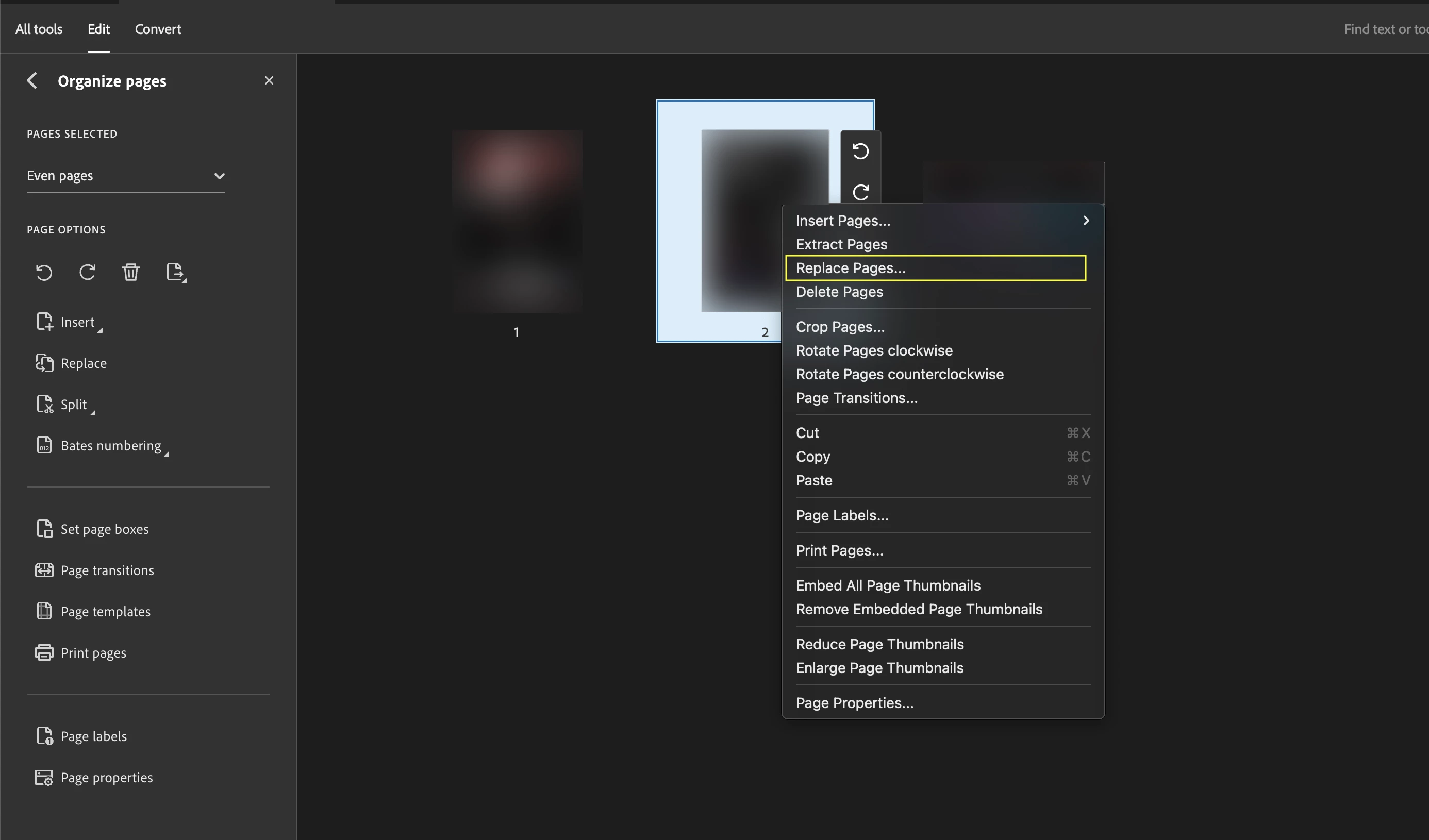
Replace Pages is no longer working in Adobe Acrobat
  • September 20, 2024
  • 1 reply
  • 391 views

I just tried to replace a page in a PDF using Adobe Acrobat and it's not working.

It appears to carry out its function but then the change is not reflected in the actual PDF.

I have done this countless times before so I don't understand why this is happening now.


Additional details: I am working on MacOS Monterey and this is Adobe Acrobat Pro 2024.003.20121

I am trying to replace the second page with a JPEG image. I have done this several times before successfully.

This topic has been closed for replies.

1 reply

S_S
Community Manager
Community Manager
September 20, 2024

Hi @cave244683110mrg,


Hope you are doing well. Sorry for your experience!


Do you experience this issue with every file you work with or specific files? 

If it concerns specific files, the creator may not allow the change. Can you try creating a test PDF file and then use the same workflow on it?


If this is not the case, please share a screen recording of your workflow for better understanding and assistance.


Look forward to hearing from you.


^Souvik