
Participant
April 9, 2020
Question

Roll Back Acrobat DC Update

  • April 9, 2020
  • 1 reply
  • 6888 views

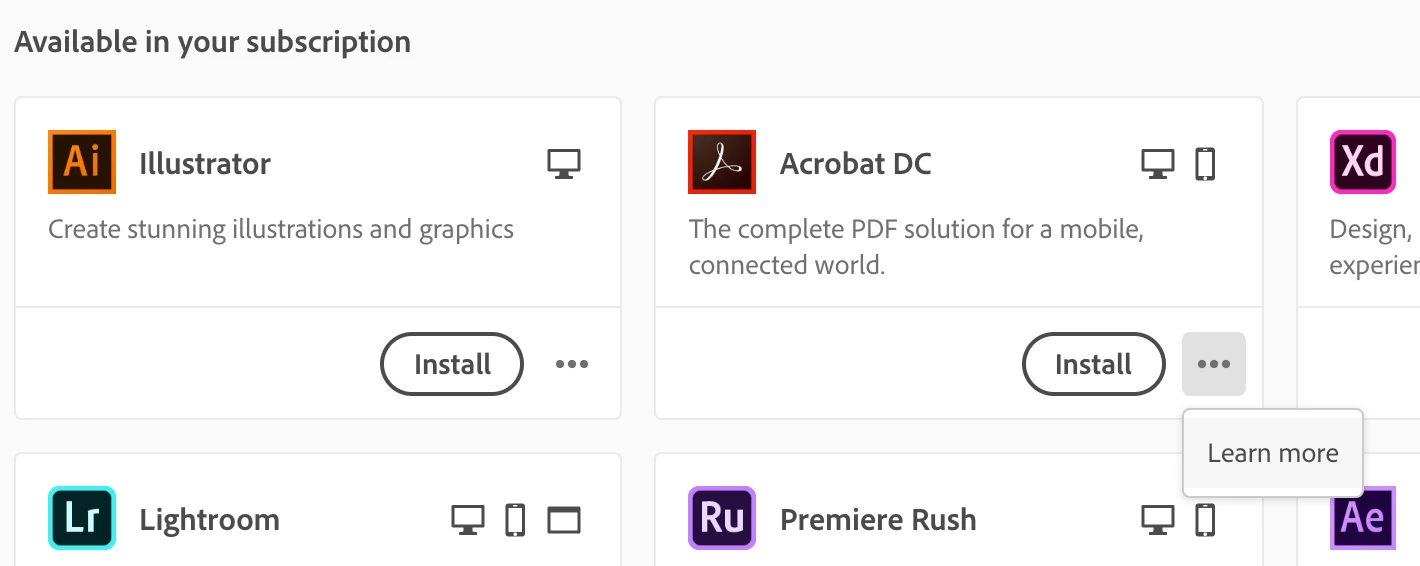
I have a plugin for Acrobat that doesn't work for Acrobat DC Version 20.0. I don't even get the option to roll back to older versions of the app like I do other items in my creative cloud. I'd like to go back to version 19.021.20061

https://helpx.adobe.com/acrobat/release-note/release-notes-acrobat-reader.html 
 

This topic has been closed for replies.

1 reply

ls_rbls
Community Expert
Community Expert
April 9, 2020

Hi,


I just learned this is not possible. See this discussion: https://community.adobe.com/t5/acrobat-reader/latest-version-of-acrobat-reader-dc-crashes-just-doing-about-command/m-p/11036957?page=1#M64890


At least with the Adobe CC Desktop App you won't.  But if you're a creative  PC maintainer, it is possible to rollback to an earlier state of your system (or even maybe an application) using Time Machine (in macOS) or using Restore Points (if using  MS Windows).


In my personal case, whatever setup files I download I save, so if needed, I can clean my system and start a fersh installation of the old setup program(s).


I got in the habit of doing this because if you depend only on the Adobe CC Desktop App (which I don't use for my Acrobat) everytime you try to install it, it will update itself and every application to its latest version .


If you decide to test or troubleshoot an installed update This obviously doesn't let you to rollback. And then you get stuck wth something that could perform more broken than before, without giving the user the ability to test or troubleshoot with a prior version if things were working good before such update(s).