Participant
August 15, 2024
Question

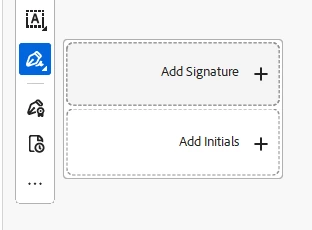
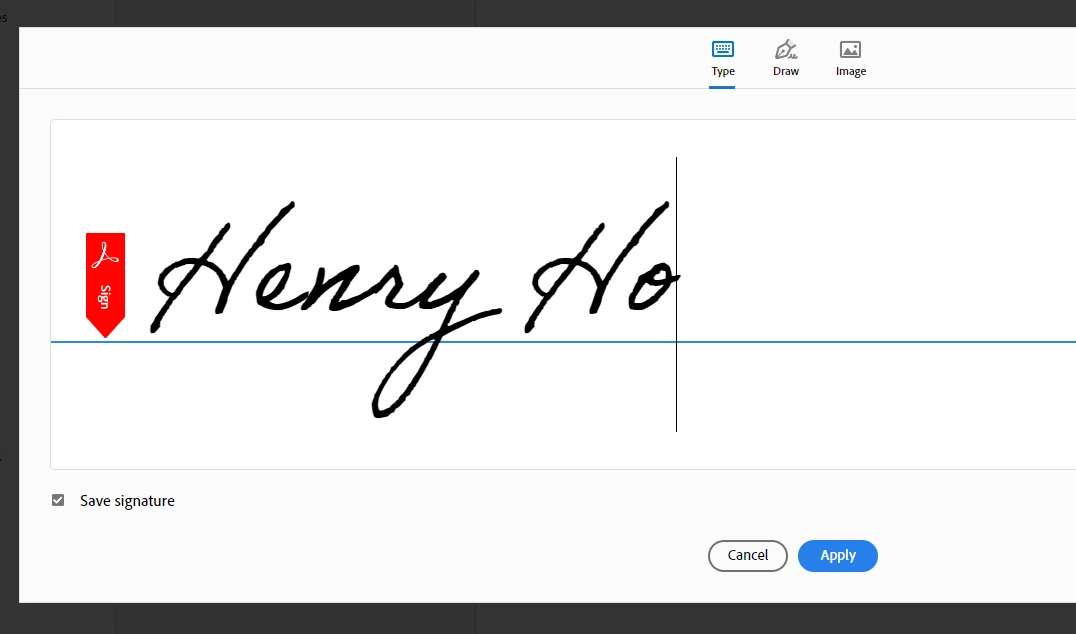
Save Signature loses on Acrobat

  • August 15, 2024
  • 1 reply
  • 189 views

Dear All


I am facing an issue with Save Signature. After I added a Type and Image as a signature, I clicked Apply, but the signature could not be saved.


Please advise. Thank you.


This topic has been closed for replies.

1 reply

Community Manager
October 3, 2024

Hi @Henry K F317424237rg8


Sorry for the delayed response and troubled experience. 

Please ensure Acrobat is updated to the latest version. Try signing out from Acrobat and signing back.  

To check whether your preference: "Syn settings" is enabled, Launch Acrobat> Edit > Preference. For Mac, launch Acrobat> Preferences. From Preference Windows > Adobe Online Services > Sync Settings > "Sync Preferences across devices and document services" is checked. 


If you’re still experiencing this issue, I encourage you to share any additional details or steps that led to the problem. This will assist us in diagnosing and fixing the issue more effectively.


Thank you for your patience and understanding as we work to make things right.


~Tariq