Exit
  • Global community
    • Language:
      • Deutsch
      • English
      • Español
      • Français
      • Português
  • 日本語コミュニティ
  • 한국 커뮤니티
0

Scan using Adobe Acrobrat Scanning interface no longer works, forces me to use the Native Canon UI

New Here ,
Jun 07, 2023 Jun 07, 2023

I've been using Adobe Acrobat for several years. One of the big values is using the Scanning interface from Adobe with my Canon MF733 laser.


Recently, I went to Windows 11, and I do not ever want to use the Scanner's interface.


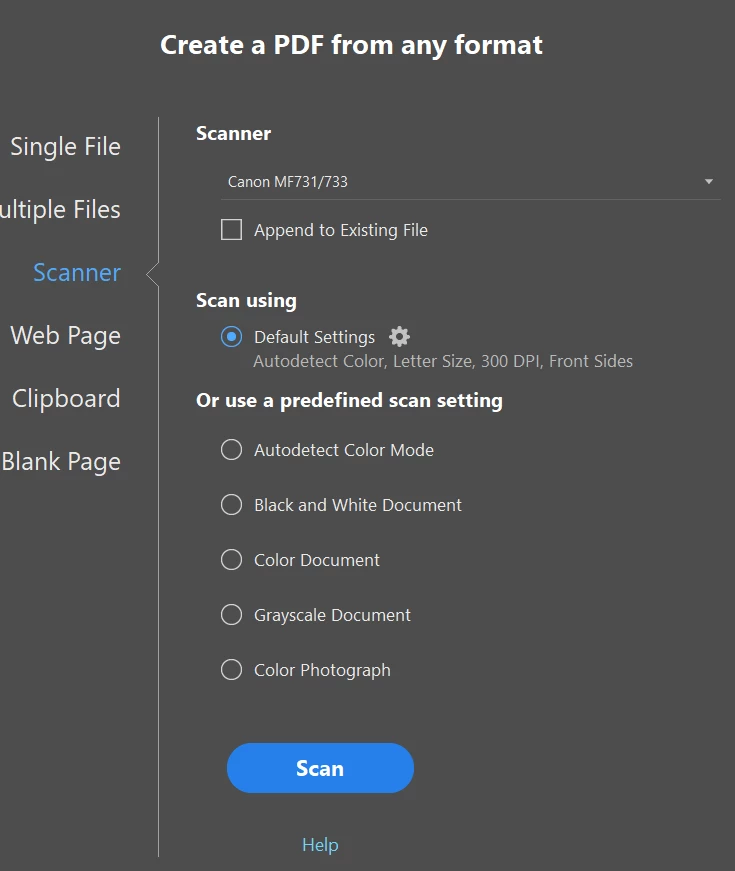
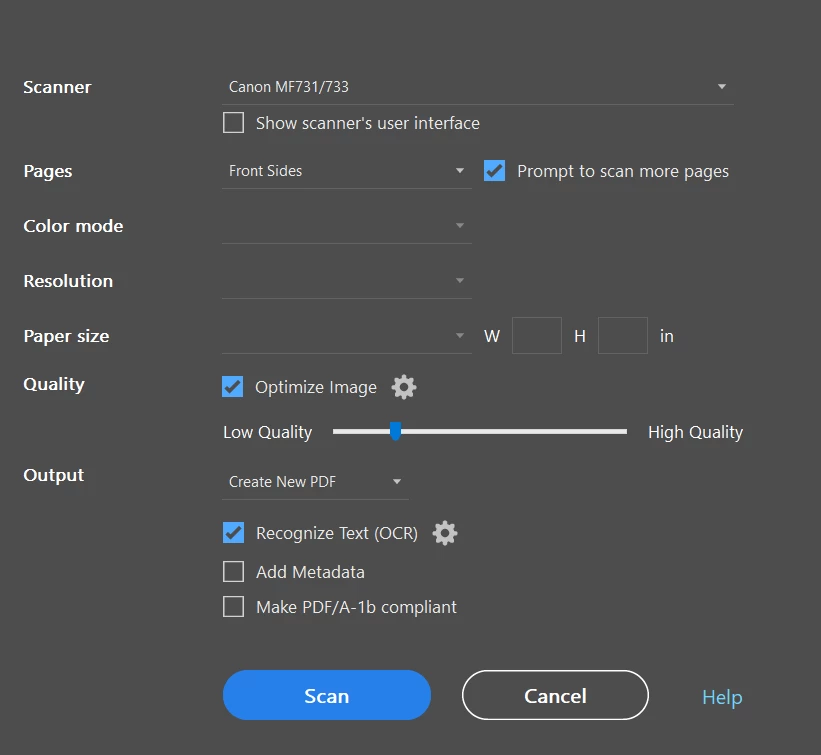
I have deselected the scanner interface and my setup is the same as before.
 

Brecero_1-1686161506881.png


Brecero_0-1686161362289.png


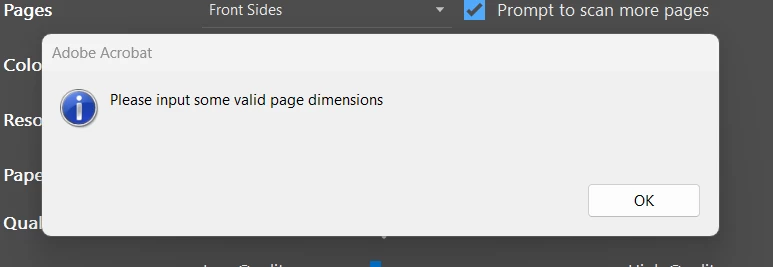
Ever since moving to Windows 11, the following happens with no clear way to add the desired context using the option I used to access.
 

Brecero_2-1686161612527.png

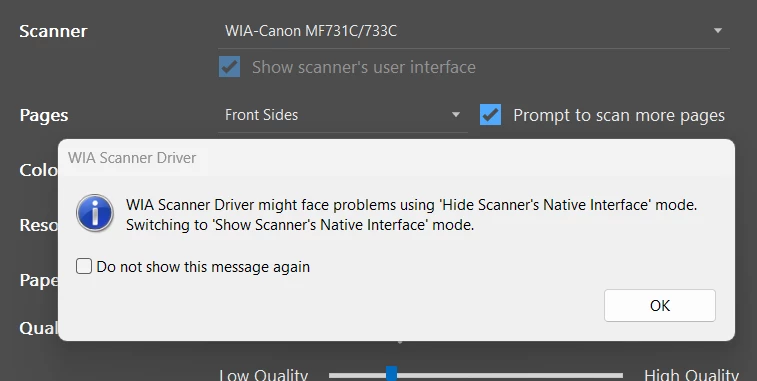
Since going to Windows 11, a new option is available call WIA Scanner. When I select this option, the following error shows up, forcing me to use the Scanner's User interface. (NOT IDEAL). 
 

Brecero_3-1686161828448.png


I have tried multiple drivers. Can you help?


Thanks


TOPICS
Scan documents and OCR
883
Translate
Report
Community guidelines
Be kind and respectful, give credit to the original source of content, and search for duplicates before posting. Learn more
community guidelines
Community Expert ,
Jun 07, 2023 Jun 07, 2023

Hi, @Brecero, I hate to break this to you, but Acrobat has no scanning capability whatsoever.


What Acrobat does is use software called TWAIN to link to scanning software. What appears to have happened is that when you went from one release of Windows up to the current Windows 11, what changed was the new Windows interface offered to you. 


I had to look it up as I've never heard of "WIA Scanner," but it's Windows Image Acquisition. It's not your Cannon software. There seems to be a different version of WIA from Windows 10 and 11.


I do not know how to tell you how to do this because I'm a Mac user (more on that in a moment), but see if you can search for your Cannon software which is probably better than the Windows interface. Once you have that (if you can), your scanning interface will remain the same (but not the same as before because you're using the Canon software, not WIA).


On the Mac, if I want to scan from other software (such as Acrobat), I have to use Apple's Image Capture, which is, I guarantee you, far worse than what you have. So, whether I'm doing documents or photographs, I can use my Epson software directly or (my preferred) Silverfast software. What I can't do is scan from Acrobat USING Epson or Silverfast software. I have to use the Epson or Silverfast software and then take the image files and move them over to Acrobat. (Fortunately, this is not as bad as it might sound. In fact, I recommend it to many.)

Translate
Report
Community guidelines
Be kind and respectful, give credit to the original source of content, and search for duplicates before posting. Learn more
community guidelines
New Here ,
Jun 07, 2023 Jun 07, 2023

Thanks Gary... It is worse than it was... I appreciate the feedback.

Translate
Report
Community guidelines
Be kind and respectful, give credit to the original source of content, and search for duplicates before posting. Learn more
community guidelines
Community Expert ,
Jun 07, 2023 Jun 07, 2023
LATEST

Best I can help you with is a blog I wrote for Adobe a number of years ago. At least it will help you with your scanning.


https://community.adobe.com/t5/adobe-community-professionals/scanning-clean-searchable-pdfs/m-p/4785...

Translate
Report
Community guidelines
Be kind and respectful, give credit to the original source of content, and search for duplicates before posting. Learn more
community guidelines