
Question
script to place numbering on left of page? Acrobat Pro DC
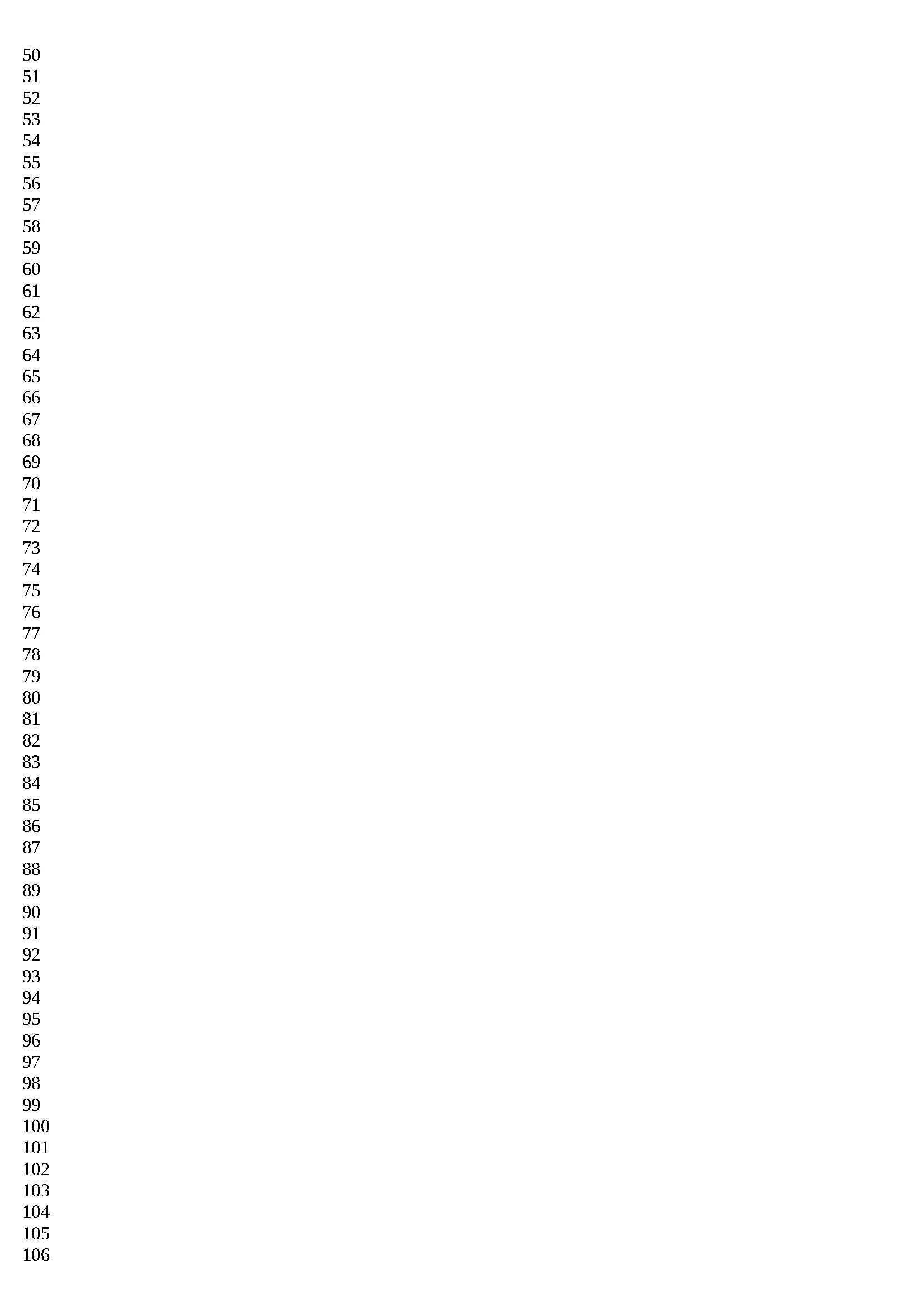
I have a PDF of a few hundred pages, where I want to add continous numbering on the left the page (the pages are mixed portrait and landscape in the same PDF). The line numbers don't have to match with the actual text on the page. Does anyone have any example code from a script that could do this in Acrobat Pro DC?
I know line numbering can be difficutl in PDF, but this should be an easier task, as the numbers don't have to match with the actual text on the page. I could obviously do this manually - page by page, but it would be very tedious, so am looking for a script to do this.
Below is an example of what I want to achieve. Please dont suggest overlaying an image over the pages. I want to do this by using a script to apply numbers.
 AdChoices