creative_Marshmallow5E0C
Participant
April 7, 2021
Answered

Seiten drehen

  • April 7, 2021
  • 3 replies
  • 1771 views

Hallo Adobe,

Hallo Community,


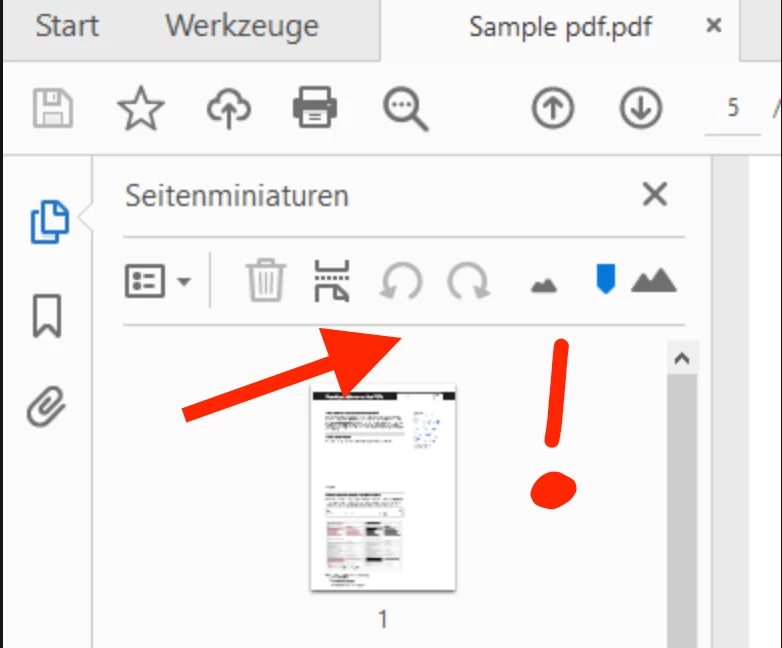
wo sind die Shortcuts zum schnellen Seiten drehen hin?

Ich meine die Rotationspfeile nach Links und nach Rechts.

Wer hat die gelöscht? Der Designer arbeitet wohl nicht mit dem Programm?

Was soll ich jetzt mit dem Dropdownmenü? Manchmal muss jede Seite anders gedreht werden.

Oh man ey... 800 EUR / Jahr und dann so was... 😞


Besonders häufige Befehle, so wie das Drehen von Seiten, können doch nicht einfach von der Menüfläche verschwinden. Vorallem ist der Platz dafür vorhanden!

Oder kann ich die wieder einschalten? Hilfe... 🙂


Danke und Gruß


Ansicht jetzt:
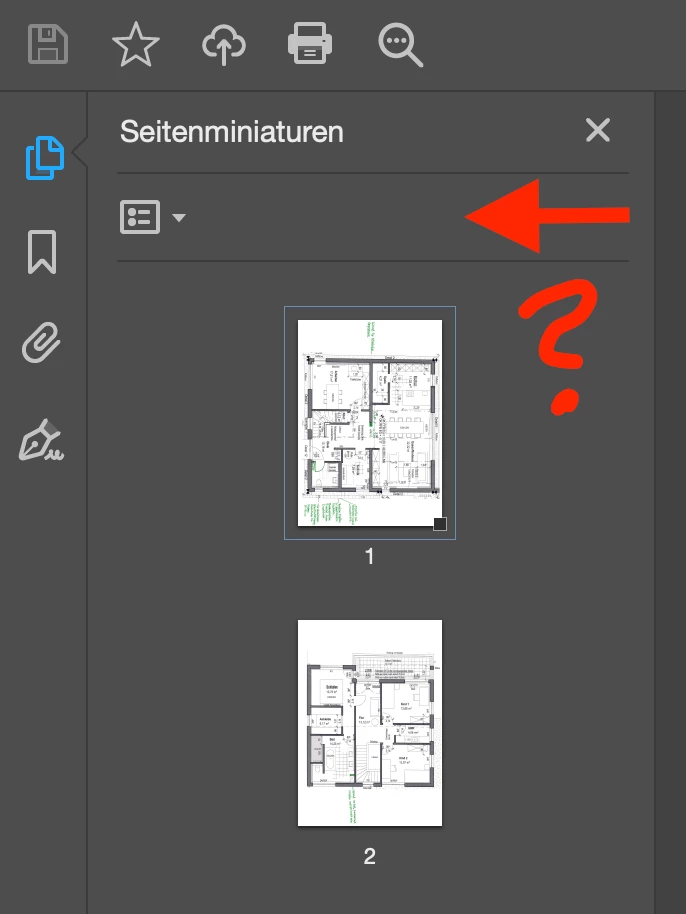
 

Ansicht vorher (Bild über Suchmaschine gefunden):

Rotationspfeile
This topic has been closed for replies.
Correct answer creative_Marshmallow5E0C

Hi all,


thank you for your reply. Your answers are not directly correct!

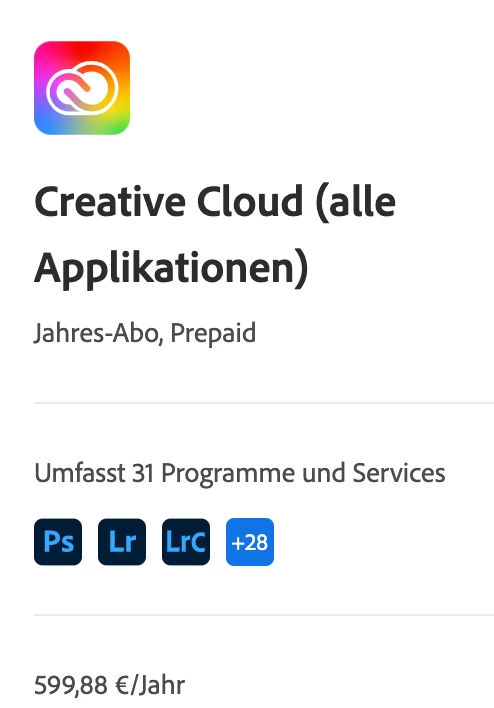
I've installed the Adobe Acrobat Pro Version, of course. I pay over 600 EUR/year, so why should I use the free version, please?


I know where the problem is!

I've three devices which I am using the Adobe Creative Cloud.


1. iMac in my home office

2. macBook Pro in office and for some customer visits

3. Windows Notebook for traveling (Doesn't hurt if it breaks.)


But here's Adobe's problem. It's allowed to install the Creative Cloud for three devices, but I can activate two devices at the same time, only. So, if I activate my Account in Adobe Acrobat Pro, than I have to restart the Acrobat Software. On macOS I've to quit the software over processes or by clicking the right mouse button. But if you have special settings for your macOS, than you'll not see that the app is still running when you have closed it. Normally macOS will not exit the application if you close the window / app. When I want to exit the software then I have to go to the processes or change my macOS settings that I will see the running applications in my Dock. (dot under the app)

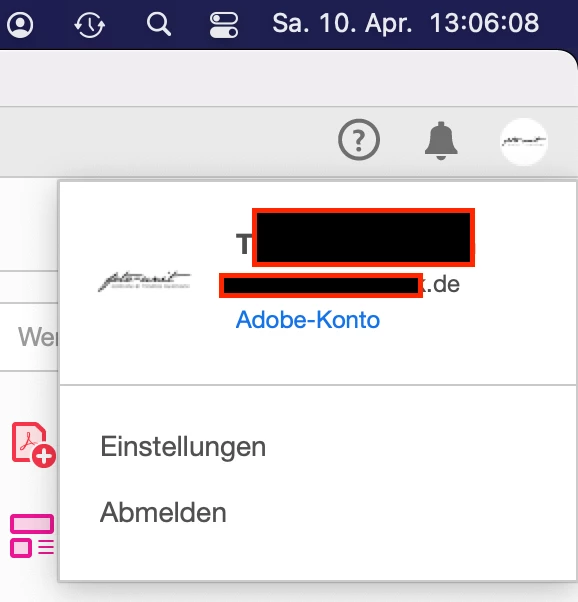
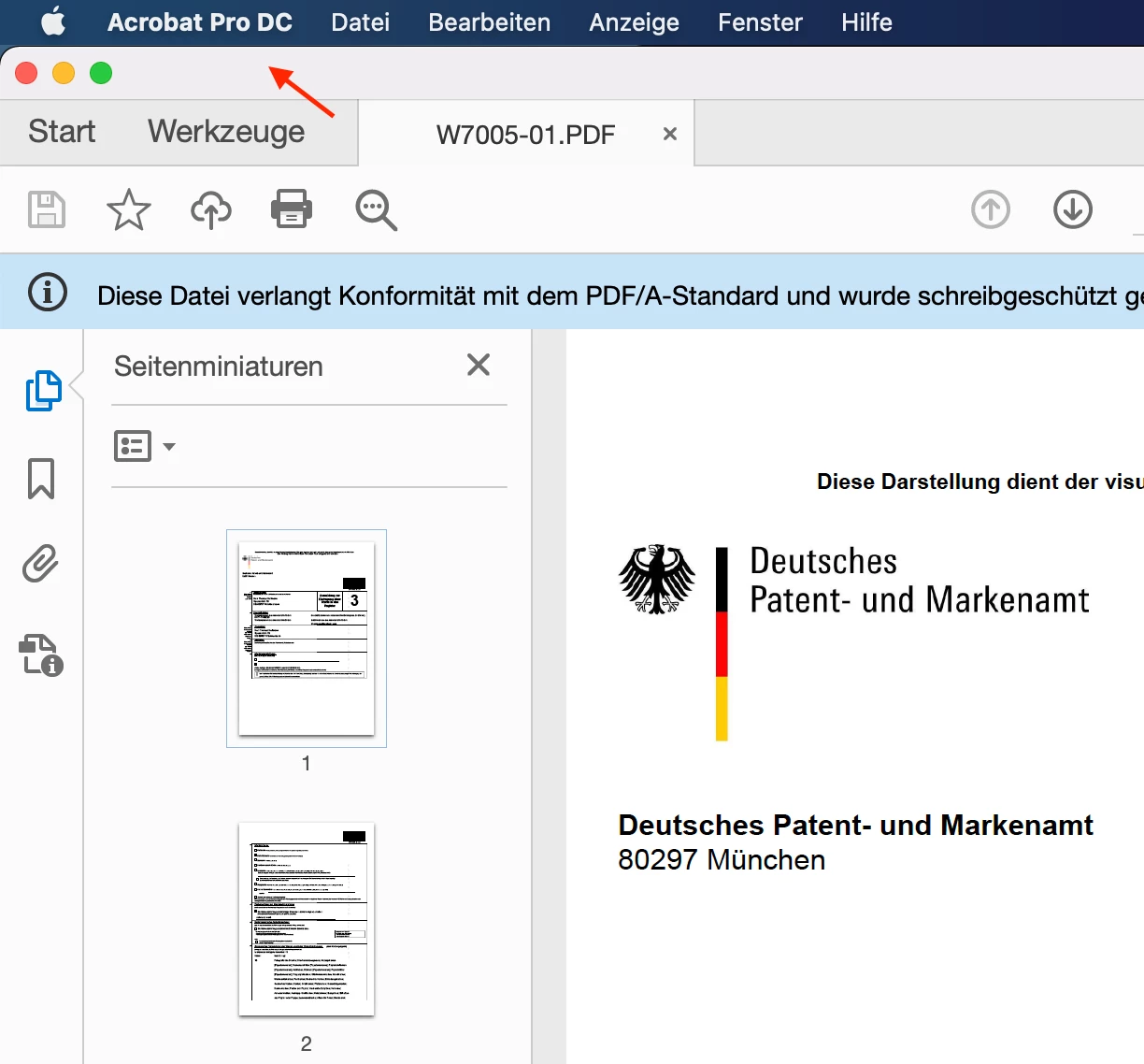
In my screenshots you can see the "Acrobat Pro DC" all the time.
This is an issue for macOS user!

Now I know how to handle with that issue!
Thank you!


3 replies

JR Boulay
Community Expert
Community Expert
April 10, 2021

Yes, even with a PDF/A opened in Read Only mode you should see these tools (grayed out) in Acrobat Pro.


Acrobate du PDF, InDesigner et Photoshopographe
JR Boulay
Community Expert
Community Expert
April 8, 2021

You are using the free Acrobat Reader, these tools are available in Acrobat Pro or Standard only.


Acrobate du PDF, InDesigner et Photoshopographe
creative_Marshmallow5E0C
creative_Marshmallow5E0CAuthorCorrect answer
Participant
April 10, 2021

Hi all,


thank you for your reply. Your answers are not directly correct!

I've installed the Adobe Acrobat Pro Version, of course. I pay over 600 EUR/year, so why should I use the free version, please?


I know where the problem is!

I've three devices which I am using the Adobe Creative Cloud.


1. iMac in my home office

2. macBook Pro in office and for some customer visits

3. Windows Notebook for traveling (Doesn't hurt if it breaks.)


But here's Adobe's problem. It's allowed to install the Creative Cloud for three devices, but I can activate two devices at the same time, only. So, if I activate my Account in Adobe Acrobat Pro, than I have to restart the Acrobat Software. On macOS I've to quit the software over processes or by clicking the right mouse button. But if you have special settings for your macOS, than you'll not see that the app is still running when you have closed it. Normally macOS will not exit the application if you close the window / app. When I want to exit the software then I have to go to the processes or change my macOS settings that I will see the running applications in my Dock. (dot under the app)

In my screenshots you can see the "Acrobat Pro DC" all the time.
This is an issue for macOS user!

Now I know how to handle with that issue!
Thank you!


Bernd Alheit
Community Expert
Community Expert
April 10, 2021

You try to modify a PDF/A document.

Amal.
Community Manager
Community Manager
April 8, 2021

Hi Mitglied


Hope you are doing well and sorry for the trouble. As described the Page rotation arrows are not present in the first screenshot that you have shared above.


It look like you are using Adobe Acrobat Reader DC application - Its a freeware application with limited functionality. For more information please check out the help page https://helpx.adobe.com/reader/faq.html


The page rotation feature is available in Adobe Acrobat DC (Paid subscription) as seen in the second screenshot.

For more information about page rotation please check out the help page https://helpx.adobe.com/acrobat/using/manipulating-deleting-renumbering-pdf-pages.html


Please logout of the Adobe Acrobat Reader DC application and open Adobe Acrobat DC (Paid subscription) application and login with your Adobe ID and password and check.


Hope his information will help.


Regards

Amal