
MarinusBarletius
Known Participant
July 9, 2021
Answered

Some characters (Swedish å ä ö) pasting as blank spaces.

  • July 9, 2021
  • 1 reply
  • 1367 views

I scanned some Swedish documents using Adobe Scan app for iPhone, set to text recognition in Swedish.


Then I sent it to my MacBook Pro and opened with Adobe Acrobat DC 2021, in order to copy/paste it for translation in DeepL Translate.


When I copy/paste, all the ä, å, and ö characters paste in as blank spaces. I tried pasting into TextEdit app, Pages, and DeepL website. Same result in every app. 


How to correct? Thank you! This is an emergency actually!
This topic has been closed for replies.
Correct answer try67

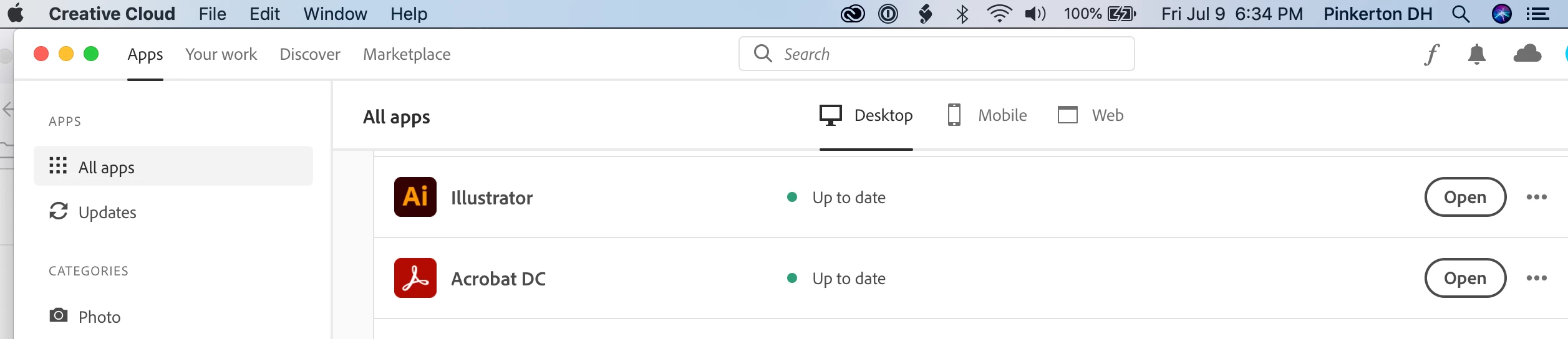
Strange, because it shows I am up to date. I am running this on a Mac.


It's an "optional" update (why would you make a fix for a critical bug mandatory, after all...):

https://www.adobe.com/devnet-docs/acrobatetk/tools/ReleaseNotesDC/continuous/dccontinuousjunehotfix2021.html#dccontinuousjunehotfixtwentytwentyone

1 reply

try67
Community Expert
Community Expert
July 9, 2021

Make sure you update Acrobat to the latest version available.

MarinusBarletius
Known Participant
July 9, 2021

Yes, it is the latest I think.

try67
Community Expert
Community Expert
July 9, 2021

You need to be sure. Look under Help - About Acrobat. What's the version number written there?