
Some kind of print guides or margins or something showing, never seen before and can't hide them.
I've been working on a file in Illustrator and using the PDF format (since I opened a PDF export from Excel of some graphs). When I did a Save As… the file opened in Acrobat (as it does when checked to do so) and I'm seeing a green rectangle on the edge of the page and a red rectangle which appears to be the page's object bounds.
Never seen this kind of thing before without explicitily turning it on in Prepress work a million years ago.
Anyhow when I open the PDF in Apple Preview or Firefox browser they are not there but when I open in Acrobat they are there. I reverted to the old Acrobat and they're still visible.
What are they and how do I make sure the person I wanted to submit this file to 4 hours ago doesn't see them?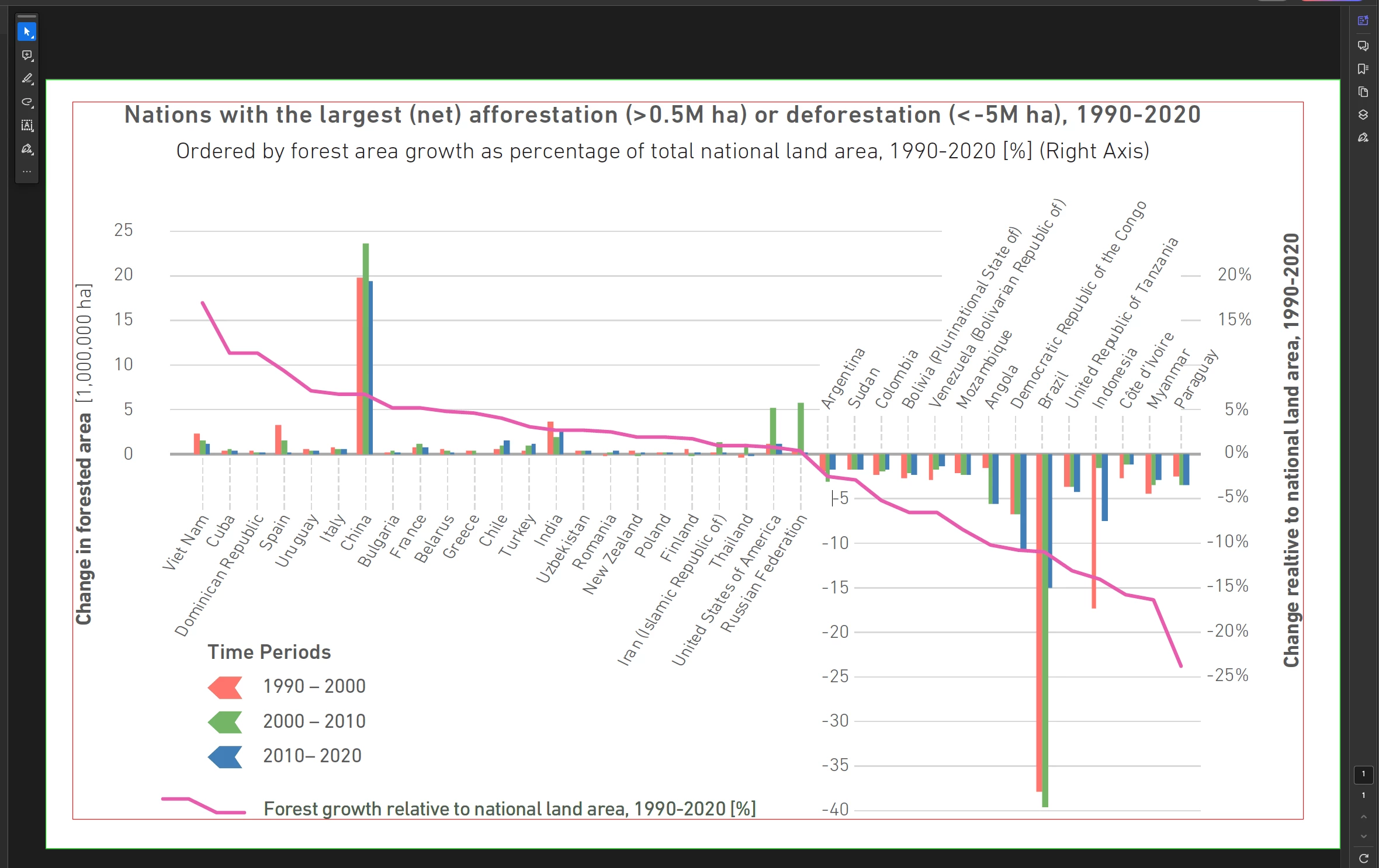 ^— In Acrobat
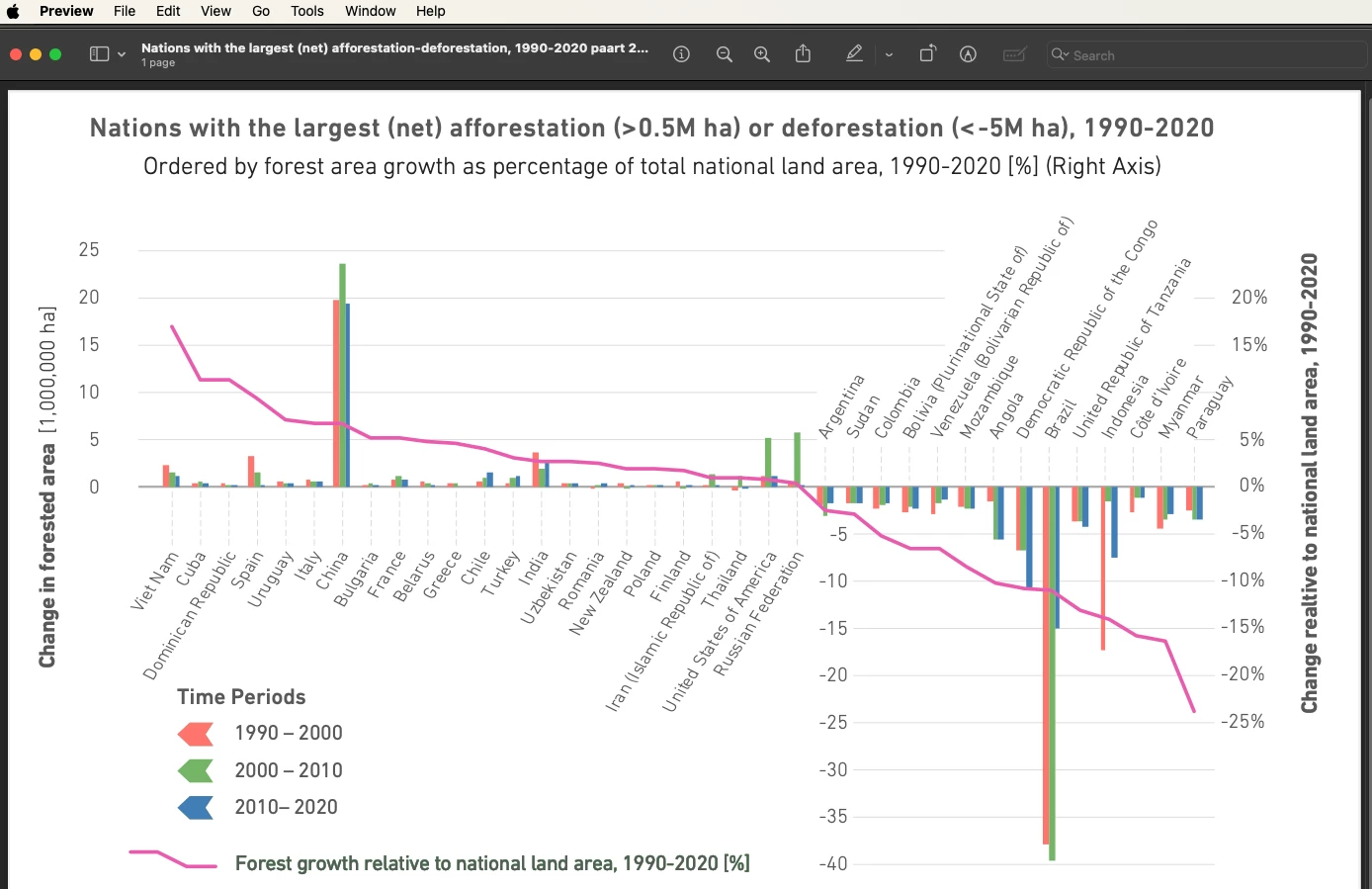
^— in Apple's Preview PDF viewer
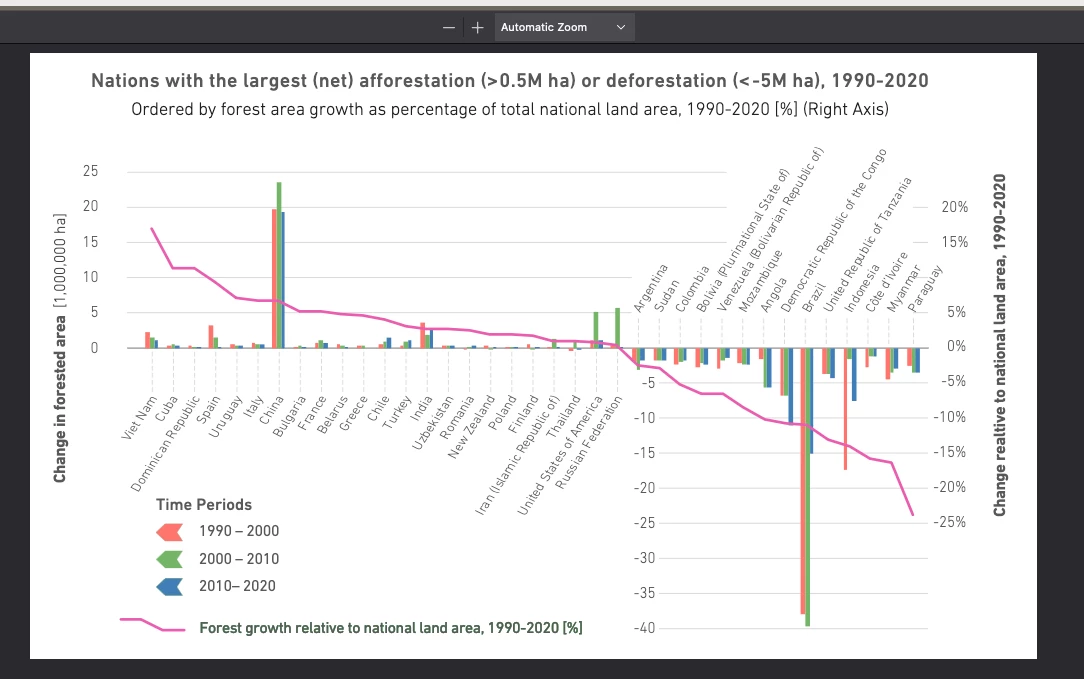
^— Firefox
 AdChoices