Participant
October 4, 2018
Answered

Spinning Wheel on Fill & Sign

  • October 4, 2018
  • 2 replies
  • 19395 views

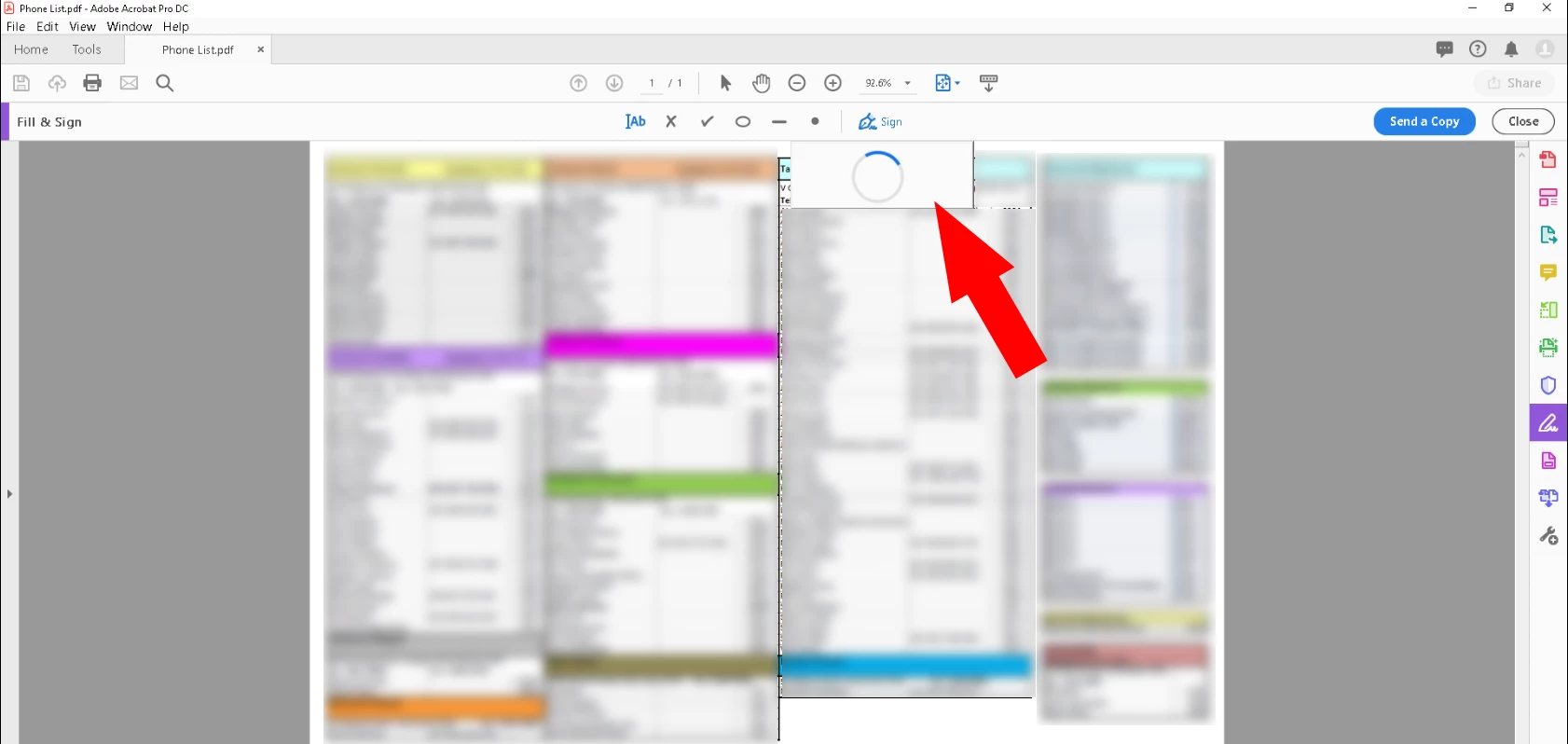
In Adobe Acrobat Pro DC when opening a document, going to Fill & Sign > Sign, a blue spinning wheel shows up and won't go away.

Happens for multiple PDF documents. Using latest version of Acrobat (checked for updates). Computer has been restarted, Acrobat reinstalled, %AppData% paths temporarily renamed. Very frustrating, nothing seems to allow the usual signature to appear.
This topic has been closed for replies.
Correct answer kayleigha31220847

I got the same message.


I found out what the issue was...

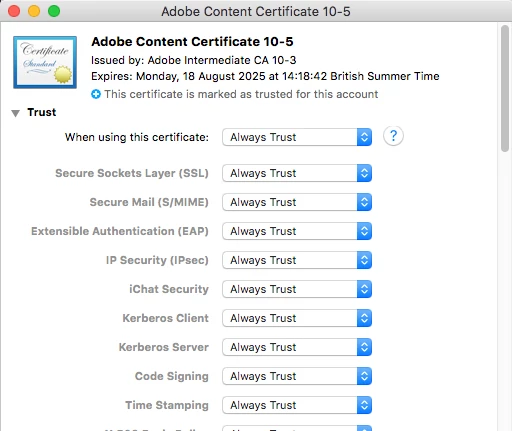
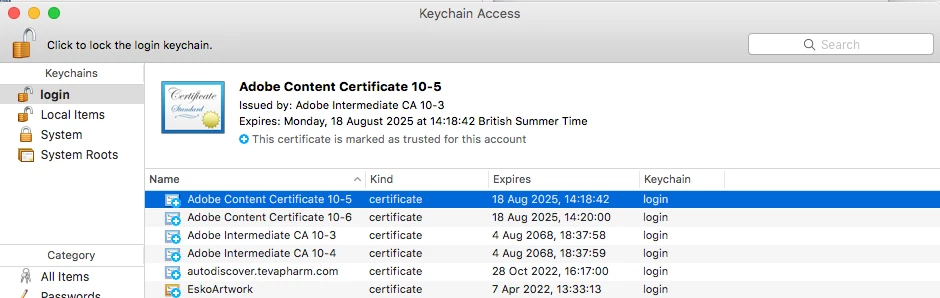
I needed to update the certificates on my machine in Keychain Access.

Open Keychain Access and select Certificates

Open the Adobe certificates and change them all to 'Always Trust'

2 replies

kayleigha31220847
Participant
January 31, 2019

Hi,

I am experiencing the same issue. My old version of Acrobat works fine but DC is spinning when I click sign.

I am connected to a work Network, and not able to connect to another.

I have signed out and back in to Acrobat, but nothing changed.

The send a copy feature does not work.

I cannot open the service link https://cloud.acrobat.com either.

Does this mean it is a network issue?

Thanks,

Kayleigh

Bernd Alheit
Community Expert
Community Expert
January 31, 2019

What happens when you access the service link?

kayleigha31220847
Participant
January 31, 2019

Try a other browser.


I got the same message.

Adobe Employee
October 22, 2018

Hi,

Thanks for reporting the issue. Here are the next steps :

1. Can you please try signing out and then signing in to Acrobat.Let us know if you still observe the issue.

2. Are you under some network restrictions?

3. Are you able to use the Send a copy feature in Fill and Sign.( The blue button on the right hand side of the screen)

Regards,
Sandeep Grover

al3xxxxAuthor
Participant
October 22, 2018

Hi Sandeep, thanks for the speedy response.

We've tried signing out Adobe, back in, uninstalling, repair install, renaming Adobe %appdata% folders, etc. We do have some outbound ports restricted on our network. Any in particular that Adobe needs? I've just installed an older version of Acrobat for this user we didn't have time to wait.

Thanks

Community Manager
November 15, 2018

Hi Al3xxxx,

Is your machine connected to an office network or home network?

Have you tried to connect to a different network for testing purpose? What happens, if you open the service on a browser https://cloud.acrobat.com/​ 
If you have a different machine could you try testing this issue on that one?

-Tariq Dar