
Tagged Annotation Failed - Signed DocuSign PDF
- November 17, 2025
- 1 reply
- 83 views
Hi,
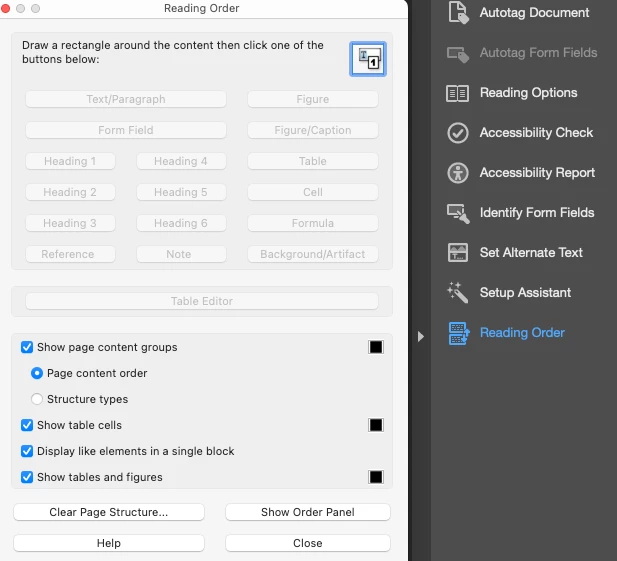
I am testing Docusign & Adobe PDF accessibility issues. I downloaded a signed Docusign form which Docusign converts to PDF and locks it down to prevent editing. When I open the document in Adobe and run the accessiblity check I have one error. "Tagged Annotation Failed". When I expand the list there is one Element 1.
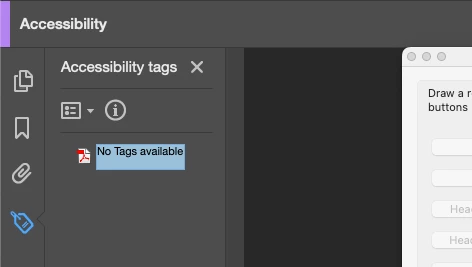
Normally, if I clicked on Element 1 the offending element in the document is highlighted. But this is not happening. I have no idea what element isn't tagged. The original Word document that was uploaded to Docusign passed all accessibility checks. All accessiblity requirements on the Docusign form itself were met. I will be reaching out to Docusign as well but I'm afraid they are going to ask me exactly what element didn't tag. How do I find this out? I've attached two examples of the same issue.
Rachael Leyba
Olmsted County, MN
 AdChoices