
caileec5637304
Participant
March 16, 2023
Answered

Text duplicated in PDF

  • March 16, 2023
  • 1 reply
  • 2756 views

I'm not sure how to fully explain this issue. I have a PDF that I need to be able to highlight, but when I try, it highlights multiple "invisible" boxes.
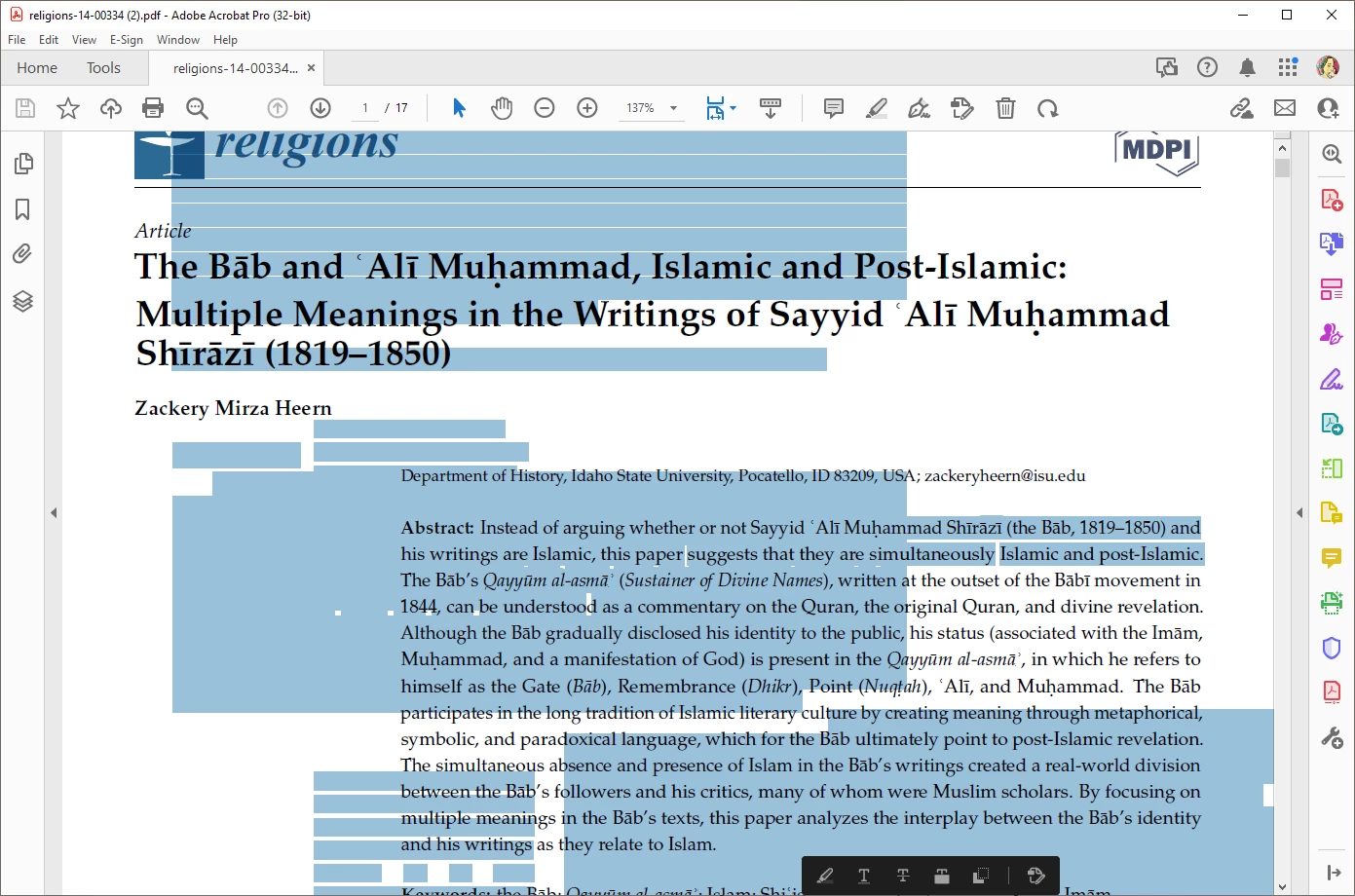
 

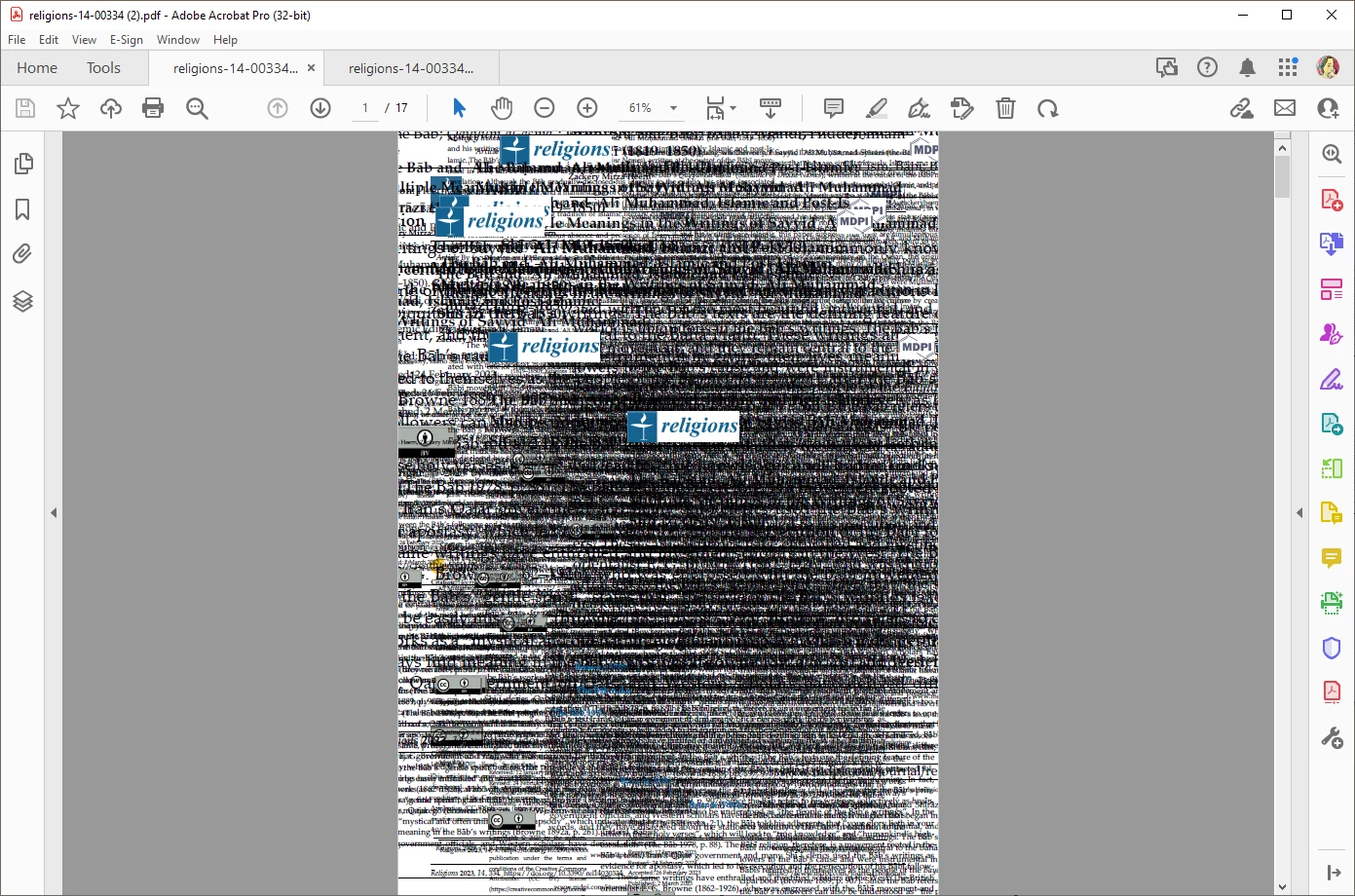
When I optimize the text it looks like this, and you can see it has the article multiplied over top of itself:
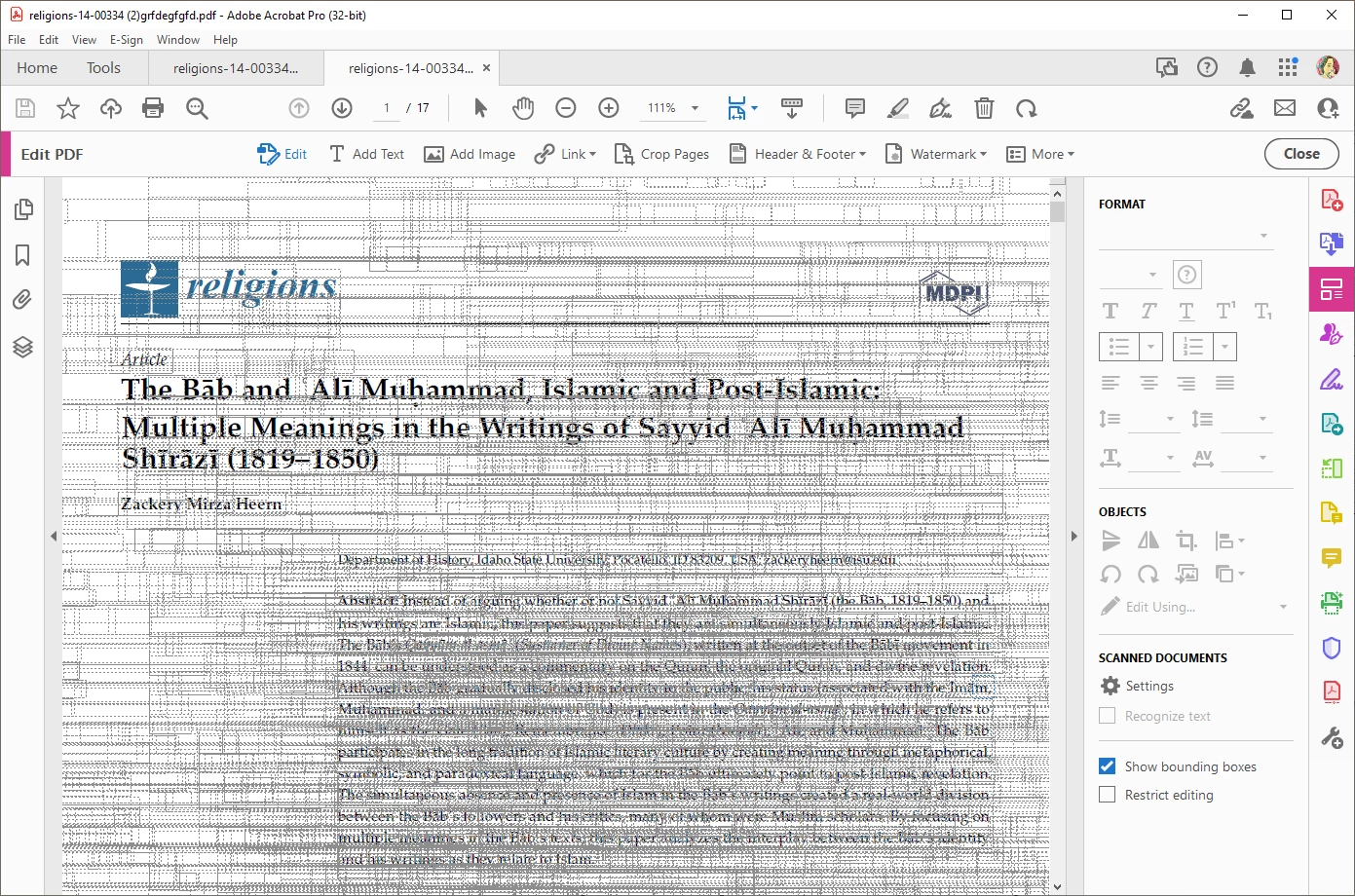
There are no layers, but when I go into edit, you can see all of the bounding boxes for text:
Is there an easy way to clean up this pdf? I've never seen anything like this before.

This topic has been closed for replies.
Correct answer Bernd Alheit

Export the pages as TIFF files, create a new PDF file from the TIFF files, and use OCR on the new file.

1 reply

Bernd Alheit
Community Expert
Bernd AlheitCommunity ExpertCorrect answer
Community Expert
March 16, 2023

Export the pages as TIFF files, create a new PDF file from the TIFF files, and use OCR on the new file.

caileec5637304
Participant
March 16, 2023

This worked great! Thank you. 🙂


Would you by chance know how to clean up the text? It seemed to make the blue text an image and its a lower quality. I ran it through to save it as a Press-Ready PDF and it seemed to make it worse.


caileec5637304
Participant
March 17, 2023

What OCR options does you use?


Here's what my settings look like under Enhance