
Question
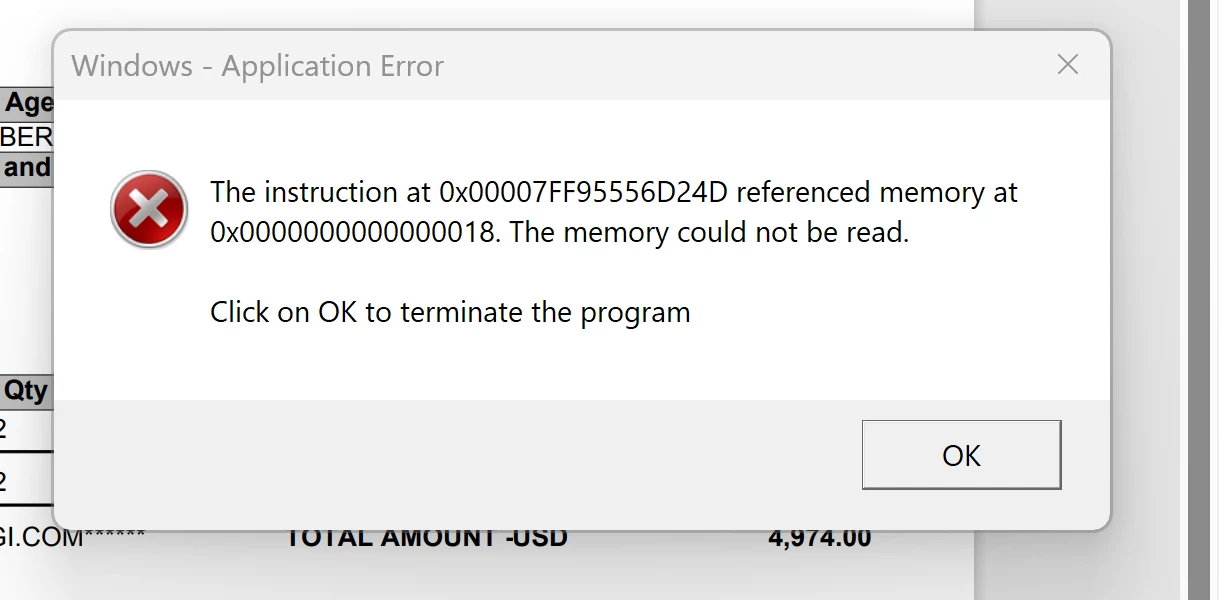
There are multiple people in my organization getting the same error when opening a PDF in Acrobat
Almost every user that we have using adobe has gotten this error at some point. It will come up when first opening the PDF, normally users can just click ok and it will open the PDF like normal and allow them to make changes. Lately to pop up will continue to come up when the user is trying to edit the file, heaviliy disrupting their ability to work continuously within a PDF. In the past I have fixed it by doing a complete uninstall of Adobe and Creative Cloud including deleting all program files and running the CC cleaner tool. After completely uninstalling and reinstalling the error used to go away. Now I have mulitple users that are still getting the error after the complete uninstall and reinstall. Is there anyway to fix this error?
 AdChoices