Answered
These Adobe Processes on Windows!! What are you doing about this?
Over the past few days, I open Adobe files but then it stops and I have to reboot my machine. Why?
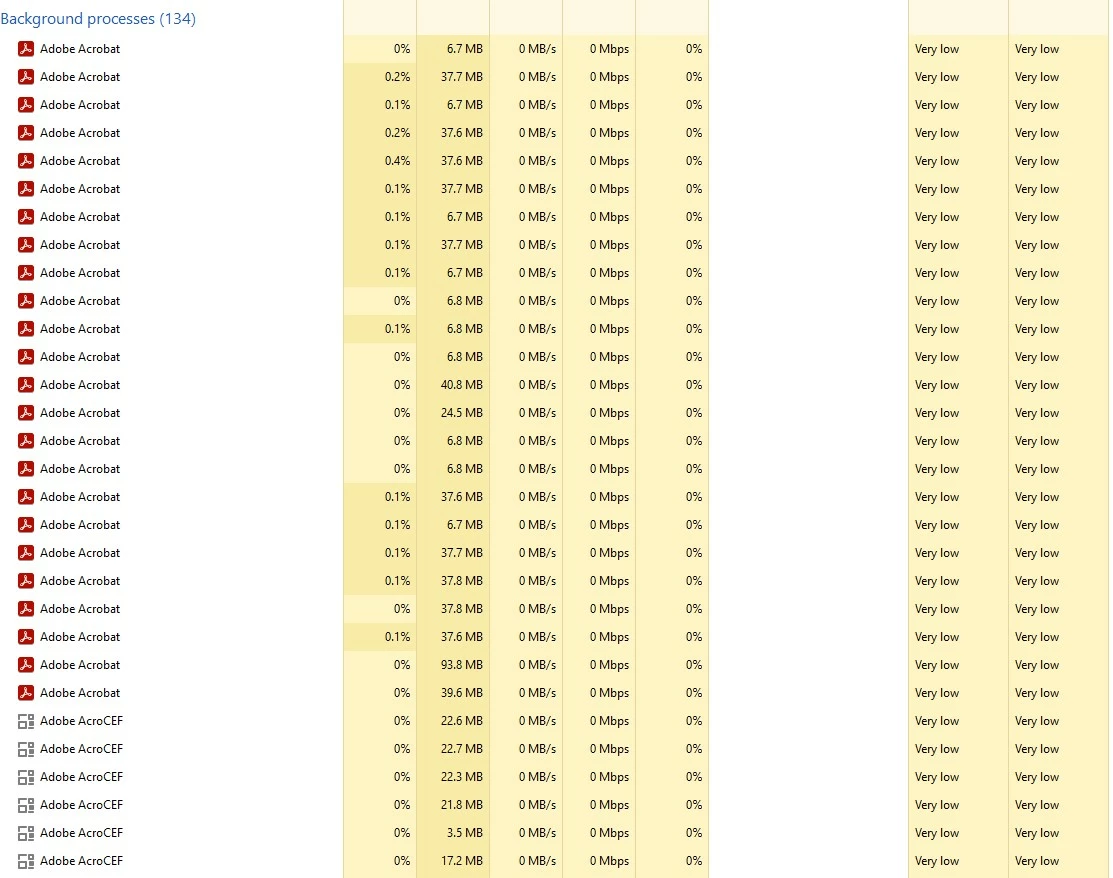
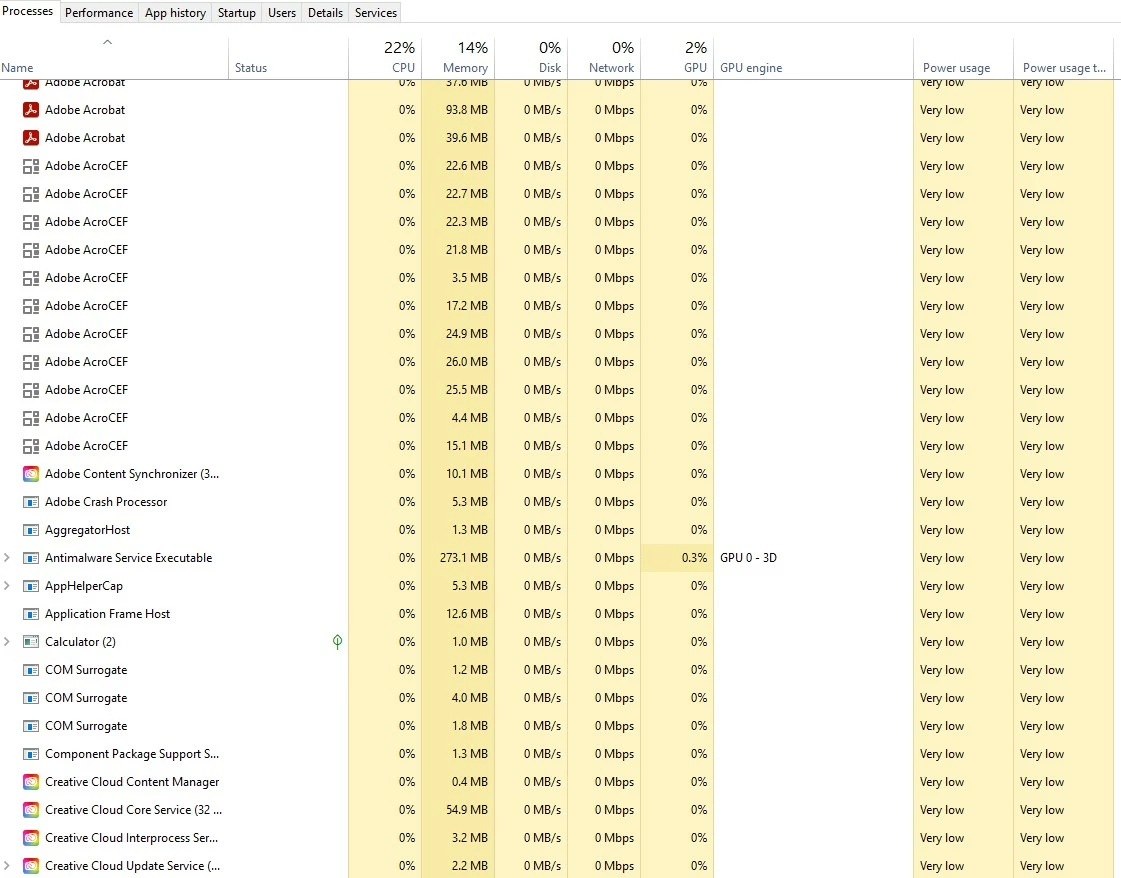
I looked at my processes and this is what I see....

Over the past few days, I open Adobe files but then it stops and I have to reboot my machine. Why?
I looked at my processes and this is what I see....
Hope you are doing well and thanks for reaching out.
Go to Preferences (Ctrl,Cmd+K) > Page Display > Under rendering, Uncheck 'Use page cache' > click OK and reboot the application and check.
If it doesn't work please try remove the application using the Acrobat cleaner tool https://www.adobe.com/devnet-docs/acrobatetk/tools/Labs/cleaner.html , reboot the computer and reinstall the application using the direct link https://helpx.adobe.com/acrobat/kb/acrobat-dc-downloads.html and see if that works.
~Amal
Already have an account? Login
Enter your E-mail address. We'll send you an e-mail with instructions to reset your password.
 AdChoices