Exit
  • Global community
    • Language:
      • Deutsch
      • English
      • Español
      • Français
      • Português
  • 日本語コミュニティ
  • 한국 커뮤니티
2

These Adobe Processes on Windows!! What are you doing about this?

Engaged ,
Feb 26, 2024 Feb 26, 2024

Over the past few days, I open Adobe files but then it stops and I have to reboot my machine. Why? 

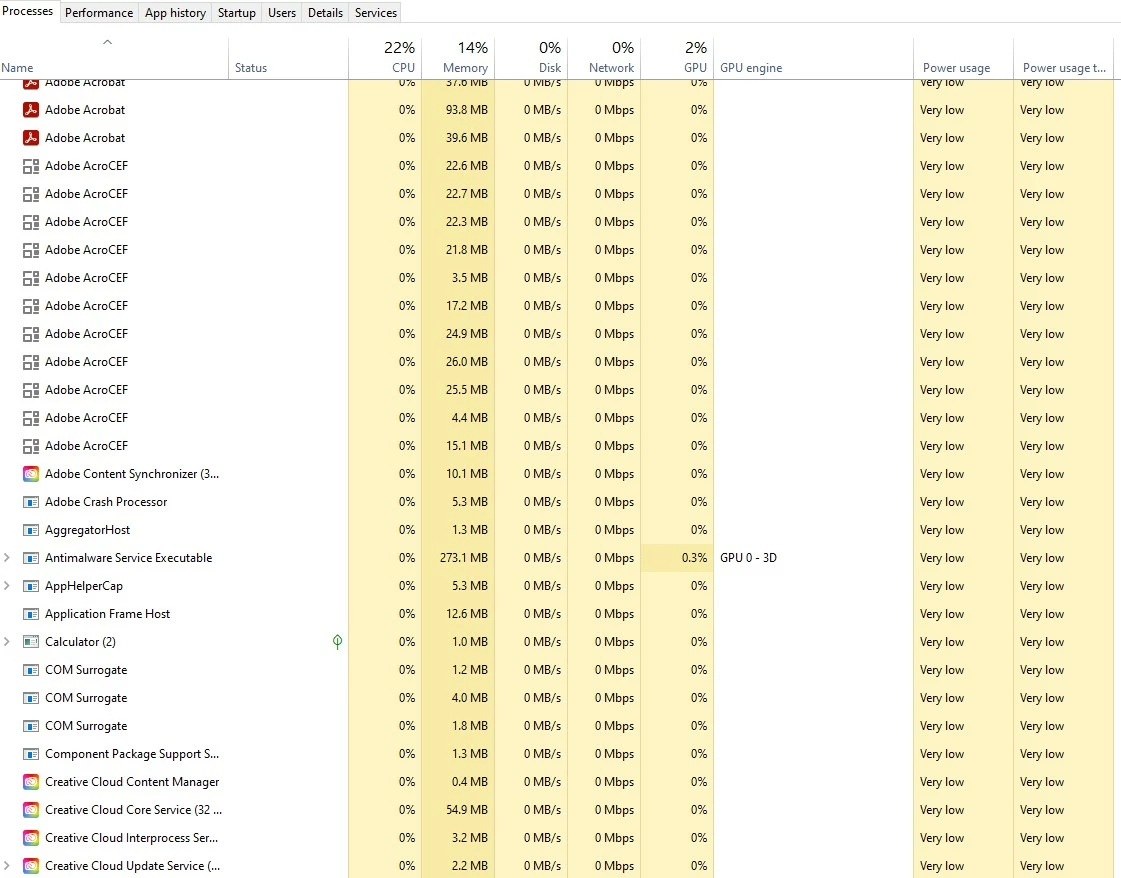
I looked at my processes and this is what I see....
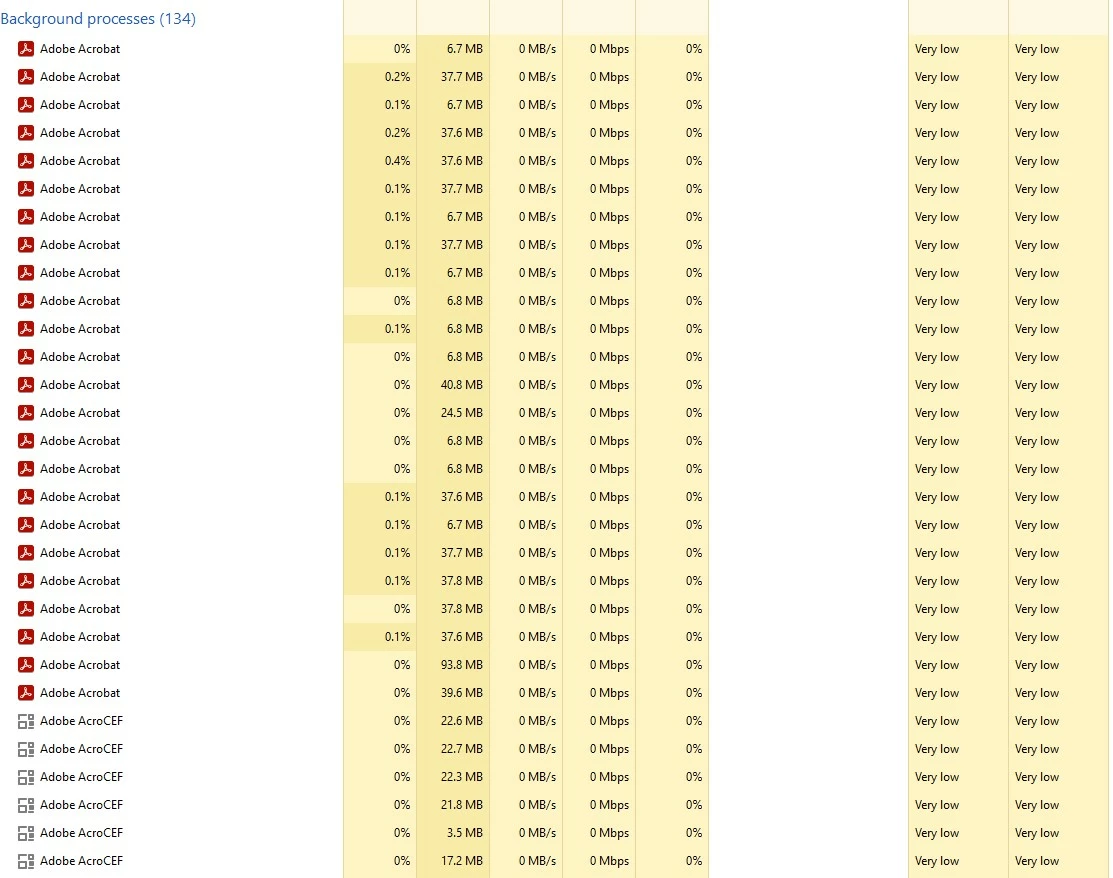
 

background-Processes.jpg


background-Processes1.jpg


TOPICS
Crash or freeze , How to , PDF
1.3K
Translate
Report
Community guidelines
Be kind and respectful, give credit to the original source of content, and search for duplicates before posting. Learn more
community guidelines
1 ACCEPTED SOLUTION
Adobe Employee ,
Feb 26, 2024 Feb 26, 2024

Hi @Carlisle1500 


Hope you are doing well and thanks for reaching out.


Go to Preferences (Ctrl,Cmd+K) > Page Display > Under rendering, Uncheck 'Use page cache' > click OK and reboot the application and check.


If it doesn't work please try remove the application using the Acrobat cleaner tool https://www.adobe.com/devnet-docs/acrobatetk/tools/Labs/cleaner.html , reboot the computer and reinstall the application using the direct link https://helpx.adobe.com/acrobat/kb/acrobat-dc-downloads.html and see if that works.


~Amal

View solution in original post

Translate
Report
Community guidelines
Be kind and respectful, give credit to the original source of content, and search for duplicates before posting. Learn more
community guidelines
Adobe Employee ,
Feb 26, 2024 Feb 26, 2024

Hi @Carlisle1500 


Hope you are doing well and thanks for reaching out.


Go to Preferences (Ctrl,Cmd+K) > Page Display > Under rendering, Uncheck 'Use page cache' > click OK and reboot the application and check.


If it doesn't work please try remove the application using the Acrobat cleaner tool https://www.adobe.com/devnet-docs/acrobatetk/tools/Labs/cleaner.html , reboot the computer and reinstall the application using the direct link https://helpx.adobe.com/acrobat/kb/acrobat-dc-downloads.html and see if that works.


~Amal

Translate
Report
Community guidelines
Be kind and respectful, give credit to the original source of content, and search for duplicates before posting. Learn more
community guidelines
Engaged ,
Feb 26, 2024 Feb 26, 2024

@Amal. Tell me why we're unchecking "Use page Cache" please.  Adobe has this turned on by default, why not just issue through a software up to "uncheck" this from day one? Isn't the page cache now a security attack risk? 

Translate
Report
Community guidelines
Be kind and respectful, give credit to the original source of content, and search for duplicates before posting. Learn more
community guidelines
Adobe Employee ,
Feb 27, 2024 Feb 27, 2024
LATEST

Hi @Carlisle1500 


Page Cache places the next page in a buffer before the current page is viewed to reduce the time required to page through a document. However, it may result in increased CPU usage.  Turning it off may help in reducing the CPU usage in the backend.


Hope this information will help.


~Amal

Translate
Report
Community guidelines
Be kind and respectful, give credit to the original source of content, and search for duplicates before posting. Learn more
community guidelines