
Answered
Thumbnail does not appear for Acrobat Pro DC
I have installed Acrobat DC Pro latest version (17.009.20044), and I have tried to enable thumbnail in Windows Explorer by going to Preferences > General and then select Enable PDF thumbnail previews in Windows Explorer.
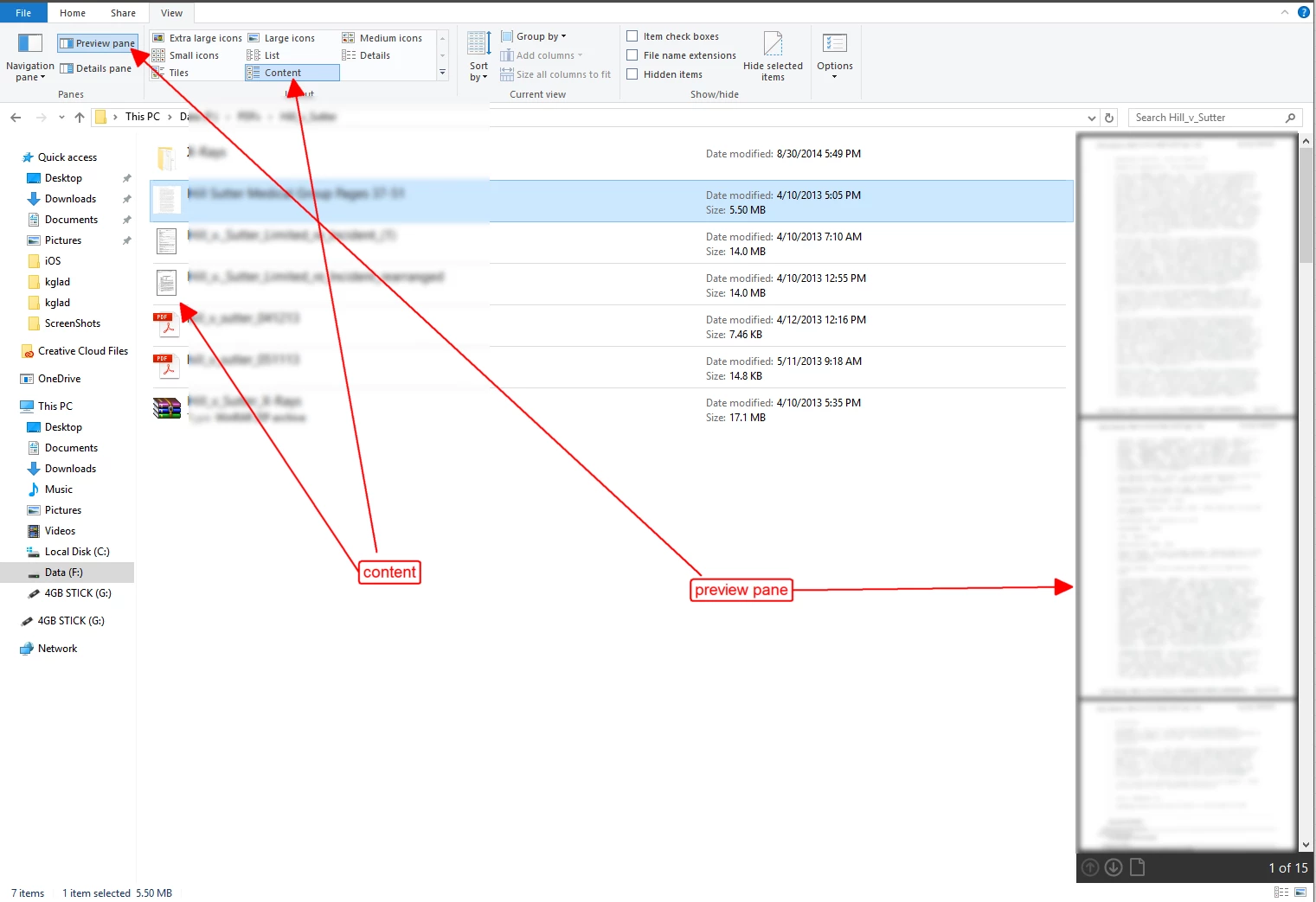
After that, only the preview pane works, but no thumbnail is shown.
If I install Adobe Reader Dc and follow the same steps, thumbnail is shown.
Can someone advise me what's wrong with my Acrobat DC Pro installation? I have tried to remove and reinstalled but same issue.
[Moved from the Lounge (which is where you can "connect with your peers" from across all of Adobe's products for conversations that don't directly relate to help and support) to a product-specific support forum - moderator]

 AdChoices