



Tmp files for printing disappear even BEFORE Acrobat Reader is closed
Hi all,
As title, we run into this strange behaviour where when we try to print certain PDF file, the tmp files created in AppData\Local\Temp folder as shown below will disappear in a few seconds, even more Adobe Reader was still open with the PDF file remain opened. And this is something happen by random but definitely more frequently if the PDF file is sitting on a network file share.
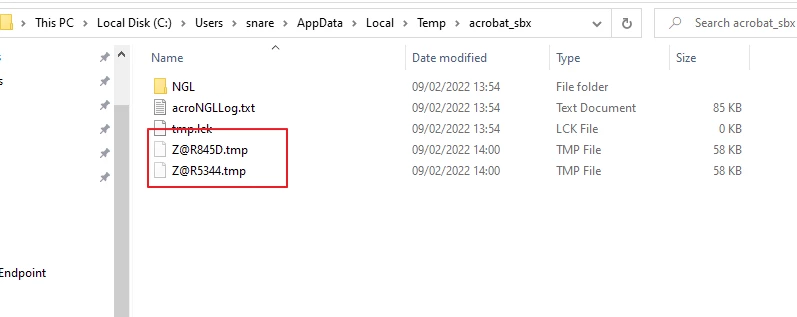
So the question is - what would be the contributing factor of the fast removal/disappear of those tmp files ? even before Adobe Reader was closed.
Anything like GPO setting ? Adobe Reader settings ? Registry settings ? or Adobe Reader's version ?
Reason for the question is that we have this software that need to look into to these temp files to see if any sensitive content user trying to print. And the fast removal/disappearing of the temp files make it impossible.
Any thoughts ?
 AdChoices