
Participant
June 17, 2020
Answered

Trouble combining PDFs from Windows folder

  • June 17, 2020
  • 1 reply
  • 851 views

Hello,

I used to be able to open a folder and select the PDFs I wanted to combine by selecting them then right-clicking on "Combine files in Acrobat".
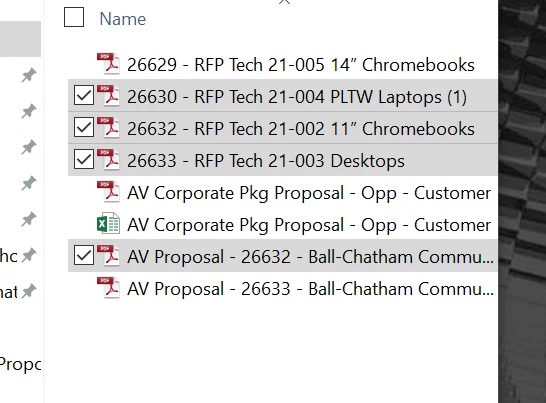
 

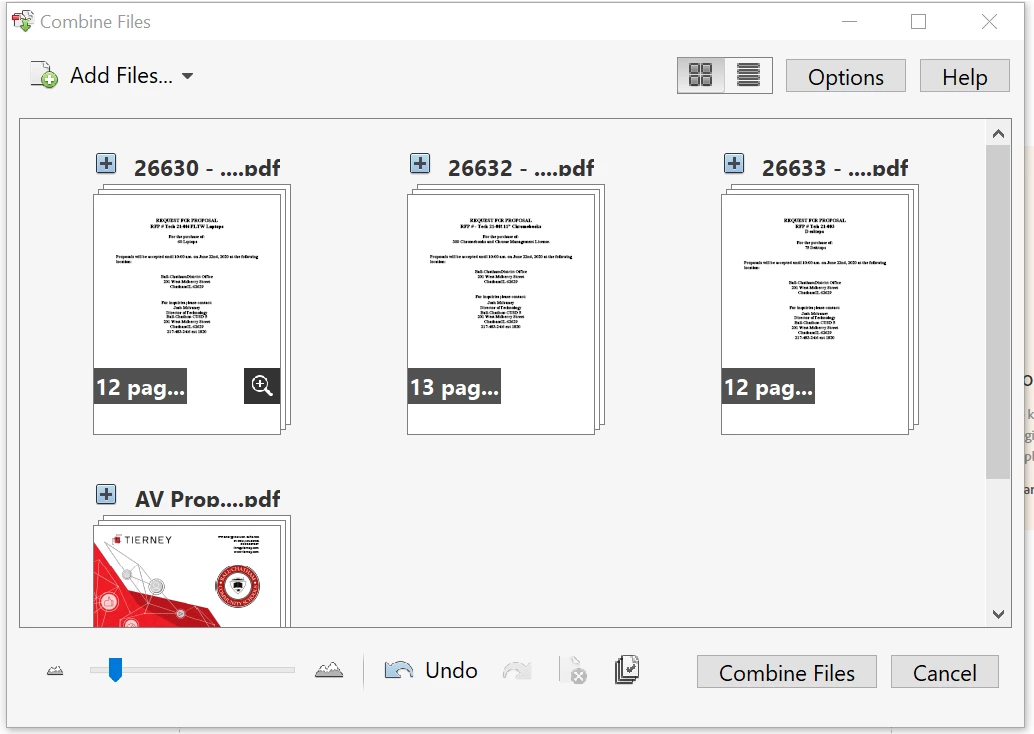
After doing so, I would come to this screen where I could combine all of my files. It was fast and easy.
 

But after I received my new work computer, when I try and combine my files from that same folder, a minmized generic Adobe page opens and asks to select a task. See below.
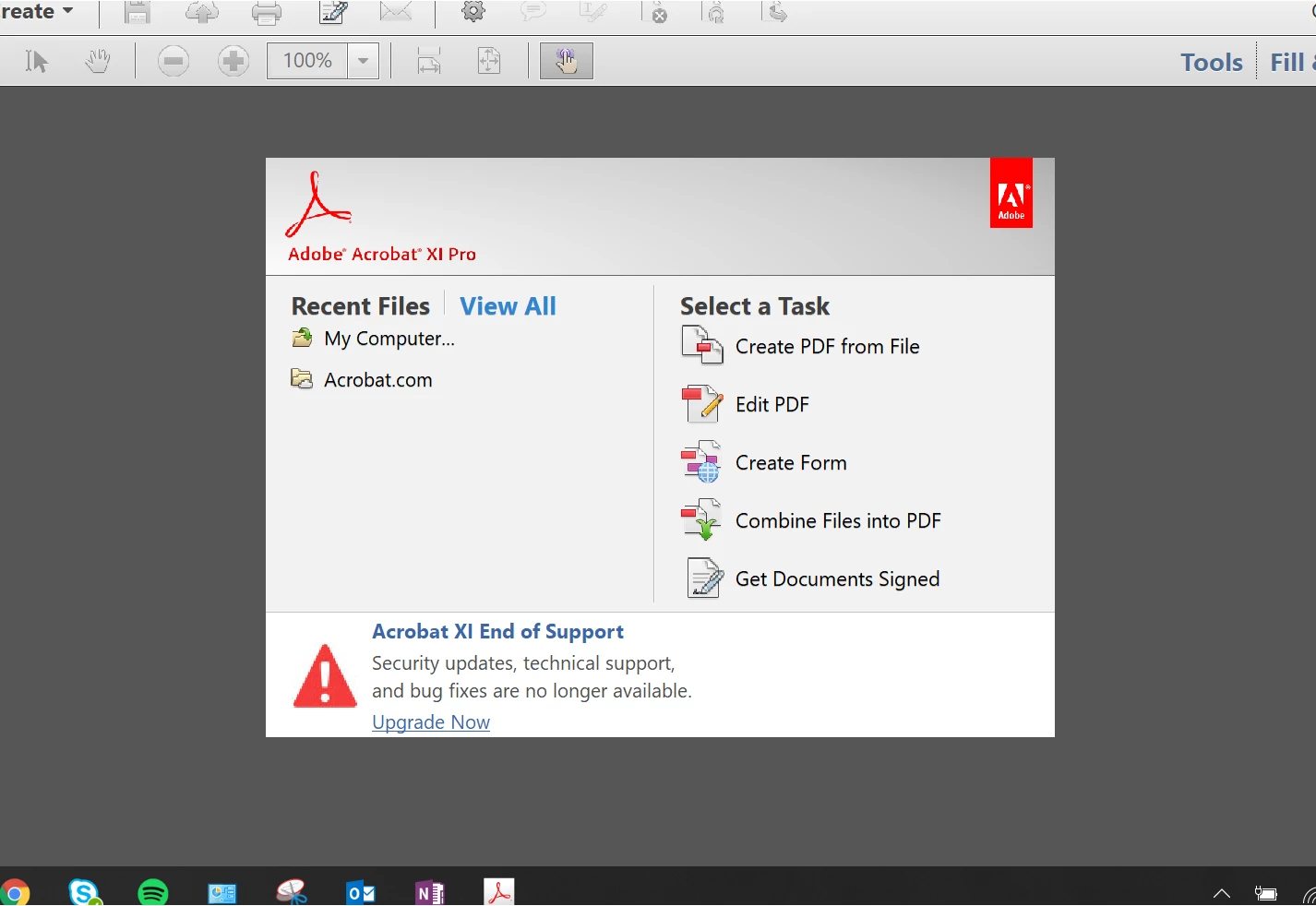
From here, I have to click on combine files into PDF and then I have to add files in order to combine them. Anyone have any ideas how to just combine the PDFs from my folder like I used to be able to do? Any info is greatly appreciated. Thanks!
    This topic has been closed for replies.
    Correct answer Amal.

    Hi Arasmussen


    We are sorry to hear that. As described you are unable to combine PDFs from Windows.


    We see that you are using Adobe Acrobat XI. Would you mind sharing the version of the application. Tpo check the version go to Help > About Adobe Acrobat XI


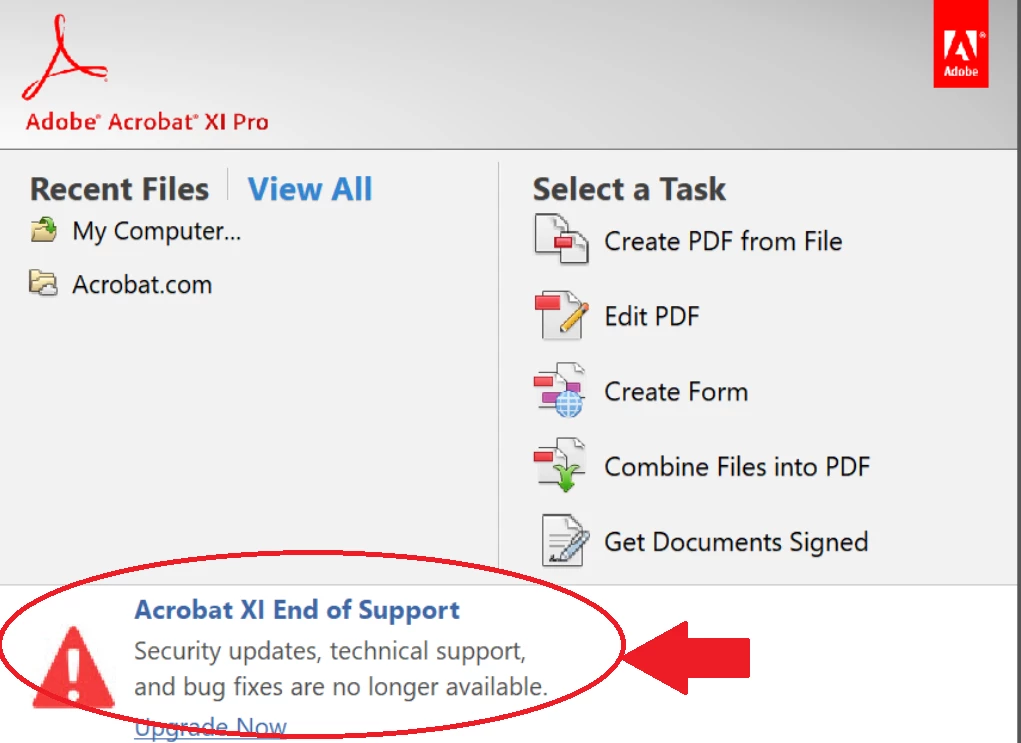
    Adobe Acrobat XI is an old and end of support application. The last update was released on 14th Nov 2017 version 11.0.23 please make sure you have the application updated. Go to Help > Check for Updates
    You may also try to download the patch manually using the link Overview — Release Notes for Legacy Acrobat Products


    For more information please take a look at help article End of support for Adobe Acrobat XI and Reader XI


    Regards

    Amal

    1 reply

    Amal.
    Community Manager
    Amal.Community ManagerCorrect answer
    Community Manager
    June 17, 2020

    Hi Arasmussen


    We are sorry to hear that. As described you are unable to combine PDFs from Windows.


    We see that you are using Adobe Acrobat XI. Would you mind sharing the version of the application. Tpo check the version go to Help > About Adobe Acrobat XI


    Adobe Acrobat XI is an old and end of support application. The last update was released on 14th Nov 2017 version 11.0.23 please make sure you have the application updated. Go to Help > Check for Updates
    You may also try to download the patch manually using the link Overview — Release Notes for Legacy Acrobat Products


    For more information please take a look at help article End of support for Adobe Acrobat XI and Reader XI


    Regards

    Amal

    Participant
    June 18, 2020

    Hey Amal,


    It looks like I do in fact have Version 11.0.23 installed.

    Amal.
    Community Manager
    Community Manager
    June 18, 2020

    Hi there,


    We are sorry to hear that. Please try to create a new test user profile in Windows with full admin rights or enable the root account in Mac and try using the application there and check.


    Let us know how it goes


    Regards

    Amal