
santhoshr29800103
Known Participant
February 15, 2022
Question

Type 3 Fonts

  • February 15, 2022
  • 1 reply
  • 7250 views

Hi,

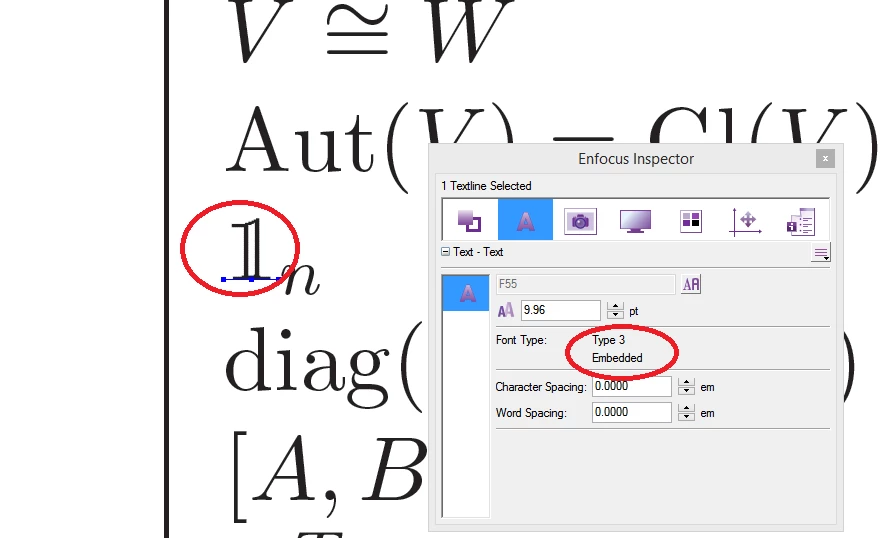
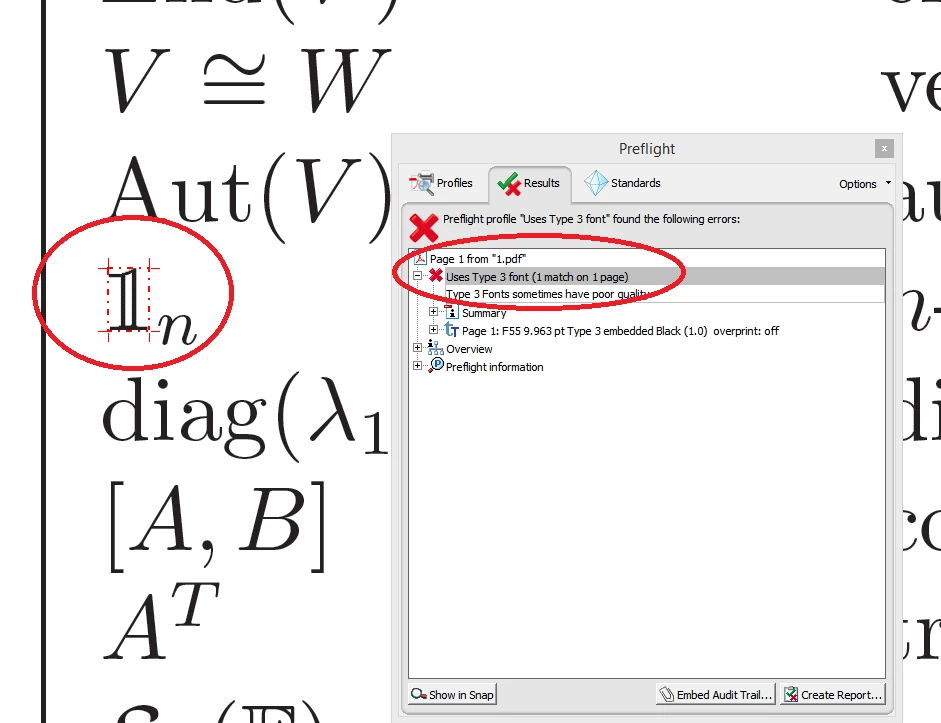
Type 3 font is used in one of my client supplied PDF.

Can anyone suggest if we retain the Type 3 fonts to proceed to go printer. Or is this risk? Please confirm.


Thanks,

Santhosh

1 reply

Legend
February 15, 2022

I do not see any risk. A type 3 font exists only inside the PDF; it does not match any font file. It's actually a collection of graphics arranged into a font; we can see that this might be a good way to do mathematical formulae. Type 3 fonts are normal and standard, and should work in every PDF viewer or printer; there seems no reason at all to reject them.

Participant
May 22, 2025

What about for accessibility? I see that type 3 fonts are not storing the visual text as actual content in the contents panel, nor does it appear to be mappable to Unicode which is a requirement for PDF/UA. 

Community Manager
May 23, 2025

Hello, 


Thanks for raising these questions.

Let me break it down and also add a key point about accessibility, which is often overlooked in discussions about font types.


1. Can Acrobat convert Type 3 fonts to Type 1 or TrueType fonts?

     No, Acrobat doesn’t offer a direct way to convert Type 3 fonts to Type 1 or TrueType.

2. Does printing to Adobe PDF remove or change Type 3 fonts?

     Sometimes, yes — printing to the Adobe PDF Printer can cause Acrobat to re-render the file using available system fonts. In some cases, this replaces Type 3 fonts with TrueType or Type 1, but the results are inconsistent and not reliable for compliance workflows.

3. Can you remove or replace Type 3 fonts within Acrobat?

     Not directly. Acrobat Pro allows you to view font info under File > Properties > Fonts, but doesn’t provide built-in tools to replace embedded fonts.: https://adobe.ly/43suj87

4. Accessibility Warning About Type 3 Fonts

This is a critical issue: Type 3 fonts are not accessible — they:

  • Do not support Unicode mapping, which screen readers rely on.

  • They are often rendered as vector shapes, not searchable/selectable text.

  • Fail accessibility checks in Acrobat’s Accessibility Checker and most WCAG conformance tools.

Note: For accessibility-compliant PDFs, Type 3 fonts should be avoided entirely.


To ensure both print and accessibility compliance:

  1. Go back to the source document (Word, InDesign, Illustrator, etc.)
  2. Use standard system fonts (e.g., Arial, Times New Roman, Calibri).
  3. Export the PDF using:
  • High-quality PDF settings

  • PDF/A or PDF/X profiles if required

  • Font embedding enabled

4. Run an Accessibility Check in Acrobat (Tools > Accessibility > Full Check) after creation.


~Tariq