
Participant
October 1, 2022
Question

Unable to connect to onedrive account

  • October 1, 2022
  • 2 replies
  • 1488 views

Hi all,

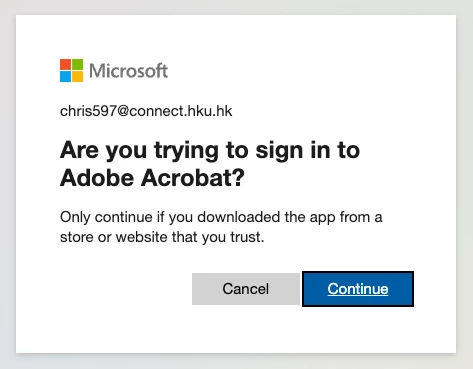
I have been trying to access my pdfs stored in my Onedrive account provided by my University via "add file storage" on the desktop app. However, after signing in to my school account and then clicking "Continue" when it prompts me "Are you trying to sign in to Adobe Acrobat" and allowing Chrome to open acrobat (as pictured below)
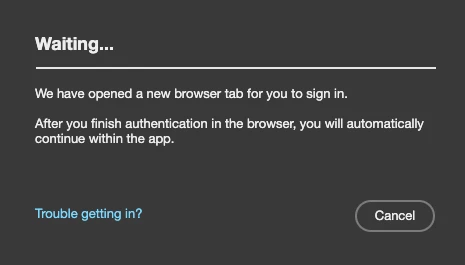
the window that indicates "waiting" does not load, and I am unable to connect my onedrive to adobe.
Any advice would beappreciated, thanks!

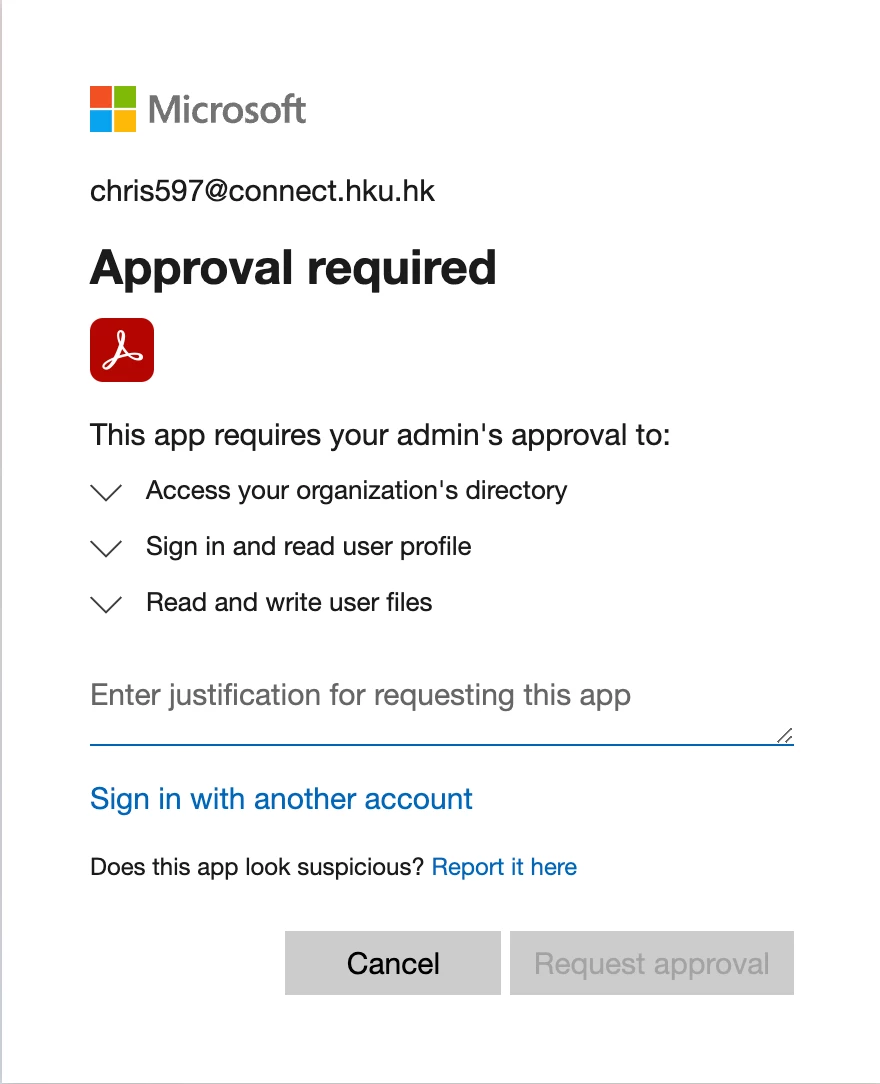
PS as I am using a student account, I was previously prompted to request for permission from the school's IT services (as pictured below) before I arrived to the sign in page in the first picture, wondering if it would be related to the difficulty I am facing right now. Thanks in advance!
This topic has been closed for replies.

2 replies

ls_rbls
Community Expert
Community Expert
December 4, 2022

Go to the Control Panel(if on Microsoft Windows) ==>> Credential Manager


There, you'll see two types credentials caches:


  • Windows Credentials
  • Web Credentials


Clear both of these credentials caches and see if that resolves the issue.


Note: Before you clear the cache, make sure that all of your programs are closed.


Also, if necessary, restart your computer after clearing the Credential Manager caches.

Participant
December 4, 2022

Hi, unfortunately I run adobe and onedrive on imac and macbook, is there any way to fix such issue on the macOS? thanks a lot!

ls_rbls
Community Expert
Community Expert
December 4, 2022
Participant
December 4, 2022

I'm also having the same issue with connecting my student OneDrive account. Do let me know if you managed to resolve this!