
Pregunta
Unable to edit or fill in PDF form in Adobe Acrobat Pro DC
Hi,
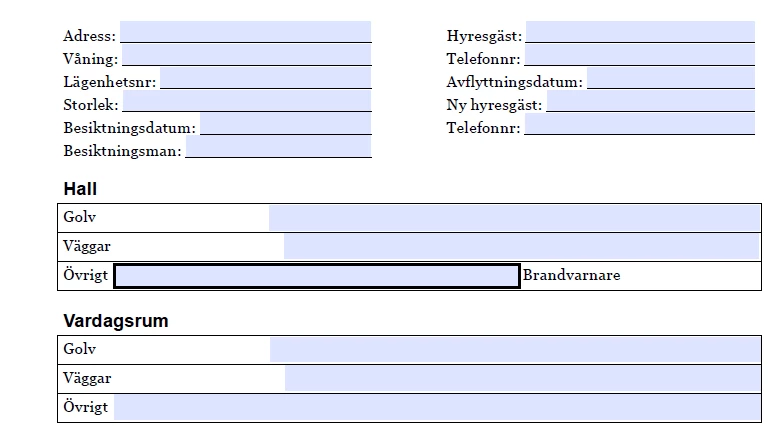
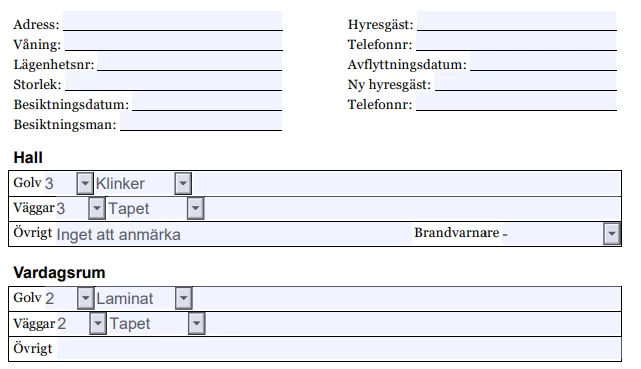
I created a fillable PDF in Acrobat Pro DC. I am able to edit text fields in the file, but suddenly unable to edit the existing form-fields that i made. I am also unable to fill in the form in Acrobat Reader DC. What is wierd is that this works perfectly fine opening the PDF in Google Chrome. Also the drop-down files I've added does not even show opening up the file on either Acrobat Pro DC or Acrobat Reader DC, while this function works perfectly fine in Google Chrome. See attached images.
PDF document in Acrobat Reader DC, no drop-downs and unable to fill text fields.
Same PDF document in Google Chrome, all functions work as they should.
 AdChoices