
Unable to edit pdf in Adobe Pro 2020
I have a user that uses a PDF form for employee performance reviews. He needs to update these forms throughout the year. After initially saving the form, when he goes into update the form, he receives the following error (The Document could not be saved. There was a problem reading this document (105).: 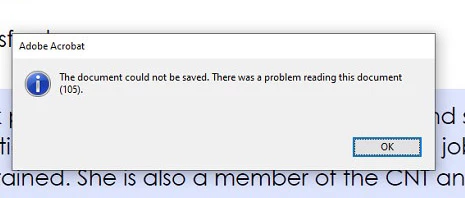
We receive the error when clicking save or save as. We even received the error if we tried to change the file name and/or location for file. I was able to print it to a pdf or export it but I think I lose functionality doing anything like that. I should be able to just save.
I had my user try a different computer with a different version of Adobe Pro (2017) and it works just fine. How can I get it to work on Adobe Pro 2020? We are using Windows 10. All windows updates and adobe updates are current. All hardware drivers are current.
 AdChoices