
Unable to open acrobat with the hand / pan tool selected by default
I have had a user in my company submit a ticket stating the user was unable to open PDF's using adobe acrobat pro with the hand / pan tool selected

When the user opens the application it is automatically selecting the arrow / selection tool

On the users machine I have attempted the following with 0 Success.
- In Edit>Preferences>Accessibility>CHECK "Always display the keyboard selection cursor">Click OK
- In Edit>Preferences>General - Change Touch Mode to Always
After making these changes the application was still selecting the selection tool by default. even after a complete reboot of the machine.
The user who submited the ticket is a member of the executive team so I am trying to figure out if there is a solution to this as quick as possible. and I would like to AVOID making ANY registry changes.
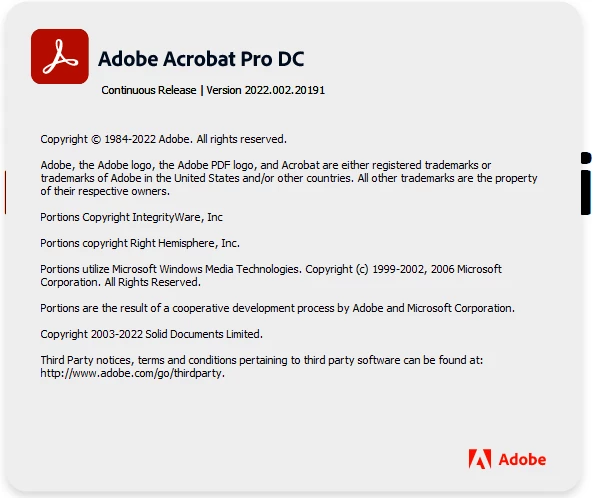
Acrobat Pro Version:
At a minimum I would like to recieve a direct answer on if this is possible or not as every other support article I have found is flooded with workarounds that do not work, or end up with the support group not getting back to people with an answer.
 AdChoices