Participant
April 18, 2018
Answered

Updating Adobe Acrobat X Pro 10.1.1

  • April 18, 2018
  • 5 replies
  • 38160 views

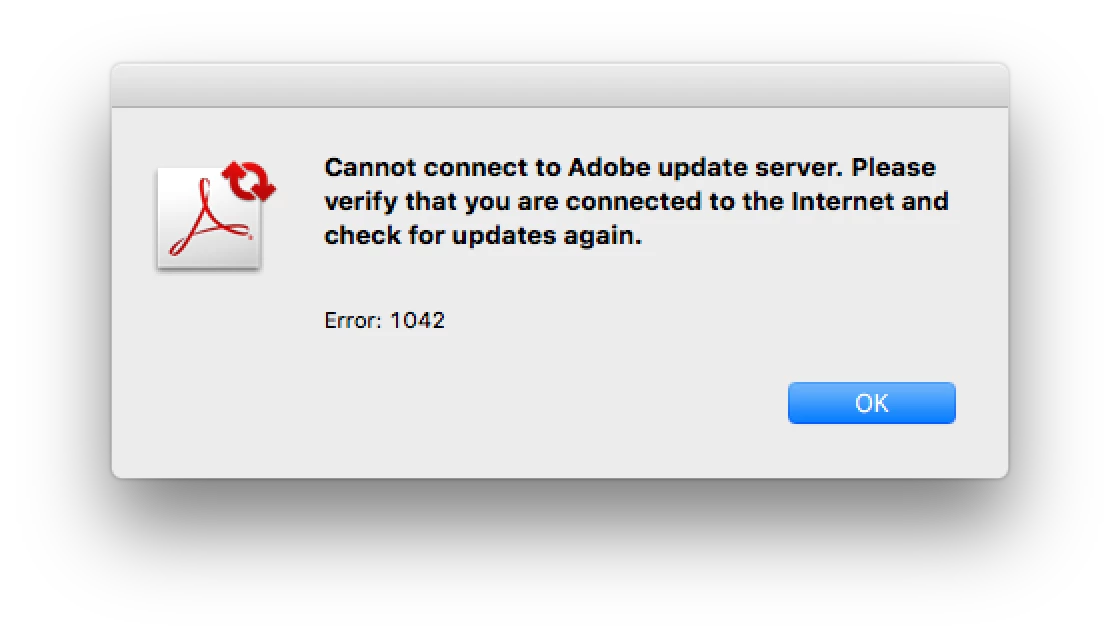
I am running Adobe Acrobat X Pro 10.1.1, can someone tell me if this the most up to date version? I can't seem to find out whether there are updates and the Update function within the program returns this error.

I am trying to fix the display issues I'm having in  High Sierra 10.13.4 on a 2017 Macbook Pro 13" within some of the Adobe programs (InDesign & Acrobat). Updating Photoshop and Illustrator have worked but InDesign didn't and still have compatibility issues.

This topic has been closed for replies.
Correct answer macatakk

I just started having crash problems with Acrobat Pro CS6. I followed your directions but when I install the package I get all the way to where it says choose the application you want to update, I navigate to the app and it is grayed out so I can't choose it! What am I doing wrong?


Hello.

Very sorry, none of what you describe sounds anything like what I encountered in my update process, so I am not sure I can be of much help. I did not get a list of apps to update.

- make sure it is Adobe X Pro CS6

- make sure to use the correct update pkg file; I recall there was also a dmg, so perhaps try that

- if you are getting a message of which app to update, it does sound like you may have downloaded the wrong update file; be sure to follow the path I provided exactly; this will grab the exact file:


ftp://ftp.adobe.com/pub/adobe/acrobat/mac/10.x/10.1.16/misc/AcrobatUpd10116.pkg


- make sure all Adobe apps and helpers are closed, including Bridge or any other Adobe Helpers (I disabled all those long ago as I do not use them)

- that's about all the advice I can offer


Good luck.


5 replies

Participating Frequently
February 26, 2024

hello does anyone have an update file saved for acrobat X for windows. Because it is no longer supported, the link no longer works? Thank You


[moderator corrected HTML error]

try67
Community Expert
Community Expert
February 26, 2024

Updates are available here:
ftp://ftp.adobe.com/pub/adobe/acrobat/win/10.x/
Replace "win" with "mac" if you have the Mac version.
You must use a dedicated FTP client to open the link, it won't work in most browsers.

Participant
August 5, 2020

Thanks, macatakk.

Thank you for your update manual. It worked great for me too (08-05-2020).

Participant
May 10, 2020
Participant
April 2, 2020

Thank you very much for your update manual. It was really helpful. Now, I can go on with my work 🙂

Participating Frequently
April 29, 2020

how can I get this update manual?  Thanks annel1

try67
Community Expert
Community Expert
April 29, 2020
kglad
Community Expert
Community Expert
April 19, 2018

you can check and update (by downloading the files directly and then applying them) here:  http://www.adobe.com/downloads/updates/

Participating Frequently
January 12, 2020

2020 Update (January 12, 2020)


After the latest High Sierra update (10.13.6), Acrobat X Pro (10.1.1) kept crashing after initial launch.

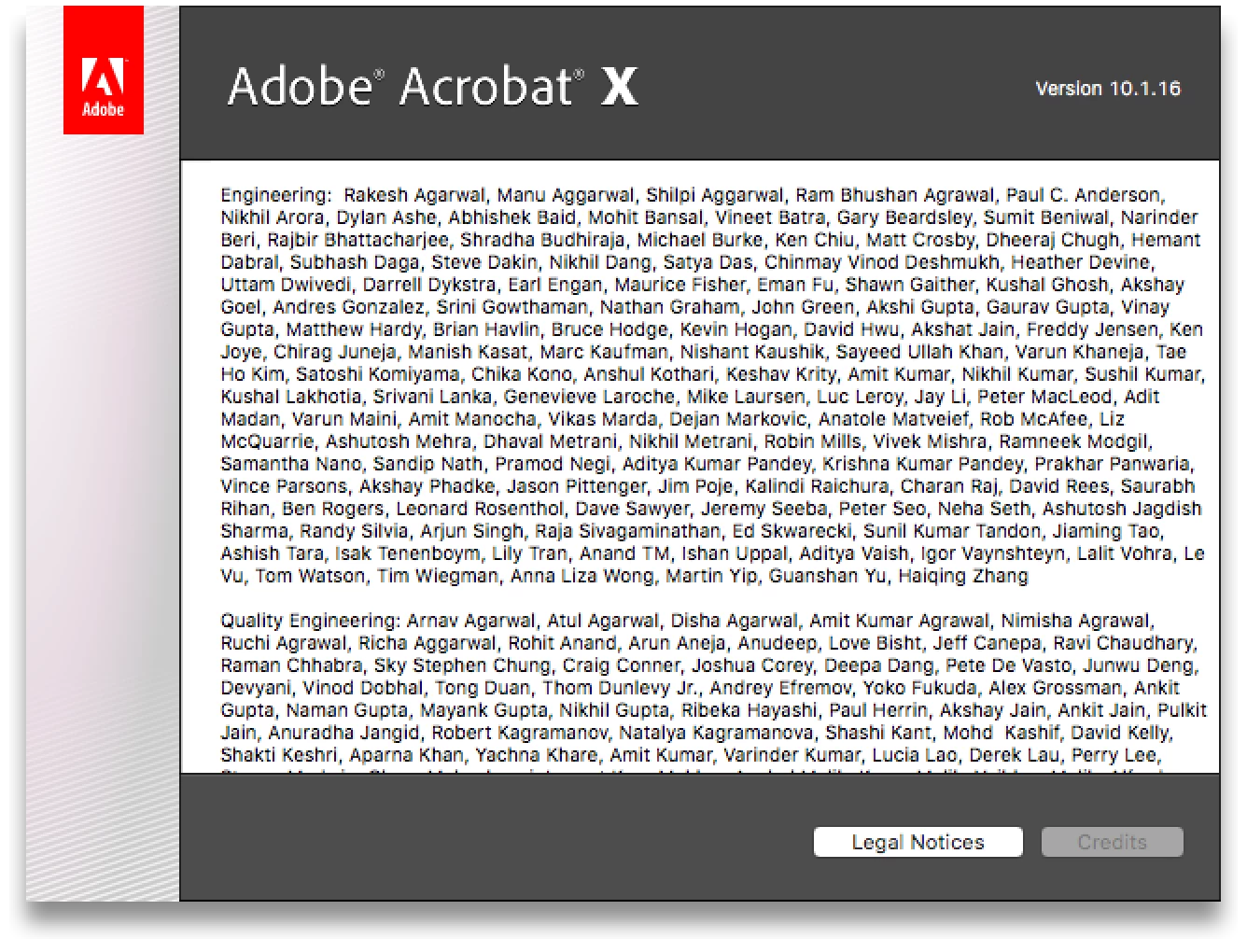
Following a little research, I discovered the latest version of X is 10.1.16.

Acrobat X no longer self-updates, so it has clearly been outdated for awhile. It was still functioning fine in High Sierra until this latest Apple update.

In any case, should someone land here with the same issue, here is what I did with success.

Download and install the 10.1.16 update found here (Adobe has removed older version updates from their regular Updates Web page; use FTP):

ftp://ftp.adobe.com/pub/adobe/

     drill down to

     /pub/adobe/acrobat/mac/10.x/10.1.16/misc

I used the AcrobatUpd10116.pkg file.

Seems to be working for the time being.

Likes

 
Legend
April 10, 2021

Hey.i cant download this update.anyone have this update please share with me via google drive or dropbox please.i can open the link.look like it dead already.


That would be breaching copyright. Adobe don't allow people to redistribute their software.

However, if it's an ftp link, you are probably blocked because you use Chrome, and Chrome blocked all FTP links. Closing down a lot of the internet. Use a different browser.