Hi there
This is still work under progress, the fix will be available in the future release.
Thanks for understanding.
~Amal
Hi Amal and everyone,
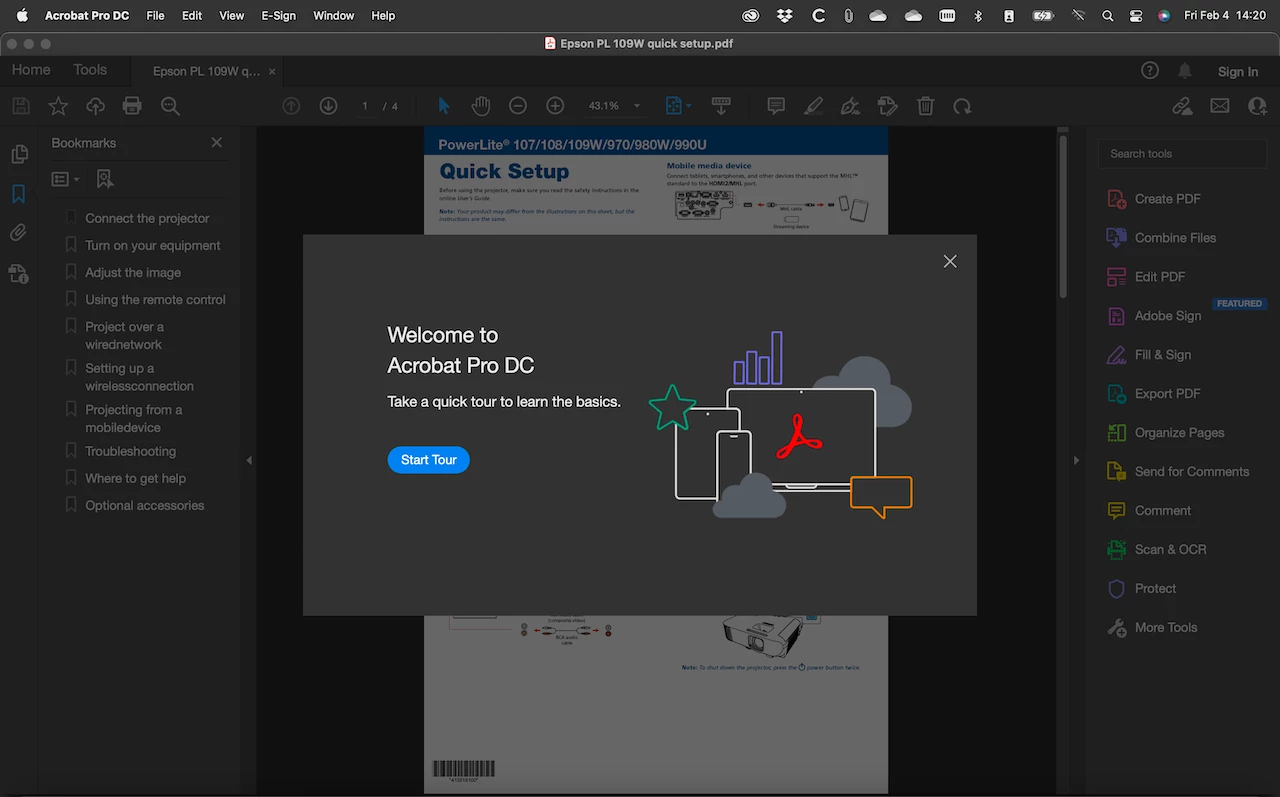
I have been having this same issue with a clients Windows 11 laptop with the tour popping up on every instance of Acrobat being launched after the clients account automatically signs into Acrobat.
For those having this issue on an Apple device, I am sorry but I do not have a solution for you.
If you are looking for a possible solution to this problem and you are using Windows, I hope this helps some of you out and if this is not the solution for your instance of this problem, I am sorry and I hope you do find a resolution to this issue soon.
My solution for my client was that previously for troubleshooting reasons, their Acrobat had been placed into compatibility mode and this seems to have then caused the tour to forget that it had been closed or clicked through in the previous session.
If this is the cause of your issue with the Acrobat tour, then if you go to the Acrobat shortcut and right-click it, click "Properties", then click on the "Compatibility" tab, you will then want to untick the box where it says "Run this program in compatibility mode for:" and then click "Apply" and "OK" at the bottom of the Properties window.
If this tick box was not ticked for you, then your Acrobat has not been running in compatibility mode and this is not the cause of your Acrobat tour issue and I am sorry.
If this was the case for you and the tick box was ticked in compatiblity and this has fixed your issue, I am glad to help and I only hope that everyone else will be able to find a solution as well and if this was the fix for you and you see anyone else out there with the same issue and this might help them, let them know about this fix and brighten their day.
Thanks everyone
Kind Regards,
Tom


 AdChoices