
kimm92138622
Participating Frequently
September 29, 2021
Answered

White Blank Pop up dialogue boxes (Save As, Apply Redactions, any thing)

  • September 29, 2021
  • 45 replies
  • 45956 views

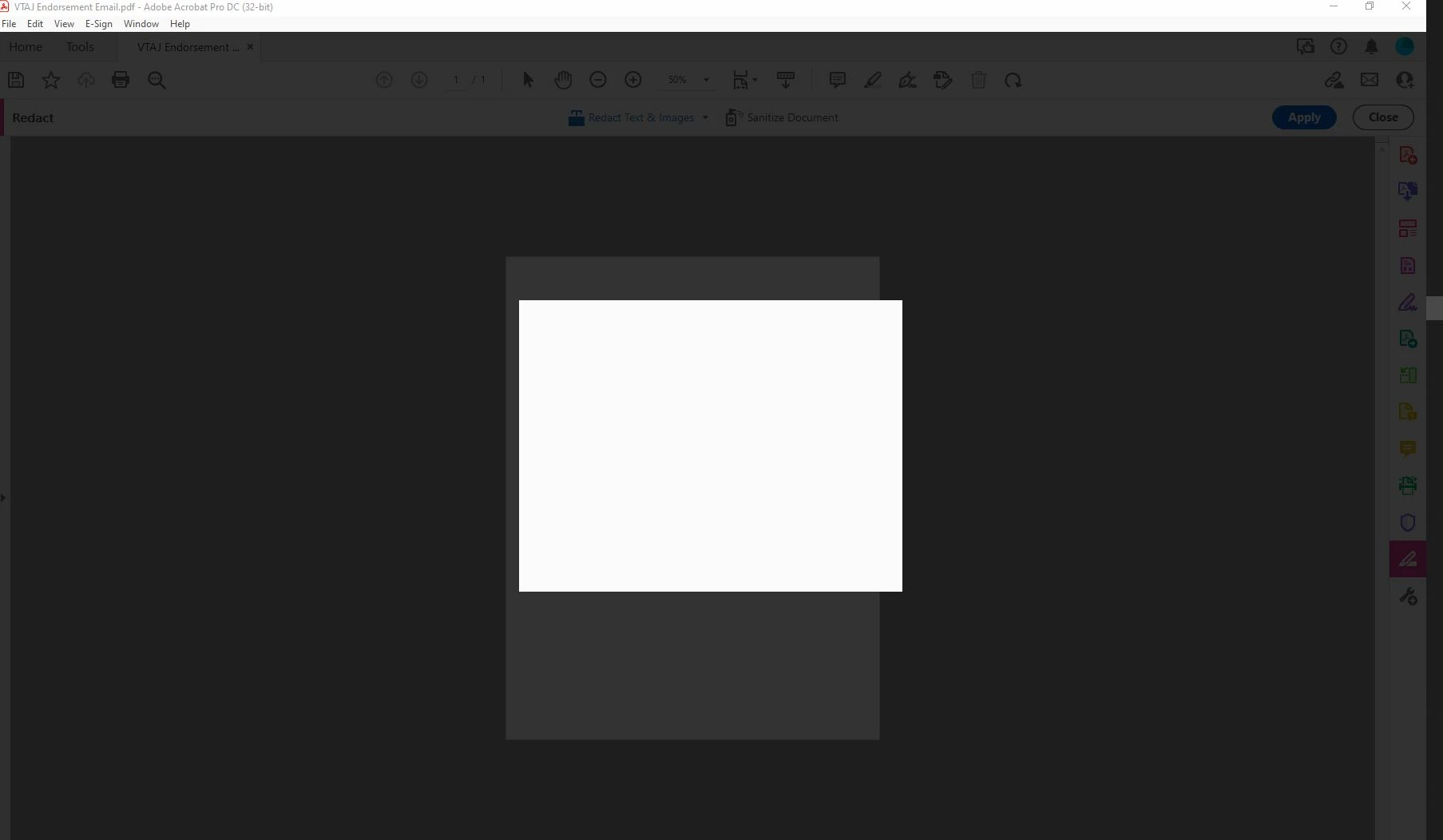
My adobe acrobat dc pro got updated to the latest version 21.007.20091 and I WISH I could undo it. Now I can't get anything done in Adobe because everytime I try to save as or apply redactions or do basically anything, I get a blank white pop up box and grey background screen. It only goes away when I press ESC. This is driving me mad. I'm logged in and do this all the time. Just since the update 9/14 it hasn't been working. Screen shot included.
Correct answer Sunil_Soni

Hi @kimm92138622 


As per our offline discussion, looks like your issue is fixed by applying latest patch.

Please mark this thread answered/helpful to help others.


-Regards

Acrobat Team

45 replies

Participant
October 16, 2021

will someone fix this screwup because its extremely frustrating when redacting or using save as.... i hope you can fix it quickly or issue a patch

Sunil_Soni
Adobe Employee
Adobe Employee
October 18, 2021

Hello @Glen5FA9 @defaultx1a8vnnrlors 


Sorry for the inconvinience caused.

We have fixed few of the similar blank issues and released latest patch as version 21.007.20099.

Request you to please try latest patch via Help -> Check for update and share your observations.


Please write to susoni@adobe.com directly by giving reference to this thread for quick turnaround.


-Regards

Sunil Soni

Participating Frequently
October 18, 2021

So far, so good with version 21.007.20099. Let's hope that did solve the problem.

Participating Frequently
October 15, 2021

Same problem here, too, but after uninstalling and reinstalling the application and updating to the latest version, the problem is intermittent -- specifically, it usually fails when I need it the most.


A solution would really be helpful, guys.

Participant
October 12, 2021

Please help, the same thing keeps happening to me.  I can't get my work done!  I've chatted with Adobe twice, was told it was the latest update.  Uninstalled most recent version and reinstalled an older version.  Worked for a few redactions then started again.  I have unchecked the the box "show online storage when saving files" under the General category.  I don't have time to waste applying redactions to a multiple-page document only to have to start all over again.  Please help!

Sunil_Soni
Adobe Employee
Sunil_SoniCorrect answer
Adobe Employee
September 30, 2021

Hi @kimm92138622 


As per our offline discussion, looks like your issue is fixed by applying latest patch.

Please mark this thread answered/helpful to help others.


-Regards

Acrobat Team

Participant
October 5, 2021

I'm having the exactly the same issue.  I've uninstalled and reinstalled the program, I've got all the updates and I'm at a loss.  I can't actually do my work!

What was the solution to this problem?

Sunil_Soni
Adobe Employee
Adobe Employee
October 5, 2021

Sent you private message, lets work towards fixture of your issue.

Sunil_Soni
Adobe Employee
Adobe Employee
September 29, 2021

Hi @kimm92138622 

We have recieved a mail from Kim Moran (assuming it's you).


We are looking at the shared log and will revert as soon as we have something deliverable to you.

Please write back to susoni@adobe.com  directlty for quick turnaround.


-Regards

Acrobat Team

kimm92138622
Participating Frequently
September 29, 2021

Thank you! Just sent another email with the Acrocef_1 and 2 contents, webresources directory and task manager processes. Appreciate your help!