


kimm92138622
Participating Frequently
September 29, 2021
Answered

White Blank Pop up dialogue boxes (Save As, Apply Redactions, any thing)

  • September 29, 2021
  • 45 replies
  • 45771 views

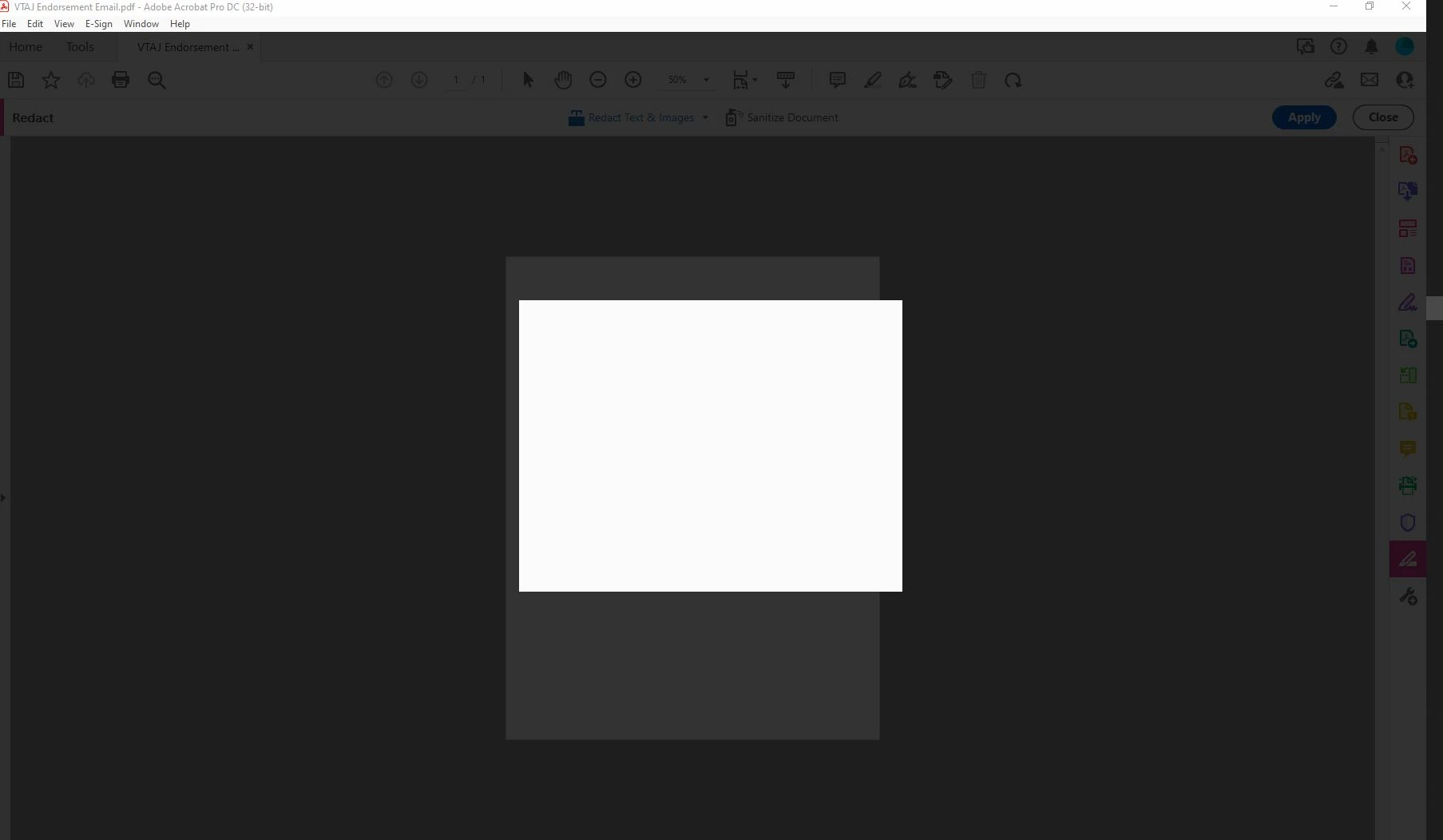
My adobe acrobat dc pro got updated to the latest version 21.007.20091 and I WISH I could undo it. Now I can't get anything done in Adobe because everytime I try to save as or apply redactions or do basically anything, I get a blank white pop up box and grey background screen. It only goes away when I press ESC. This is driving me mad. I'm logged in and do this all the time. Just since the update 9/14 it hasn't been working. Screen shot included.
Correct answer Sunil_Soni

Hi @kimm92138622 


As per our offline discussion, looks like your issue is fixed by applying latest patch.

Please mark this thread answered/helpful to help others.


-Regards

Acrobat Team

45 replies

Participant
November 4, 2021

This JavaScript workaround worked for me, from another thread here:

https://community.adobe.com/t5/acrobat-discussions/adobe-acrobat-pro-dc-redaction-tool-not-working/m-p/12445606#M333233


This is obviously not fixed yet and marking it solved was premature. 

Participant
November 4, 2021

Is there any update on a patch, I have the same happening with a user with the updated version 21.007.20099  trying to redact a document  and when they hit apply the screen blacks out with a white box, I have to ESC out of the screen.


Participant
November 9, 2021

I emailed Sunil and was kindly supplied the patch, following the instructions I closed all Adobe process running in taskmgr, and then did the update, and the problem has cleared for my end user, Thanks Sunil.

Participant
November 3, 2021

Same problem.  Is there a reason you cant post a link to the patch here?  I fixed the issue with the save as, but now redacting will not work.  Latest version installed and updates installed.  please help i need to redact before 5 pm


Participating Frequently
November 3, 2021

I saw another person post that you can open up task manager when you get the blank screen. In task manager, go to the Details tab, then locate the acrocef.exe process and end task. This should get you to be able to redact at least temporarily until a permanent fix is found. 

Participant
November 2, 2021

Same problem here! I already had the latest patch installed. I uninstalled Acrobat and reinstalled, but the problem persists. This is happening on both Macs & PCs. 

Sunil_Soni
Adobe Employee
Adobe Employee
November 3, 2021

I have shared hotfix with few of you and waiting for your observations after applying the patch.


Please write directly to susoni@adobe.com if you or your team need hotfix to try.


-Thanks

Acrobat Team

Participating Frequently
November 3, 2021

I sent an email, but did not receive a reply...

Participating Frequently
October 28, 2021

My company is having this same problem. We are all on version 21.007.20099. Please help.

Participant
October 27, 2021

Having the same issue!
@Sunil_Soni please save me with your magical patch!!!

Sunil_Soni
Adobe Employee
Adobe Employee
October 28, 2021

Please share your email id for granting you access to magical patch.

Participant
October 28, 2021

Hi @Sunil_Soni  please DM us the patch also. we have a few machiens impacted and are running the current public release.

AEMS_WV
Participant
October 27, 2021

I've just started to experience the same issue with the redaction. It worked this moring but not now.


Please advise ASAP, company production is stalled. Thank you. 

Inspiring
October 27, 2021

I am able to make it work by opening the task manager and right clicking on the CEF items above the CEF helper task and ending those tasks.

Cleantek
Participant
October 28, 2021

Thank you @CICSlisahill that got me up an running for now.  I will send a private email to @Sunil_Soni for the majic patch to ideally fix it with out having to end the CEF tasks 😉

Participating Frequently
October 27, 2021

We are also experiencing this with multiple folks in our environment. All devices reporting the issues are on the latest release 2021.007.20099. 

What is the fix?

Thank you.

Participant
October 27, 2021

Hi there, We're having same problem with our clients. Their adobe is up to date.

When trying to apply redaction, white blank box appears. Kindly share the solution to everyone, thanks.

Participant
October 26, 2021

I am having this same issue. Where do we get the patch that is referenced in the other answers?

Sunil_Soni
Adobe Employee
Adobe Employee
October 27, 2021

We have shared private build via your inbox, Kindly check and proceed with the steps.


-Regards

Acrobat Team

Participant
November 5, 2021

Hi, same problem here. Please send (or share publicly) the steps needed to fix this.