
Participant
August 3, 2023
Answered

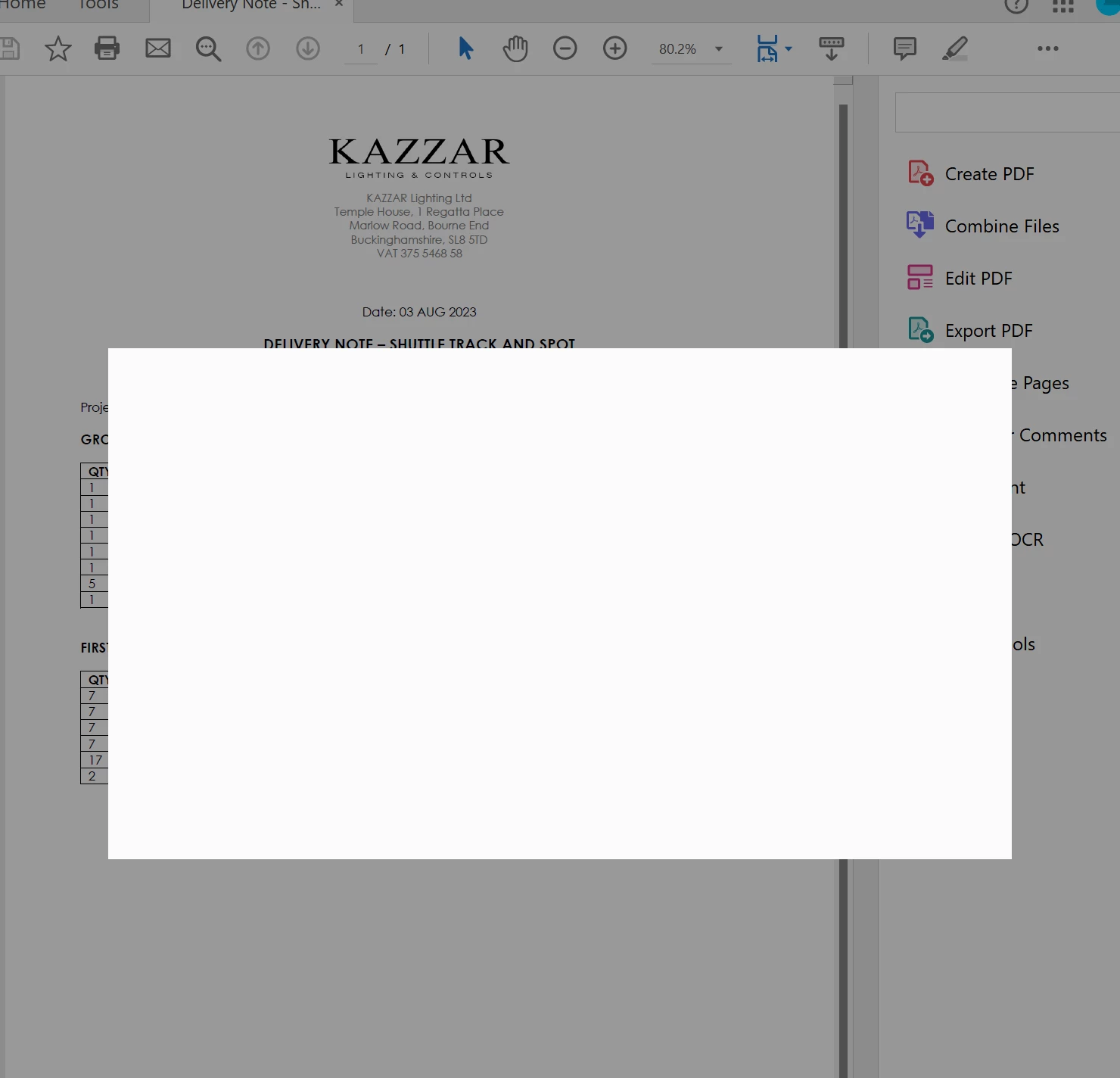
White box and spinning wheel blocking access to Acrobat

  • August 3, 2023
  • 9 replies
  • 25267 views

Can Adobe please help resolve this frustrating issue with acrobat on my windows 10 desktotop and windows 11 laptop? Acrobat is not usable at all due to the white box with spinning wheel, it looks like it's trying to load up the login screen or something but nothing is happening. 
 

Correct answer Scrambledeggs

Only "fix" is to uninstall Acrobat and reinstall. This worked for me. Not really good enough Adobe.

9 replies

Participant
August 8, 2025

We had this same issue.  What we found was that the user had a name change, and in doing so, their EMAIL address and their USERNAME in the Admin Console, didn't match. 
And because it's trying to log the user on based on their logged in ID/email address (didn't match user name) it kept failing. 

Good luck!

ScrambledeggsCorrect answer
Participating Frequently
July 23, 2024

Only "fix" is to uninstall Acrobat and reinstall. This worked for me. Not really good enough Adobe.

Participant
July 29, 2024

Unfortunatly, repair, and the re-install have not fixed this for me. 

Thanks for posting I wish others would confirm how they fixed this. Seems they have a rant and then dont help others in the community!


Participant
January 10, 2024
For this issue, some of the most common issues/solutions are:
- make sure Adobe Acrobat is up to date
-The device may not have enough resources(RAM, CPU) to handle the PDF, try closing other apps/restarting the device and then attempt to open the PDF again.
- PDF files could be corrupted
- could be a browser issue, try a different browser
- On Chrome can change the PDF setting:
settings>Privacy and security> Site settings> scroll down and click on Additional content settings> select PDF documents> change default behaviour to Download PDFs
Participating Frequently
January 8, 2024

Adobe is useless for this problem. Nothing but crickets for them while we, the people who depend on their product for our businesses, have to find a workaround...which I did. For anyone experiencing the infuriating silence from Adobe on this, try FOXIT pdf editor. I've been using it for weeks now and it's working nicely for all my needs. With their silence, it's almost as if Adobe WANTS us to move to different products!

Participant
January 8, 2024

Where are you Adobe to help people?

GladRags
Participant
January 8, 2024

I am having the same issue.  None of the fixes have worked.  Hanging on for an update to Acrobat, but using the online version instead of the desktop version is just a short term stop gap.

Participating Frequently
December 7, 2023

Adobe support is [moderator removed expletive]  useless. I was on the phone for a half-hour being transferred from one person to the next, asking the same questions over and over and offering NOTHING in terms of help. Really? Unbelievable.


Participant
December 9, 2023

Try uninstalling your printer.  It did the trick for me.


Participating Frequently
January 8, 2024

This did NOT do the trick for me...and Adobe is still silent about a fix. Nearly 30 years I've been using their products, but now only crickets. I guess that should tell us all how much they value our business.


Participant
October 29, 2023

I'm having the same problem, the spinning blue wheel.  I have tried uninstalling, deleting various profile directories, unlinking sessions.


Strangely it works fine on one laptop, but not on another.


I really need this software for work and it not working is impacting the money coming through the door.


Can someone in Adobe sort this out please?


Ta.

mariahweyne
Inspiring
October 30, 2023

Hail Mary - try this-

The new version of Acrobat (23.03.20269) is now available to address this issue. Please update the application from the help menu > Check for updates and reboot the computer once.
You may also download the patch manually from the link https://www.adobe.com/devnet-docs/acrobatetk/tools/ReleaseNotesDC/index.html and see if that works.

Participating Frequently
December 19, 2023

Update: I lost patience. It's a PDF Editor, frankly my time/your time isn't worth fixing a tier 1 vendor's basic error. Moved to a competitor product. It works every time. Life goes on.


What product did you find?!

mariahweyne
Inspiring
August 3, 2023

Try this:

Go to https://account.adobe.com/security and end all active sessions.

Go to https://acrobat.adobe.com/link/home  and see if you open/edit, in fact work with a document.

If all is well, try opening you desktop version and see if the problem disappears.


Also check these settings:


Hope this helps.

Participant
September 18, 2023

Thanks! I had the same problem, ending the active sessions I wasn't using fixed it 

Abambo
Community Expert
Community Expert
September 18, 2023
quote

Thanks! I had the same problem, ending the active sessions I wasn't using fixed it 


By @Stephen5E3F

Could you please reformulate? Do you need help, or were you able to fix this with the shown solution?

ABAMBO | Hard- and Software Engineer | Photographer