This topic has been closed for replies.

2 replies

Meenakshi_Negi
Legend
September 28, 2023

Hi Capt Andrew P,


Thank you for reaching out, and sorry about the trouble.


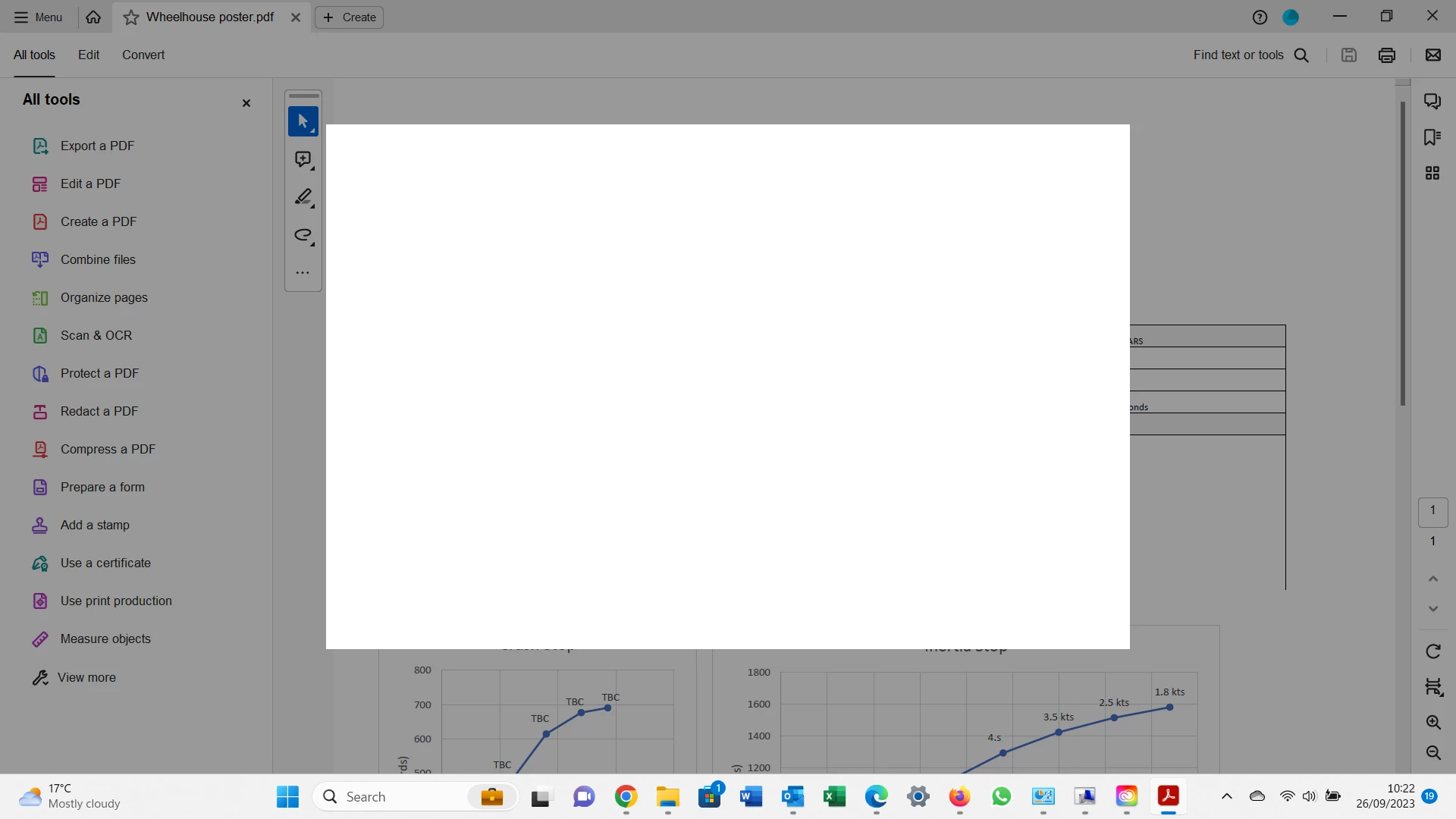
Please let us know if the issue started occurring after the recent update. Does this happen every time you launch the application? Or with a particular workflow?


Try repairing the application once. If that does not help, try reinstalling the application using the following steps: 

- Remove the application and run the cleaner tool (https://www.adobe.com/devnet-docs/acrobatetk/tools/Labs/cleaner.html).
- Reboot the machine
- Install Adobe Acrobat Reader from the following page: https://get.adobe.com/reader/enterprise/.


If you still get the same window, please share the process logs with us. You may use the steps provided on the following help page: https://www.adobe.com/devnet-docs/acrobatetk/tools/Labs/acromonitor.html.

Share the Acrobat and OS version on the machine. It will help us to further investigate the issue.


Thanks,

Meenakshi

Abambo
Community Expert
Community Expert
September 26, 2023

Did you also the Acrobat cleaner after uninstalling and before installing? https://www.adobe.com/devnet-docs/acrobatetk/tools/Labs/cleaner.html

ABAMBO | Hard- and Software Engineer | Photographer