



Why am I seeing 2 different Acrobat UIs?? I have not updated.
I work with "Enable Automatic updates" turned off. I've been watching the massive amount of complaints about the new UI and I'm so glad I haven't yet been forced to work with it.
But as I was working today in my Acrobat version 2023.006.20320, I opened up a PDF and all the tools were GONE! It was shockingly similar to the way I've heard other Acrobat users complain about the new UI. So then I flipped between 2 PDFs. One displayed with all the tools, as I am accustomed to. I have deleted the page contents, so please refer just to the differences in UI.Here is what I am accustomed to seeing.
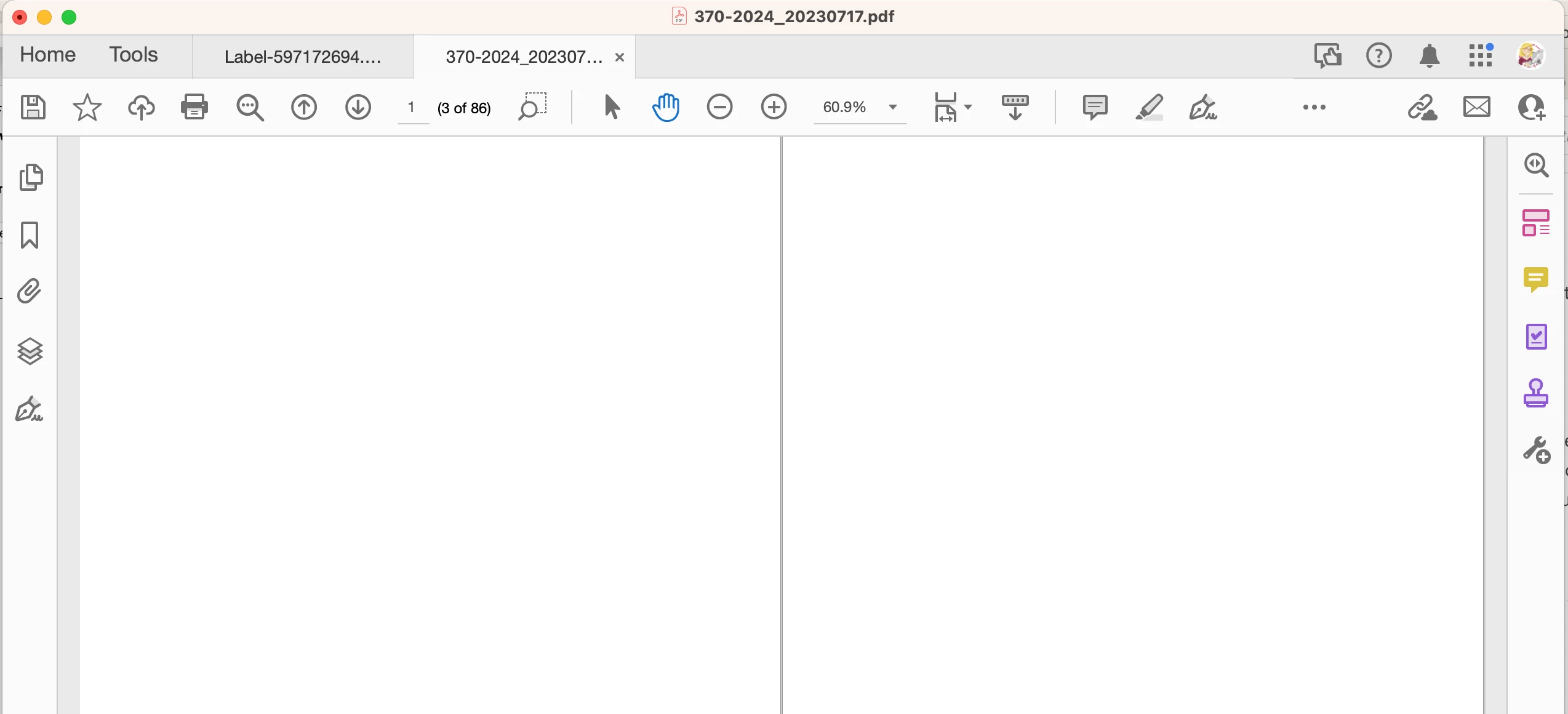
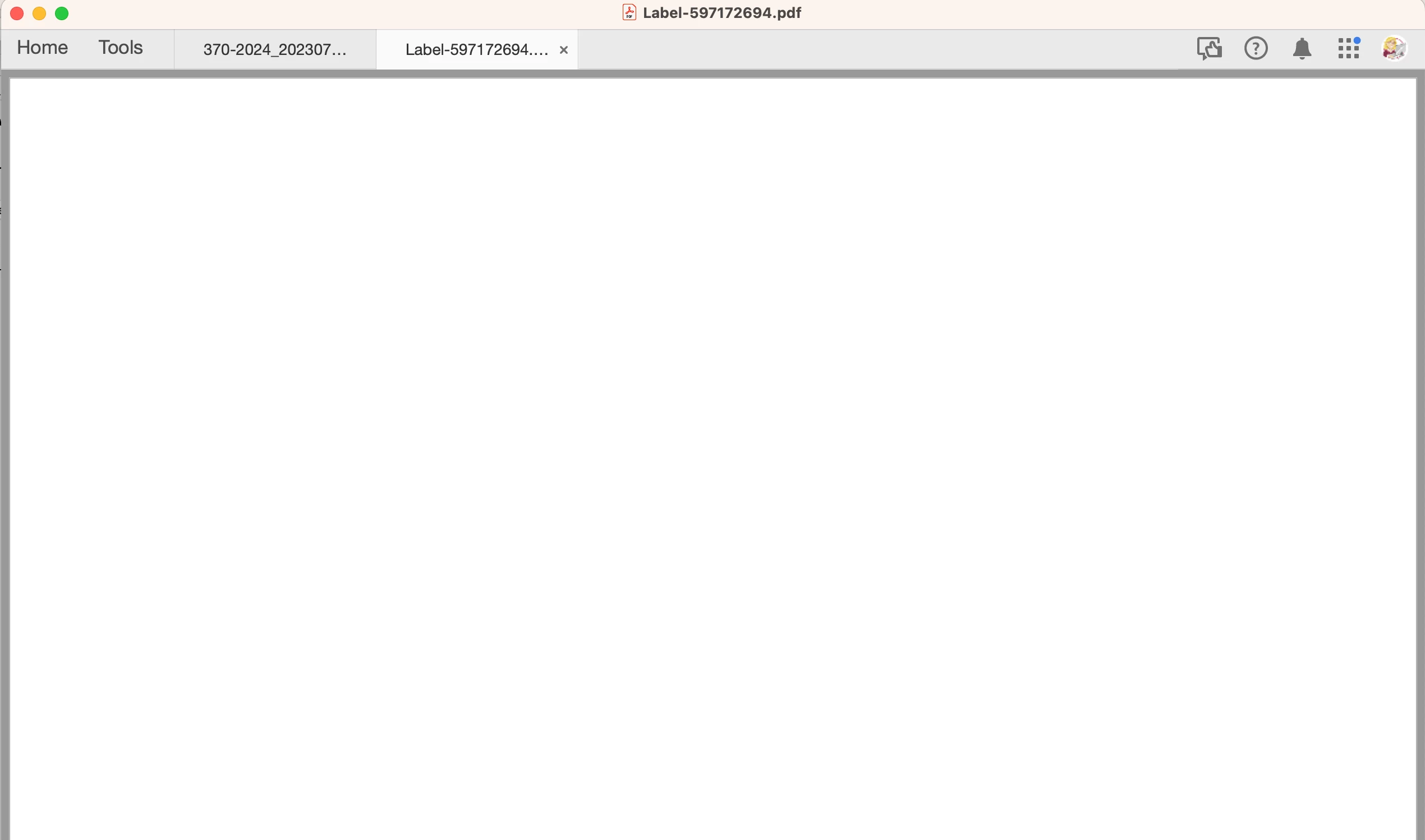
But the second one displayed without any of the tools. No bookmarks panel, no pages panel, no comments panel, no toolbar. NOTHING. What in the world?! Even right clicking on what used to be a toolbar does nothing.
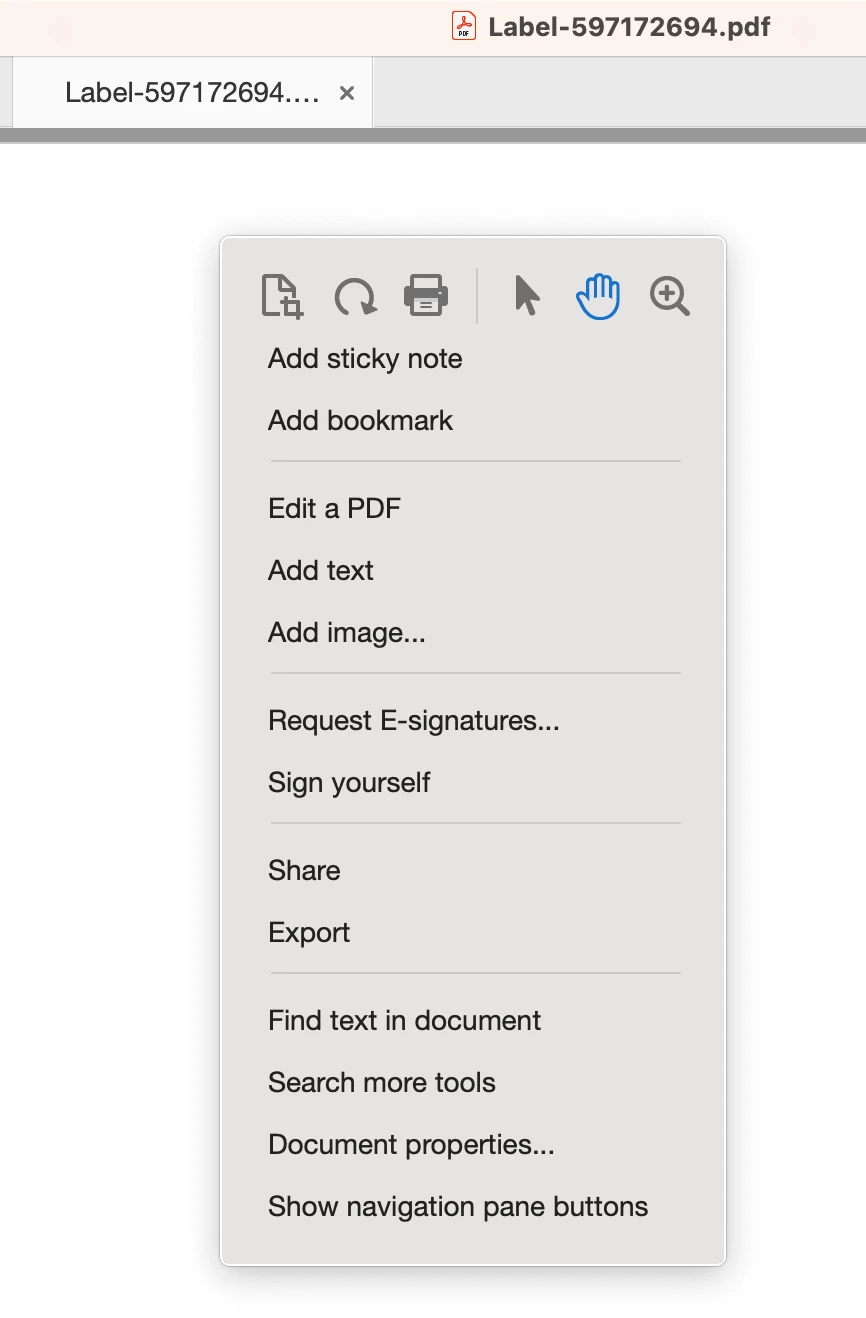
I did find out that I was able to get the tools and panels back with the contextual menu.
I also found that this PDF was set to Initial View > Page only. But that doesn't explain why the tools are missing.
What in the world is going on?
 AdChoices